Locked Out of Sonarr? How to Find or Reset the Login Password
· Updated 18 September 2026 · SparkBox team
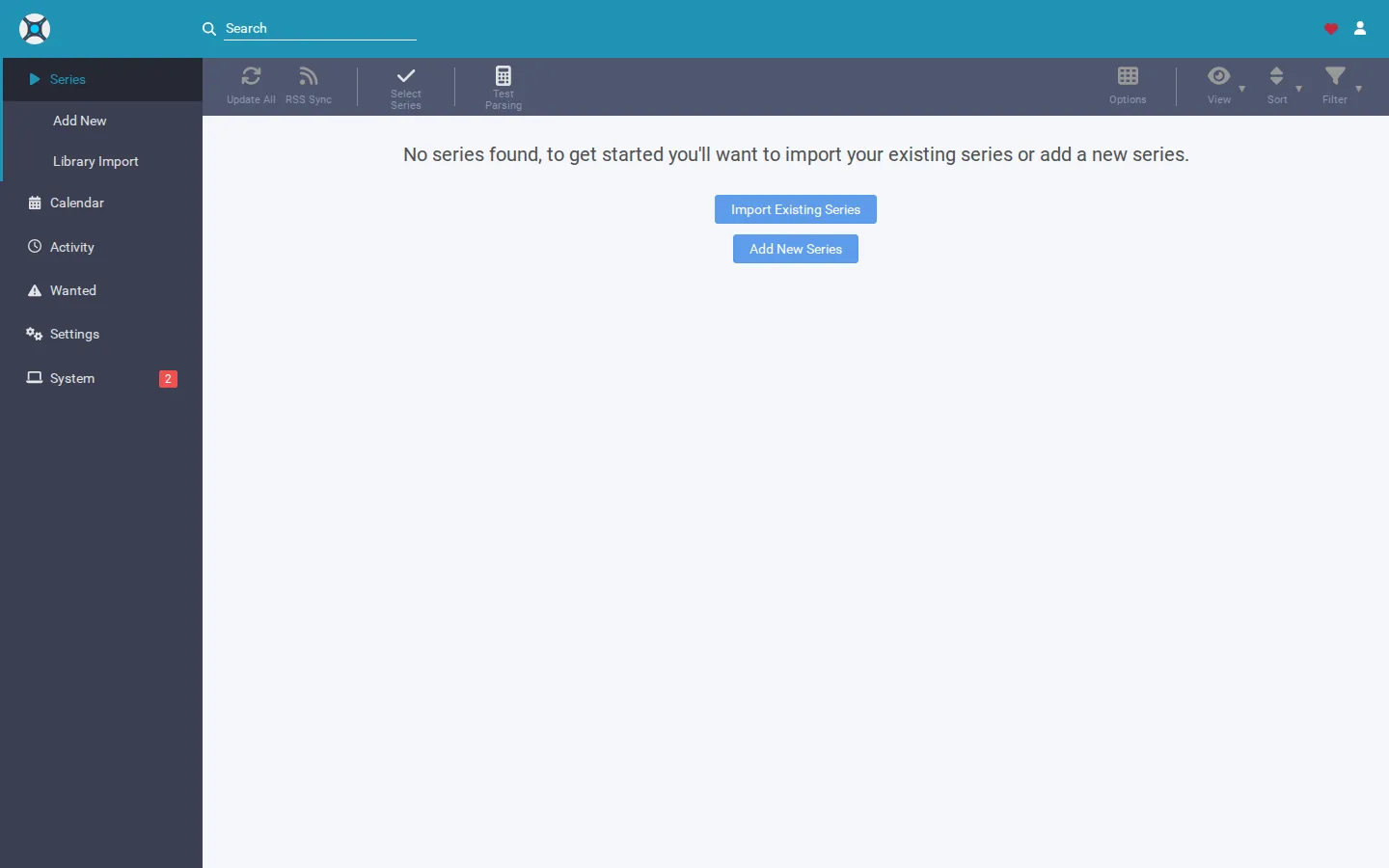
You open Sonarr in your browser and instead of your show list, you get a login form asking for a username and password you're pretty sure you never set. This happens because Sonarr's login is a separate credential system from your server's own login — it lives in Sonarr's own config file, and if nobody wrote down that password, you're locked out of your own app.
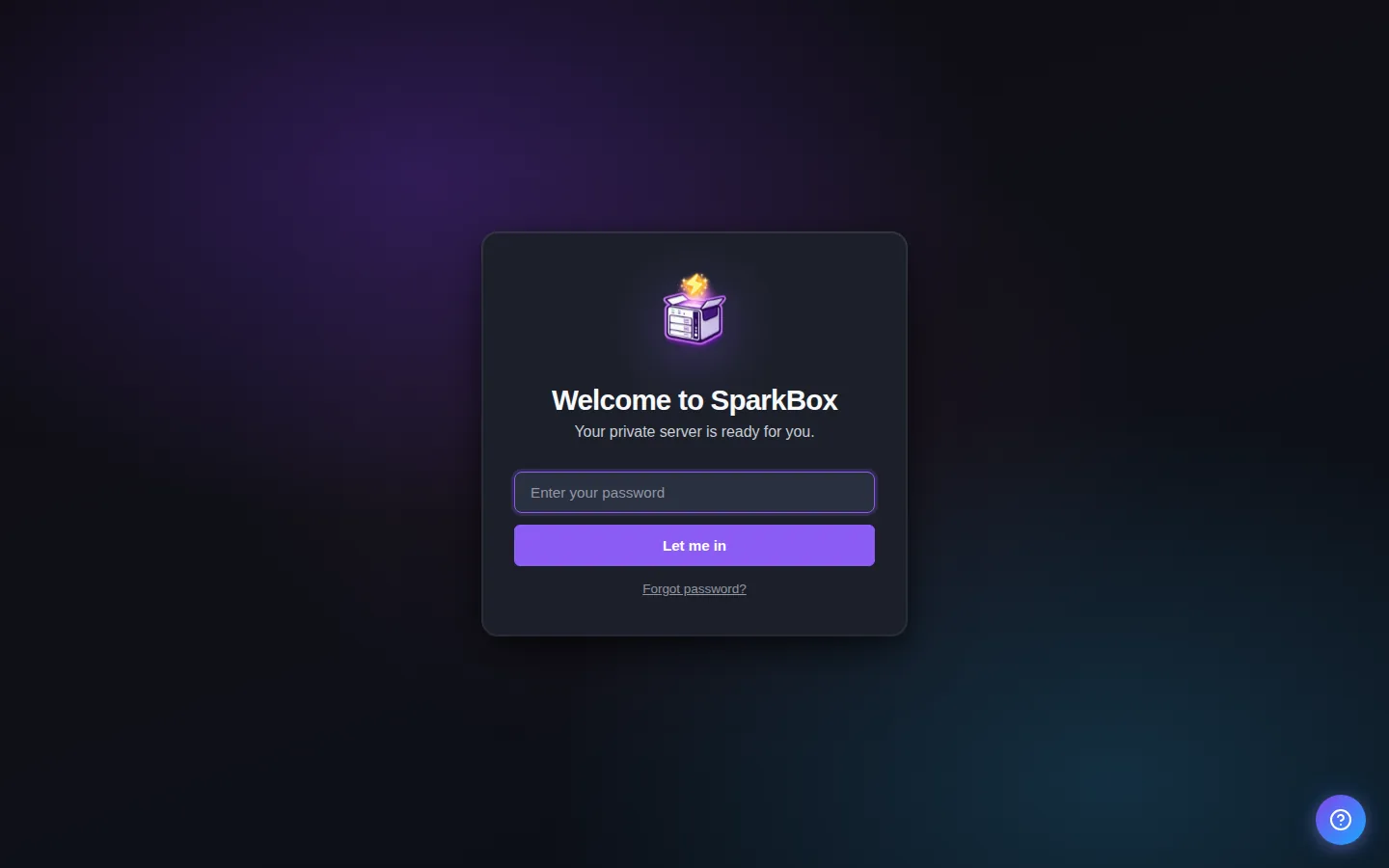
Would rather not go digging through config files? SparkBox generates and stores this password for you automatically, and shows it right on the dashboard whenever you need it. See the walkthrough →
The 10-second version: If you're running Sonarr through SparkBox, the password is under Settings → Service Passwords → "Sonarr admin." If not, stop Sonarr, edit its config.xml to temporarily disable authentication, log in, and set a password you'll actually remember.
Why Sonarr is asking for a login at all
Sonarr has its own authentication layer that's completely independent from your operating system, your router, or any account you use elsewhere. It's controlled by two settings inside Sonarr itself: the Authentication Method (None, Basic, or Forms/Login Page) and Authentication Required (Enabled, or Disabled for Local Addresses). Somewhere along the way — either during first setup, or when someone tightened security — one of these got switched on, and now Sonarr is doing exactly what it's supposed to: refusing entry without valid credentials.
The problem is that this password isn't stored anywhere obvious. It's not your Windows password, your NAS password, or your email. It's a value inside Sonarr's own config.xml file, and if that value was auto-generated or set once and forgotten, there's no "forgot password" email link to bail you out.
Cause 1: The password was never written down anywhere
This is the most common version of this problem. Someone (possibly a past version of you) set a Sonarr password months ago, closed the tab, and never touched it again. Now the browser has forgotten it, and there's no saved copy anywhere else.
Fix — reset it from the config file:
- Stop Sonarr completely (stop the service, or stop the container if you're running it in Docker).
- Locate Sonarr's
config.xmlfile. It lives inside Sonarr's config/data directory — the exact path depends on how you installed it, but it's usually the folder mapped as Sonarr's "config" or "AppData" location. - Open
config.xmlin a plain text editor. - Find the authentication-related entries and temporarily set the authentication method to
None. - Save the file and start Sonarr back up.
- You should now land straight in the Sonarr UI with no login prompt. Go to Settings → General → Security, and set a new, memorable password (or re-enable Forms login with proper credentials this time).
Gotcha: Don't leave authentication set to None if Sonarr is reachable from outside your home network — even briefly. Set a real password again before you forget and move on.
Cause 2: You're running Sonarr through SparkBox, and the password is auto-generated
If SparkBox set up Sonarr for you, it seeds an admin password automatically the first time Sonarr starts, so you're never left with a blank or default login. That password isn't hidden — it's saved and surfaced for you.
Fix:
- Open the SparkBox dashboard.
- Go to Settings → Service Passwords.
- Look for the entry labeled "Sonarr admin." That's your login password.
- Use it to log into Sonarr, then change it to something you'll remember from Sonarr's own Settings → General → Security page if you'd like.
SparkBox also offers a "skip login on the home network" toggle that covers Sonarr, Radarr, and Prowlarr — when enabled, you won't be prompted for a login while browsing from a device on the same local network as the server. If you've turned that on and you're still seeing a login screen, double-check that you're actually connecting from inside your home network and not through a remote address, VPN, or a different subnet than the server is on — the setting only recognizes traffic that looks local.
Cause 3: The login keeps reappearing even after you enter the right password
If you're confident you've got the correct password but Sonarr logs you out again every few minutes, or asks again on every page, the usual culprit is how you're reaching Sonarr rather than the password itself. Accessing Sonarr through different addresses in the same session — for example, sometimes by IP address and sometimes by a domain name through a reverse proxy — can cause the login cookie to not match up, since it was issued for one address but you're now on another.
Fix:
- Pick one consistent way to reach Sonarr (one URL, one address) and stick to it.
- If you're using a reverse proxy in front of Sonarr, make sure it's passing through the host headers correctly so Sonarr sees a consistent origin.
- Clear cookies for that address and log in fresh once you've settled on a single URL.
Frequently asked
Where is my Sonarr login password stored?
It lives in Sonarr's config.xml file, under the authentication settings, not in any OS or router login system. If you're running Sonarr through SparkBox, the password SparkBox generated for you is also shown in the dashboard under Settings → Service Passwords, labeled "Sonarr admin."
How do I reset a forgotten Sonarr password?
Stop Sonarr, open its config.xml file, temporarily set the authentication method to None, save, and restart. You'll get into the UI without a password, where you can set a new one under Settings → General → Security.
Why does Sonarr keep asking me to log in on my home network?
Sonarr has an "Authentication Required" setting that can be set to "Disabled for Local Addresses." If that's not enabled, or if your device isn't actually reaching Sonarr from the same local network, you'll still be prompted every time.
Is it safe to turn off Sonarr's login entirely?
Only if Sonarr is never reachable from the open internet. If it's exposed through port forwarding or a public reverse proxy, disabling authentication means anyone who finds the address has full control of your library and downloads.
Skip the config.xml editing next time
SparkBox sets up Sonarr with a password already generated, keeps it visible in the dashboard, and lets you skip the login screen entirely when you're on your home network — so you're never stuck outside your own app.
Questions, or did this not match your box?
Every guide here came from a real problem someone hit. If yours behaves differently, say so — that is how these get corrected, and how the fix gets prioritised.
We answer there rather than in a comment box, because that is where the people who have already solved it are.