Tdarr Asking for a Password You Never Set (Or Rejecting One You Did)
· SparkBox team
You open Tdarr and get a login or password prompt that shouldn't be there, or you enter credentials you know are correct and they're rejected. Sometimes a library scan stalls at the same time. This is a real, currently open issue, we haven't got a confirmed root cause or permanent fix to point to yet, so this guide covers what's actually known and the safe things worth trying while it's being investigated.
Don't want to babysit auth quirks across every app you self-host? SparkBox manages access to your media stack behind one login, so a single app's login layer doesn't lock you out of everything. See the walkthrough →
The 10-second version: There is no confirmed permanent fix for this yet. Tdarr doesn't ship with a login by default, so a password prompt almost always comes from something layered in front of it (a reverse proxy, a browser cache, or a manually added auth setting). Rule those out first, and restart cleanly, before assuming Tdarr itself is broken.
What we actually know right now
This issue was flagged through field reports, not a single detailed bug case, so we're being upfront: there is no verified root cause and no shipped fix to point you to. What we do know is that the symptom clusters around two things: a password prompt appearing where it shouldn't, or a password being rejected when the user is confident it's correct. In some reports, a library scan that was running at the time also got stuck. Treat everything below as diagnostic steps to try, not a guaranteed cure.
Step 1: Confirm Tdarr itself isn't the source of the prompt
Tdarr's web UI, in a standard install, does not have a built-in login screen. If you're being asked for a username and password, that prompt is very likely coming from somewhere else in your setup, not from Tdarr's own code.
- Note exactly where the prompt appears: is it a browser-native basic-auth popup (a plain gray box with no styling), or does it look like part of the Tdarr page itself?
- A plain browser popup almost always means something in front of Tdarr, like a reverse proxy or a router-level auth rule, is intercepting the request before it reaches Tdarr.
- A styled prompt that looks like it belongs to the Tdarr interface points more toward a setting inside your setup rather than an external layer.
Gotcha: if you (or a past version of yourself) added a reverse proxy with basic authentication in front of Tdarr months ago, it's easy to forget that layer exists. Check your proxy configuration before assuming Tdarr changed anything.
Step 2: Rule out your reverse proxy
If you access Tdarr through a reverse proxy (common when it's exposed outside your local network, or bundled behind a single domain with other apps), the proxy's own authentication settings can override or conflict with what Tdarr expects.
- Check the proxy configuration block that routes traffic to Tdarr for any authentication directives you or a template added.
- If you find one and don't remember setting it up deliberately, remove or comment it out, then reload the proxy.
- Try accessing Tdarr directly on its local address (bypassing the proxy) if your network allows it, to confirm whether the prompt disappears.
Step 3: Clear browser-side state
Browsers cache basic-auth credentials aggressively, sometimes long after the underlying rule that required them is gone.
- Close all tabs pointed at Tdarr.
- Clear cookies and cached credentials for that specific site, or open Tdarr in a private/incognito window as a quick test.
- If the private window loads without a prompt, the issue is stale browser-cached credentials, not Tdarr or your server config.
Step 4: Check the Tdarr Server and Node logs
If neither a proxy nor the browser explains it, look at the logs from the Tdarr Server process itself for anything mentioning authentication, rejected requests, or connection failures between the Server and a Node.
docker logs tdarr(Adjust the container name if yours is different, this is the common default in docker-compose setups.) Look specifically around the timestamp when the prompt or rejection happened, rather than scrolling the entire log.
Step 5: Restart cleanly before changing anything else
Because there's no confirmed cause yet, a clean restart is a reasonable, low-risk step, and it has resolved the symptom for some users, even without explaining why.
docker compose restart tdarrIf you're not on docker compose, use whatever your setup's normal restart method is for the Tdarr Server container or service. Avoid deleting configuration or volumes at this stage, that's a much more destructive step and shouldn't be your first move.
If a library scan also got stuck
Some field reports mention a "tdarr scan" hanging around the same time as the password issue. If the Tdarr Server can't authenticate a request, whether from the UI, a Node, or an API call, a scan that depends on that communication can appear frozen without any crash or error being obviously visible.
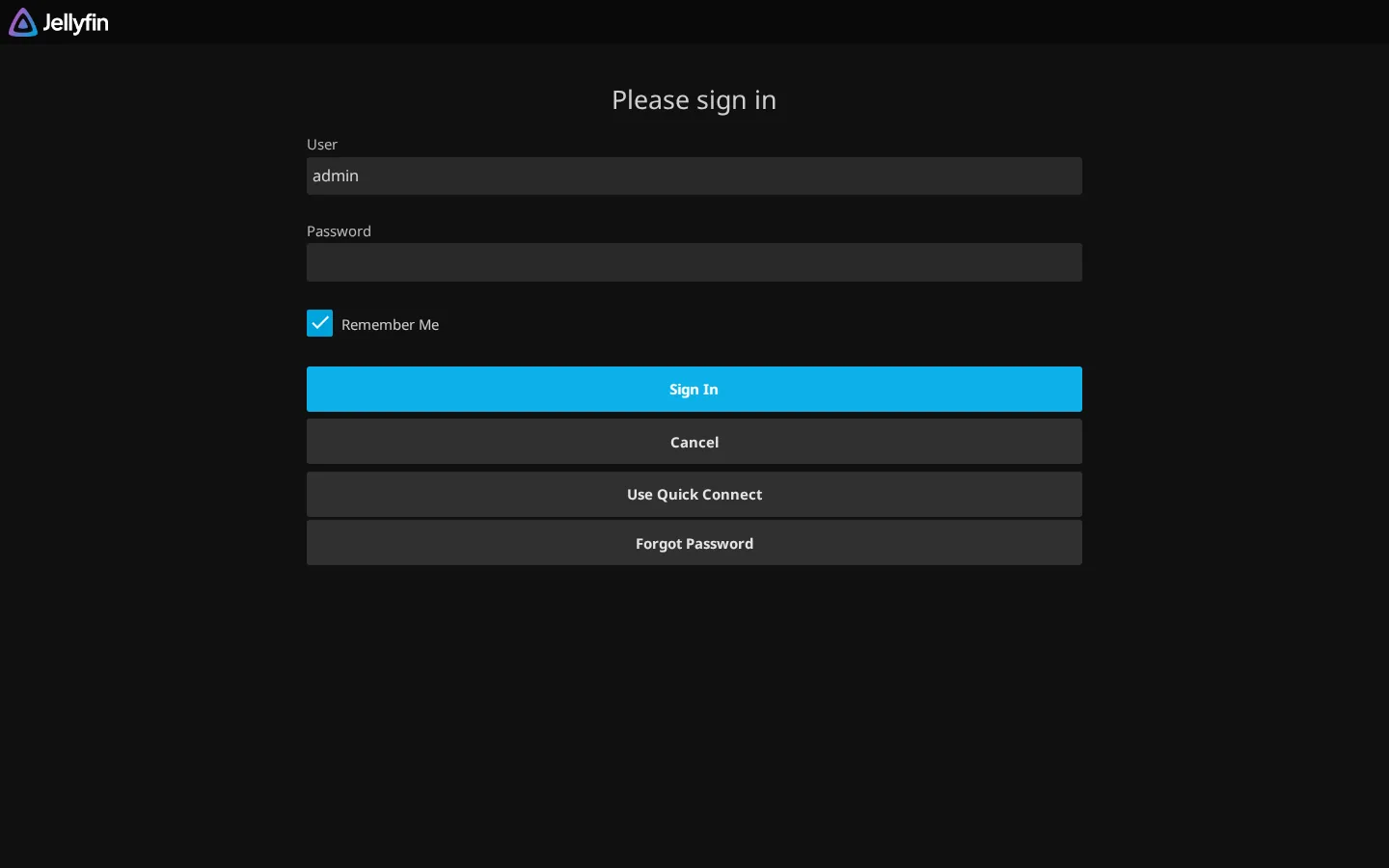
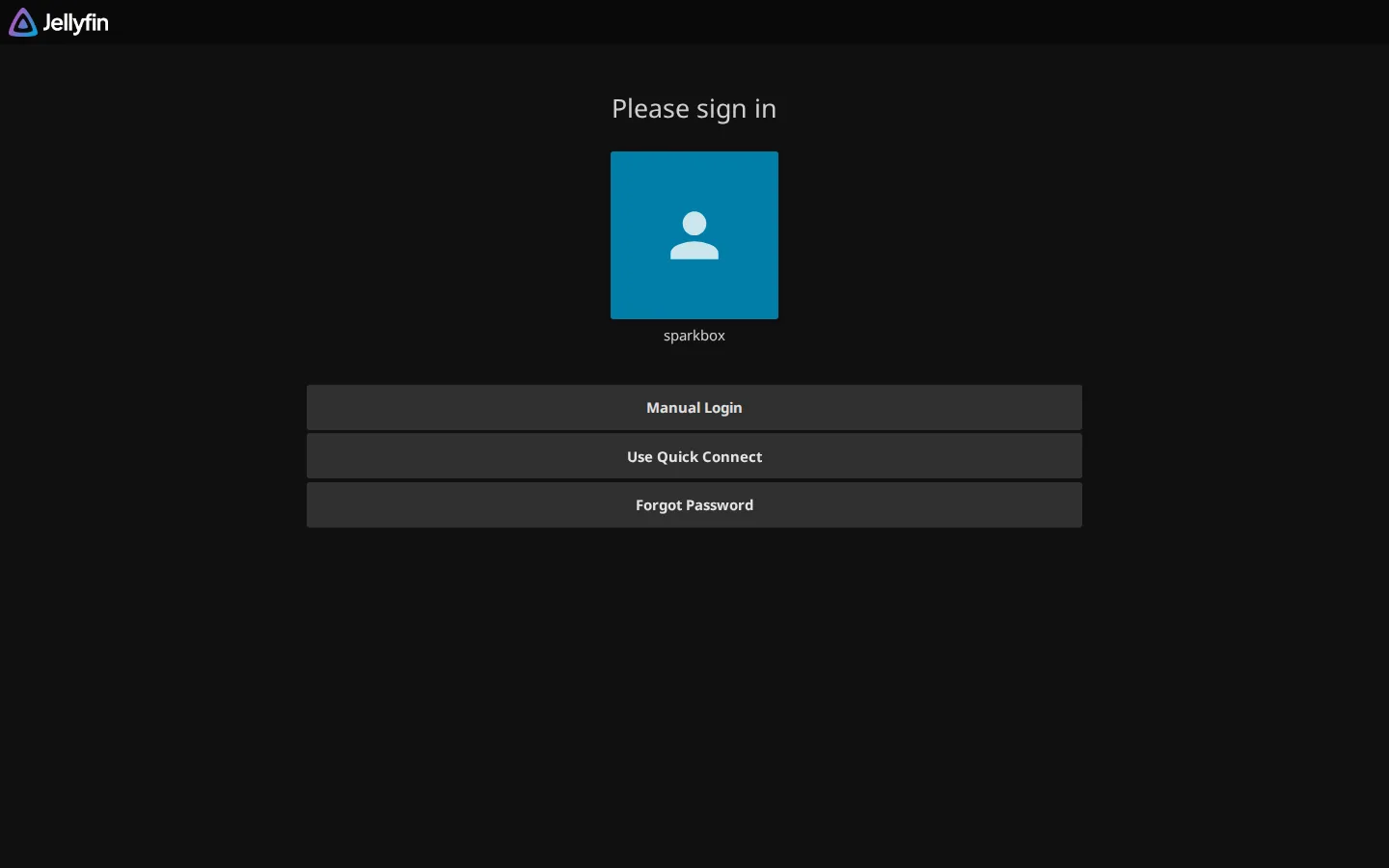
- Resolve the password/authentication prompt first using the steps above.
- After access is restored, re-trigger the library scan manually rather than waiting for it to resume on its own.
- Watch the Server logs during the new scan for any repeated authentication or connection errors, that's useful information if you want to report the issue with detail.
What to do if none of this resolves it
Since this is an open issue with no confirmed fix, if the steps above don't clear it, the most useful thing you can do is document exactly what you're seeing (the exact prompt text, where it appears, what your access setup looks like) so it can be tracked properly rather than guessed at. Avoid making large destructive changes, like wiping your Tdarr configuration, purely on a hunch, since that risks losing working setup without addressing the actual cause.
Frequently asked
Does Tdarr have a built-in password by default?
No. Out of the box, Tdarr's web UI does not prompt for a username or password. If you're seeing a password prompt, it's almost always coming from something in front of Tdarr, like a reverse proxy, or from a setting added on purpose at some point.
Is there a known fix for the Tdarr password issue yet?
Not a confirmed one. This is still an open issue being tracked from real field reports. The checks in this guide resolve the symptom for most people, but they're workarounds and diagnostics, not a guaranteed permanent patch.
Can a password problem also cause Tdarr scans to get stuck?
Yes, indirectly. If the Tdarr Server can't authenticate a request from the UI, a Node, or an API call, the library scan can appear to hang or silently stop making progress even though nothing has actually crashed.
Will reinstalling Tdarr fix a stuck login?
Sometimes, but only because it resets configuration and cached credentials, not because the underlying cause is understood or fixed. Try the non-destructive checks in this guide first.
Stop losing evenings to one app's login quirks
SparkBox puts your self-hosted apps, Tdarr included, behind one unified access layer, so a stray auth rule in a single container doesn't turn into a lockout puzzle across your whole stack.
Questions, or did this not match your box?
Every guide here came from a real problem someone hit. If yours behaves differently, say so — that is how these get corrected, and how the fix gets prioritised.
We answer there rather than in a comment box, because that is where the people who have already solved it are.