qBittorrent Refused Connection or Rejected Your Password? Here's the Real Fix
· Updated 18 September 2026 · SparkBox team
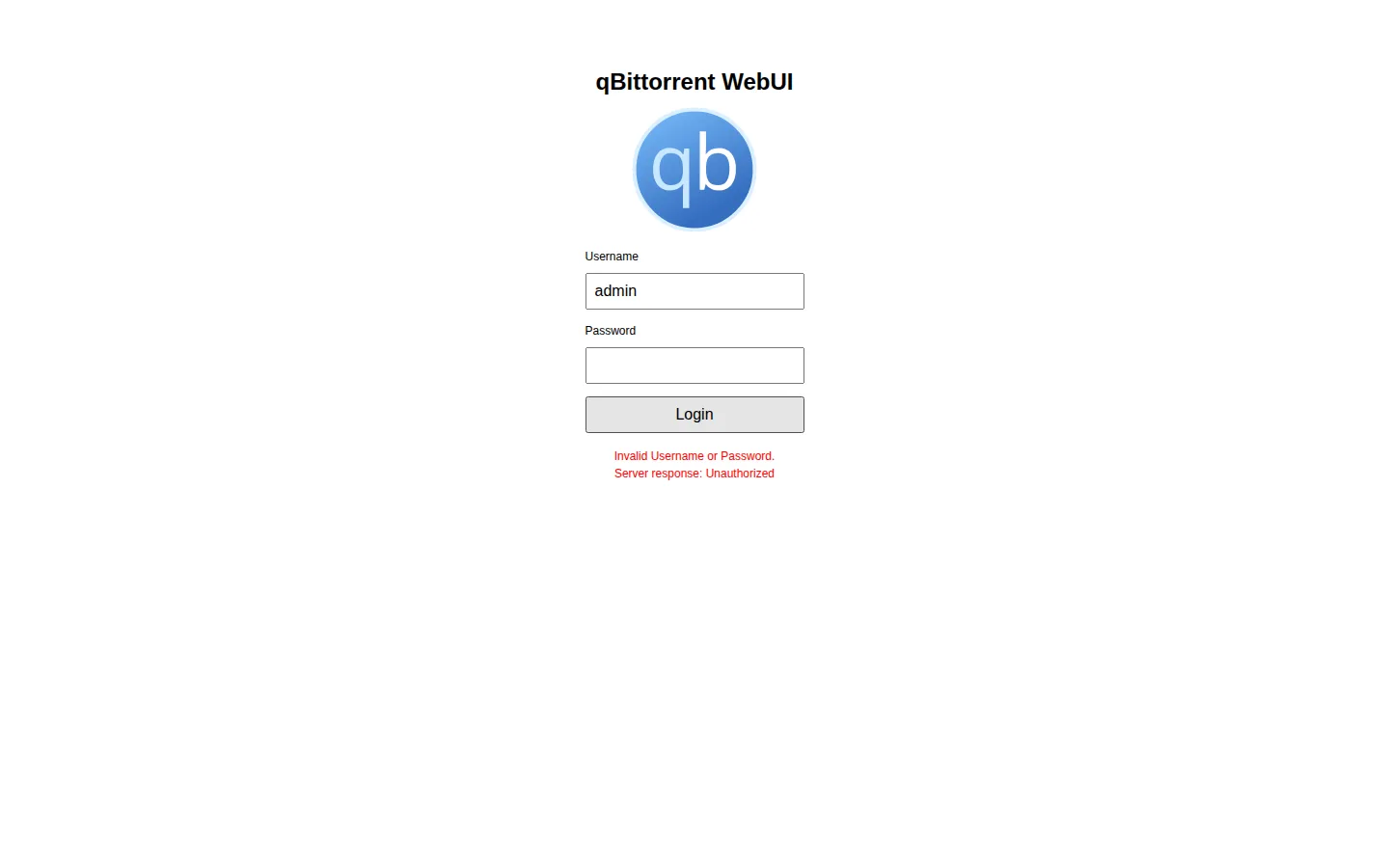
You're seeing one of two things: Sonarr, Radarr or Prowlarr can't connect to qBittorrent at all ("connection refused" or a name that won't resolve), or qBittorrent has stopped accepting the password you've always used. Both usually trace back to how qBittorrent's network is set up and, in the messier case, to a docker-compose file that quietly broke during an update.
Rather not hand-edit compose files and IP addresses? SparkBox wires qBittorrent, SABnzbd and the arr apps together on a matching internal network automatically, so this class of "refused" error doesn't come up. See the walkthrough →
The 10-second version: If it's a connection error, point the arr app's qBittorrent client at Host localhost, Port 8080, not a container name. If it's a password error, your compose file likely broke during an update, so re-validate it and grab qBittorrent's fresh temporary password from its container logs.
Cause 1: Sonarr, Radarr or Prowlarr are trying to reach qBittorrent by the wrong address
Many self-hosted media stacks route qBittorrent's traffic through a dedicated VPN container, so that all torrent traffic is forced out through the VPN. To make that work, qBittorrent doesn't get its own network — it shares the network of the VPN container. Other services in the same stack, including the arr apps, often sit in that same shared network.
That detail matters a lot for how you connect to qBittorrent. Inside a shared network like this, container hostnames don't resolve the way you'd expect. A name like qbittorrent or sb-qbittorrent simply isn't reachable from inside that network namespace — it never resolves, and you get a "connection refused" or "name does not resolve" error in the arr app's logs when it tries to test the download client.
From inside that shared network, qBittorrent is actually just localhost, on its own internal port. Other apps that share the same VPN network (for example a Usenet client sitting in the same setup) get their own distinct port on that same localhost — they don't collide, they just each answer on a different port number. qBittorrent's slot in that scheme is port 8080. If your arr app is set to any other host, or to qBittorrent's external/browser-facing address instead of this internal one, the connection will fail.
How to fix it
- Open Sonarr, Radarr or Prowlarr and go to Settings → Download Clients, then edit the qBittorrent entry (or add a new one if it's missing).
- Set Host to
localhost— not the container name, not an external IP. - Set Port to
8080. - Enter the username and password from qBittorrent's own WebUI settings (Tools → Options → WebUI in the qBittorrent interface). Don't reuse credentials from a different app in the same stack.
- Click Test. It should succeed immediately once the host and port are correct — there's nothing else to configure for this part.
Gotcha: This only applies when the arr app is running in the same shared network as the VPN container. If your setup runs qBittorrent on its own bridge network with a normal container name, that name will resolve fine and localhost is the wrong answer instead. Check how your specific stack is wired before assuming it's this cause.
Cause 2: Your compose file got corrupted during an update, so qBittorrent never got its password
The second, less obvious version of "refused" isn't a network problem at all — it's that qBittorrent's container started up without any of its configured environment variables, because the file that defines your stack, docker-compose.yml, had already become invalid YAML by the time it tried to launch. When that file can't parse, a command like docker compose config fails outright, and none of the services in it get their intended settings, including whatever password or config value you'd set for qBittorrent.
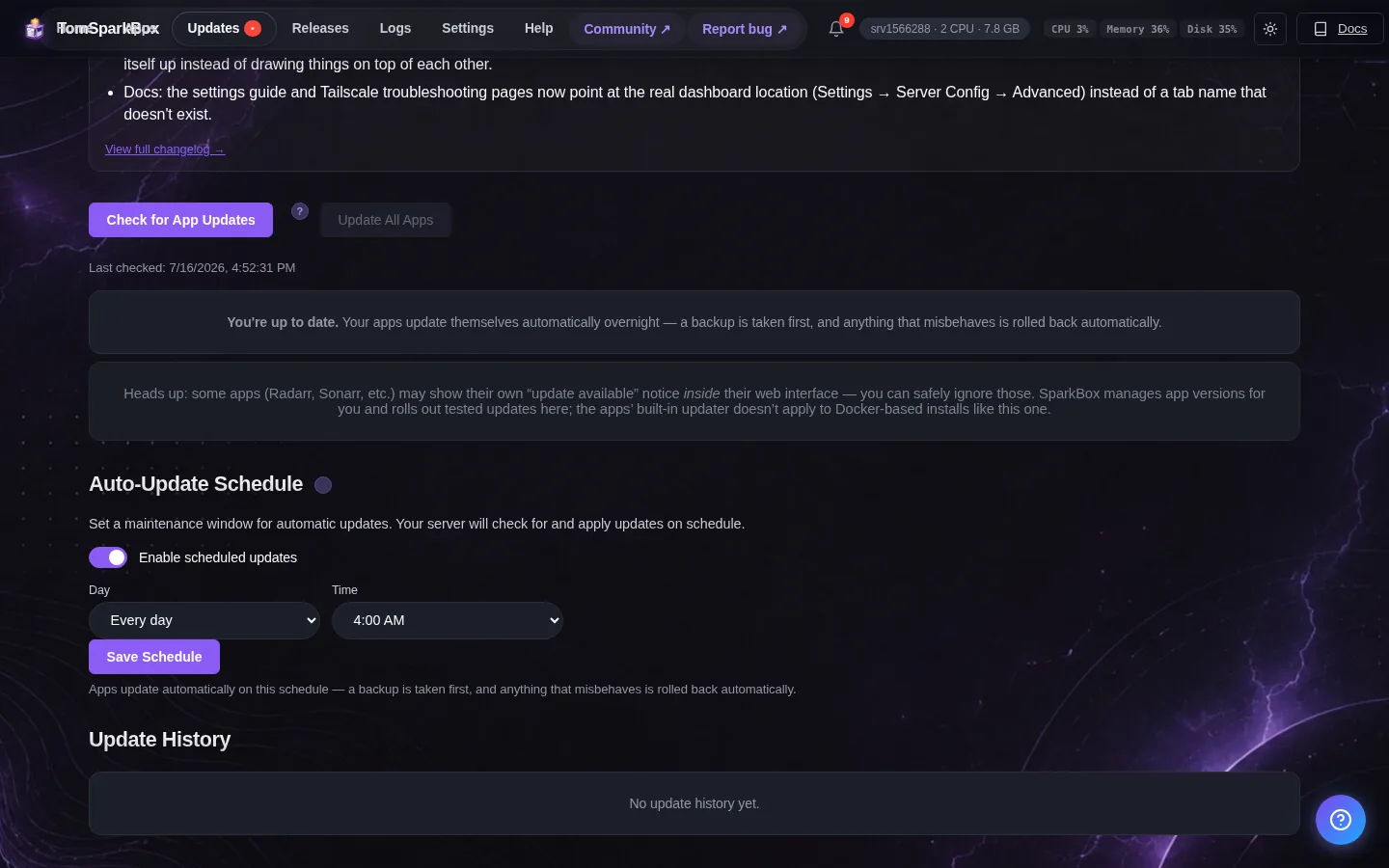
The usual culprit isn't anything you typed manually. If you're using SparkBox's dashboard config editor, it only ever writes values into a .env file — it never touches the compose file's actual structure, so it can't be the source of a duplicated or malformed block. The CLI tooling behaves the same way: the commands that run your stack only execute the compose file and adjust a couple of app-specific config files (things like qBittorrent's or SABnzbd's own settings files), they don't rewrite the compose schema either. The most likely explanation is a migration or update script that re-rendered the compose file and, in the process, duplicated a section — leaving you with two copies of a service block or a broken indentation that YAML can't recover from.
The practical effect: qBittorrent starts, notices it has no password configured through its environment, and generates a brand-new temporary password of its own — which is printed once in the container's startup logs. Whatever password you remember using before is now "refused" simply because it no longer matches what qBittorrent is actually holding.
How to fix it
- From the folder containing your compose file, run:
If this returns an error instead of printing a resolved configuration, your file is invalid and this is your cause.docker compose config - Open the compose file in a text editor and look for a duplicated block — most often a repeated service definition, a repeated label, or a section that appears twice with slightly different indentation. This is usually easiest to spot by comparing against a backup of the file from before your last update, if you have one.
- Remove the duplicate or restore the file from a known-good backup, then re-run
docker compose configuntil it parses cleanly with no errors. - Redeploy the stack so the environment variables actually get applied this time:
docker compose up -d - Check qBittorrent's container logs for the temporary password it generated while it was running without a configured one:
Look for a line mentioning a temporary WebUI password.docker logs qbittorrent - Log into the qBittorrent WebUI with that temporary password, then immediately set a permanent password under Tools → Options → WebUI.
- Go back to any arr apps pointing at qBittorrent and update the stored password there too, then re-test the connection.
Gotcha: If you fix the compose file but skip the redeploy step, nothing changes — the running containers are still the ones started from the broken file. You need the file to parse cleanly and a fresh up to actually apply it.
Which cause is yours?
If qBittorrent is running fine and you can log into its WebUI yourself, but the arr apps still throw "connection refused" or a resolution error when testing it, you're almost certainly looking at Cause 1 — it's a host/port mismatch, not a broken deployment. If instead your own known password to qBittorrent's WebUI is being rejected, or several services in the stack seem to have lost settings at once, run docker compose config first — that single command will tell you within seconds whether Cause 2 is in play.
Frequently asked
Why does Sonarr, Radarr or Prowlarr say "connection refused" or "name does not resolve" for qBittorrent?
Because qBittorrent shares a network with a VPN container, its container name doesn't resolve from inside that network. From the arr app's perspective, qBittorrent is at localhost, port 8080. Point the download client there instead of a container name.
Why did my qBittorrent password stop working out of nowhere?
Your compose file likely broke during an update or migration, so qBittorrent's container started without its configured environment variables and generated its own fresh temporary password. That password is in the container's logs, not the one you remember setting.
Did the SparkBox dashboard's config editor break my compose file?
No — the dashboard editor only writes values into your .env file. It never touches the compose file's structure, so it can't create a duplicated block. A migration or update re-render is the far more likely cause.
How do I know if my docker-compose.yml is actually corrupted?
Run docker compose config in the folder with your compose file. A clean parse prints the resolved configuration; an error confirms the file is invalid and no service in it is getting its environment variables applied.
Skip the port-hunting and the compose surgery
SparkBox deploys qBittorrent, SABnzbd and the arr apps as a pre-wired stack, with the internal networking and credentials already matched up, so "refused" connections and mystery password resets aren't something you have to debug by hand.
Questions, or did this not match your box?
Every guide here came from a real problem someone hit. If yours behaves differently, say so — that is how these get corrected, and how the fix gets prioritised.
We answer there rather than in a comment box, because that is where the people who have already solved it are.