Sonarr indexer missing, empty, or "unreachable" — the real fix
· Updated 18 September 2026 · SparkBox team
You set up Prowlarr to manage your indexers, but Sonarr's indexer list is empty, only shows one or two, or your dashboard flags Sonarr and Prowlarr as unreachable even though both open fine. In almost every case, this is not a broken indexer or a corrupted install — it's how Prowlarr talks to Sonarr, a restart timing issue, or a firewall quirk on your box.
Rather not hand-wire Prowlarr into Sonarr yourself? SparkBox creates the Prowlarr → Sonarr (and Radarr) application link automatically, with a full sync, and reconnects everything to the VPN after every update. See the walkthrough →
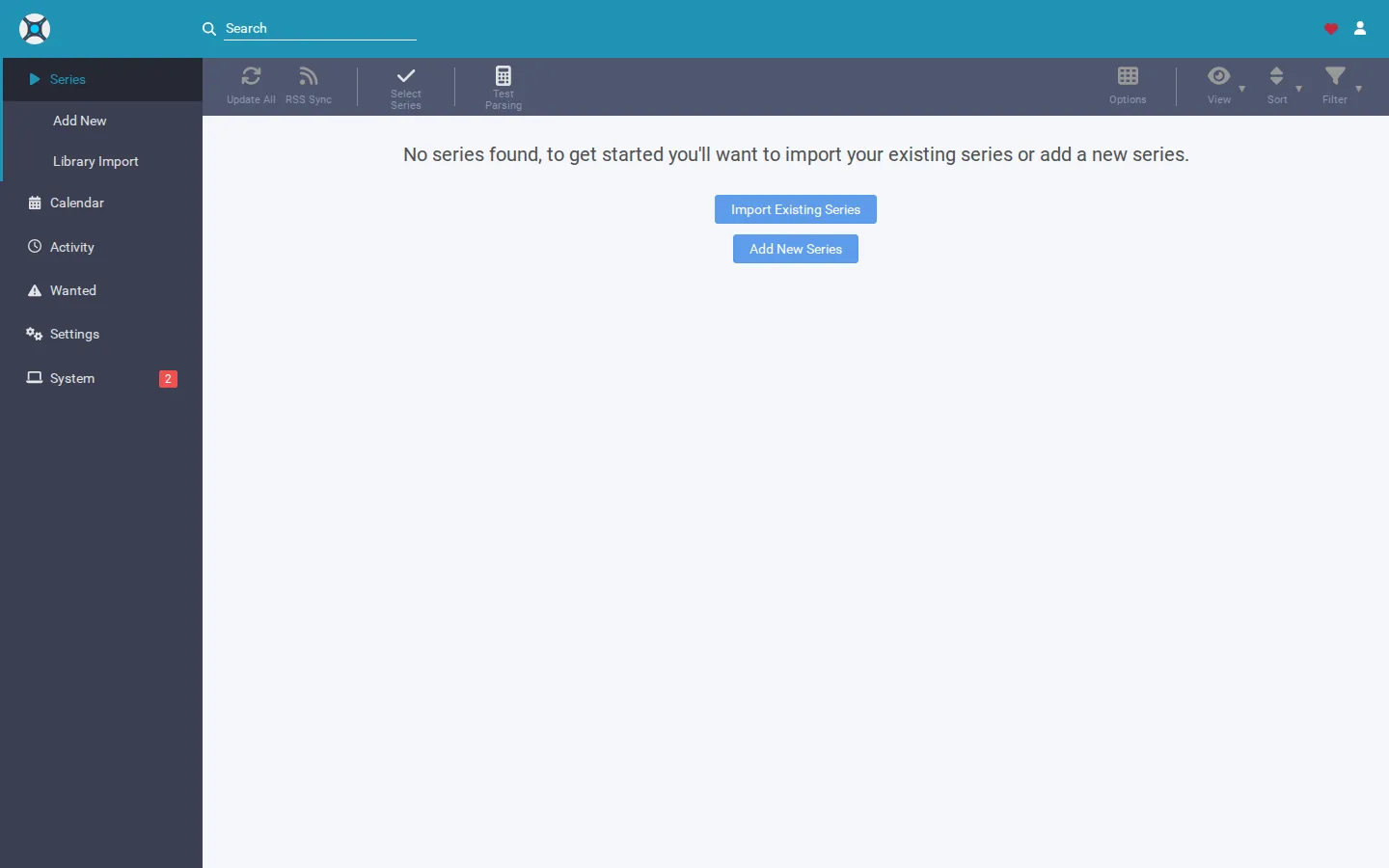
The 10-second version: Sonarr doesn't have a "Prowlarr" indexer type of its own — Prowlarr pushes its indexers into Sonarr's own indexer list via its Applications feature, and they show up named "X (Prowlarr)". If they're missing, the sync link is the thing to check, not Sonarr itself. If tiles show red on a dashboard but the apps work, that's usually a firewall or restart-timing issue, not a broken indexer.
Cause 1: You're looking for a "Prowlarr indexer type" in Sonarr that doesn't exist
Sonarr has no concept of "a Prowlarr indexer." What actually happens is: Prowlarr has an Applications section where you link it to your Sonarr instance. Once linked and synced, Prowlarr pushes each of its enabled indexers into Sonarr's own Settings → Indexers list. They appear there with "(Prowlarr)" tacked onto the name — that suffix is your confirmation the sync worked, not a separate integration type.
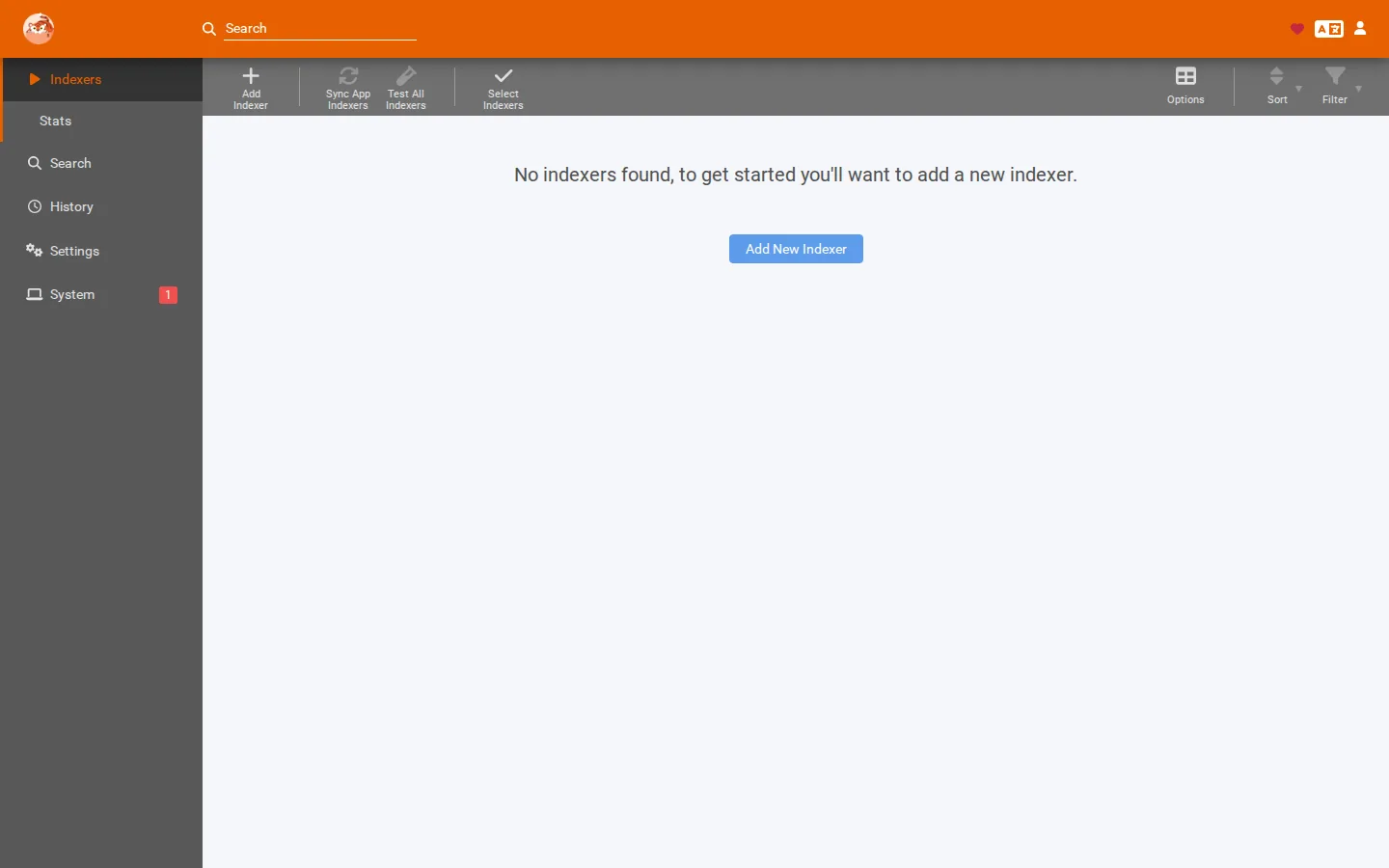
This matters because it's easy to misdiagnose. If someone tells you to search Sonarr's code or config for the word "prowlarr" and expects to find a dedicated indexer schema, they won't — an empty result there is completely normal on every install. It doesn't mean the integration is broken, and it's not a reason to rebuild your media stack from scratch.
- In Prowlarr, go to Settings → Apps and confirm Sonarr is listed as a connected application.
- Click into that Sonarr application entry and check the URL and API key match your actual Sonarr instance (Sonarr's API key is under Sonarr's own Settings → General).
- Trigger a manual sync from that Applications entry if there's a sync/test button available.
- In Sonarr, open Settings → Indexers and look for entries ending in "(Prowlarr)". Those are the ones Prowlarr has pushed through.
Gotcha: if you only see one of your five enabled Prowlarr indexers land in Sonarr (or Radarr), check that each indexer is actually enabled inside Prowlarr itself and that it isn't excluded by a category or tag filter tied to that Application link. A disabled or filtered-out indexer in Prowlarr simply won't get pushed.
Cause 2: A renamed indexer breaks name-based tracking, not the sync itself
If you rename one of the indexers that Prowlarr passes into Sonarr (or Radarr), searches still work fine, and the indexer is still genuinely connected. But some dashboards, home-page widgets, or status strips that summarize your media pipeline identify a passed-in indexer by its original name. Rename it, and that widget can lose track of it — leading to a false alarm like "Sonarr isn't using any of your search sources" even though every indexer is present and functioning.
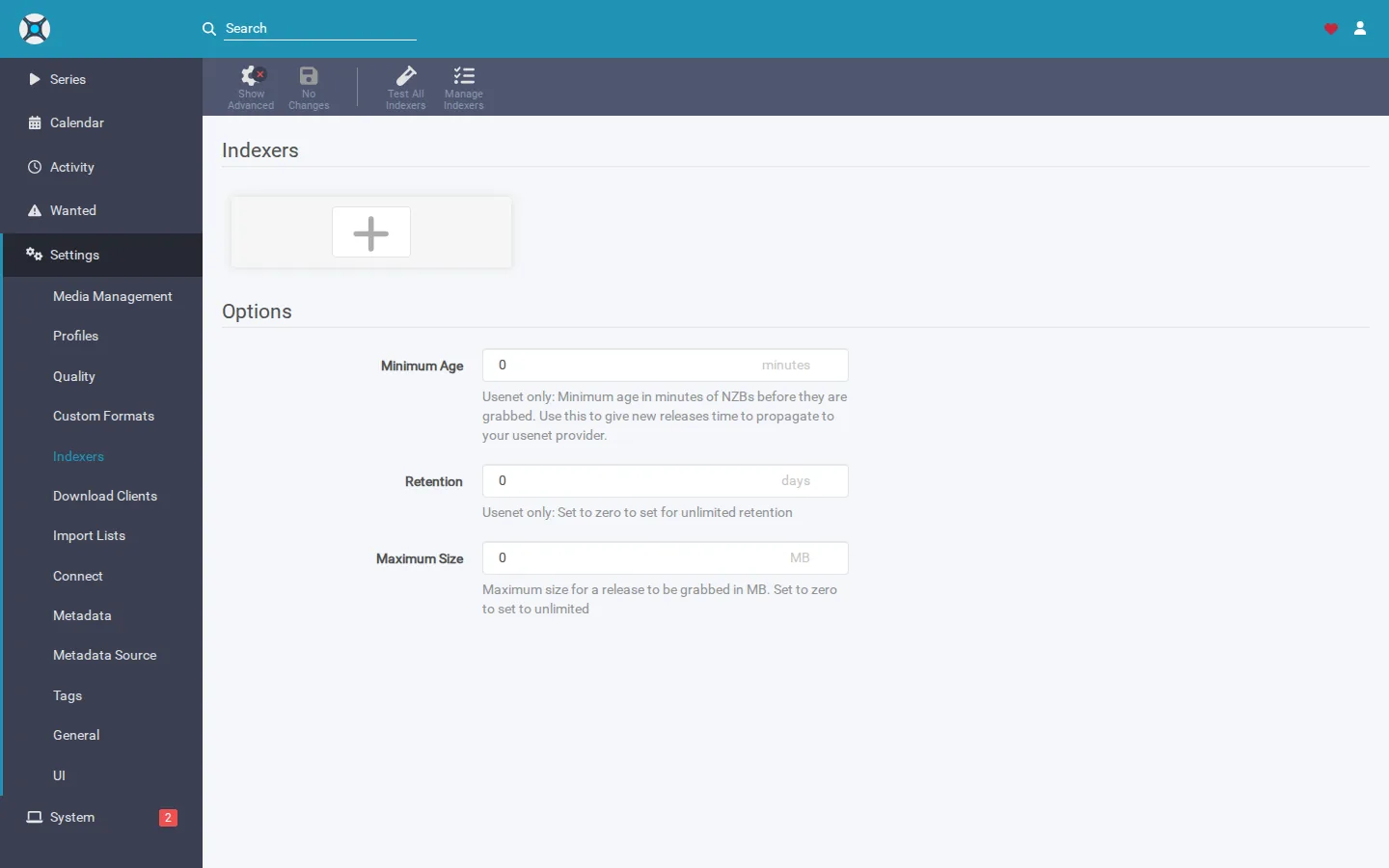
- Open Sonarr's Settings → Indexers and confirm the indexer is listed and enabled — that's the ground truth, not the summary widget.
- Run a manual search in Sonarr for any series to confirm the indexer returns results.
- If a status widget is what's complaining, rename the indexer back to match what Prowlarr originally sent over, or check whether the widget has a way to re-detect indexers by ID instead of name.
Cause 3: Sonarr came back up before the VPN tunnel finished connecting
If Sonarr (or your download client) runs through a VPN container, there's a startup race condition on many setups: the media apps start and try to reach the internet before the VPN tunnel has actually established a connection. Sonarr then boots up talking to a dead tunnel, so its indexers time out or fail even though everything looks configured correctly.
This is especially common right after a reboot or an update, which is why restarting "just the media apps" doesn't always fix it — if the VPN itself hasn't reconnected yet, restarting the app on top of it changes nothing.
- Check whether your VPN container/service reports as connected and healthy before checking Sonarr's indexer status.
- If you're on SparkBox, update and let it manage the order:
sudo sparkbox upgrade
sudo sparkbox up
Since v1.6.396, sparkbox up waits until the VPN reports healthy, then reconnects every media app onto the live tunnel automatically — so indexers come back on their own after an update instead of needing a manual restart.
Gotcha: if you're not on SparkBox, the equivalent fix on any setup is to make sure your VPN container has a health check and that Sonarr's container is configured to wait for that health check (a "depends_on: condition: service_healthy" style dependency) rather than just starting alongside it.
Cause 4: Dashboard shows Sonarr/Prowlarr as "unreachable" but they work fine
Some dashboards check whether Sonarr, Radarr, and Prowlarr are alive by reaching them on their published port through the host's own network path — essentially, the dashboard asks the host machine to loop back out and back in on that port. On some NAS firewalls, that particular loopback ("hairpin") is blocked by default, even though the containers themselves are perfectly healthy and reachable from your browser or other devices on the network.
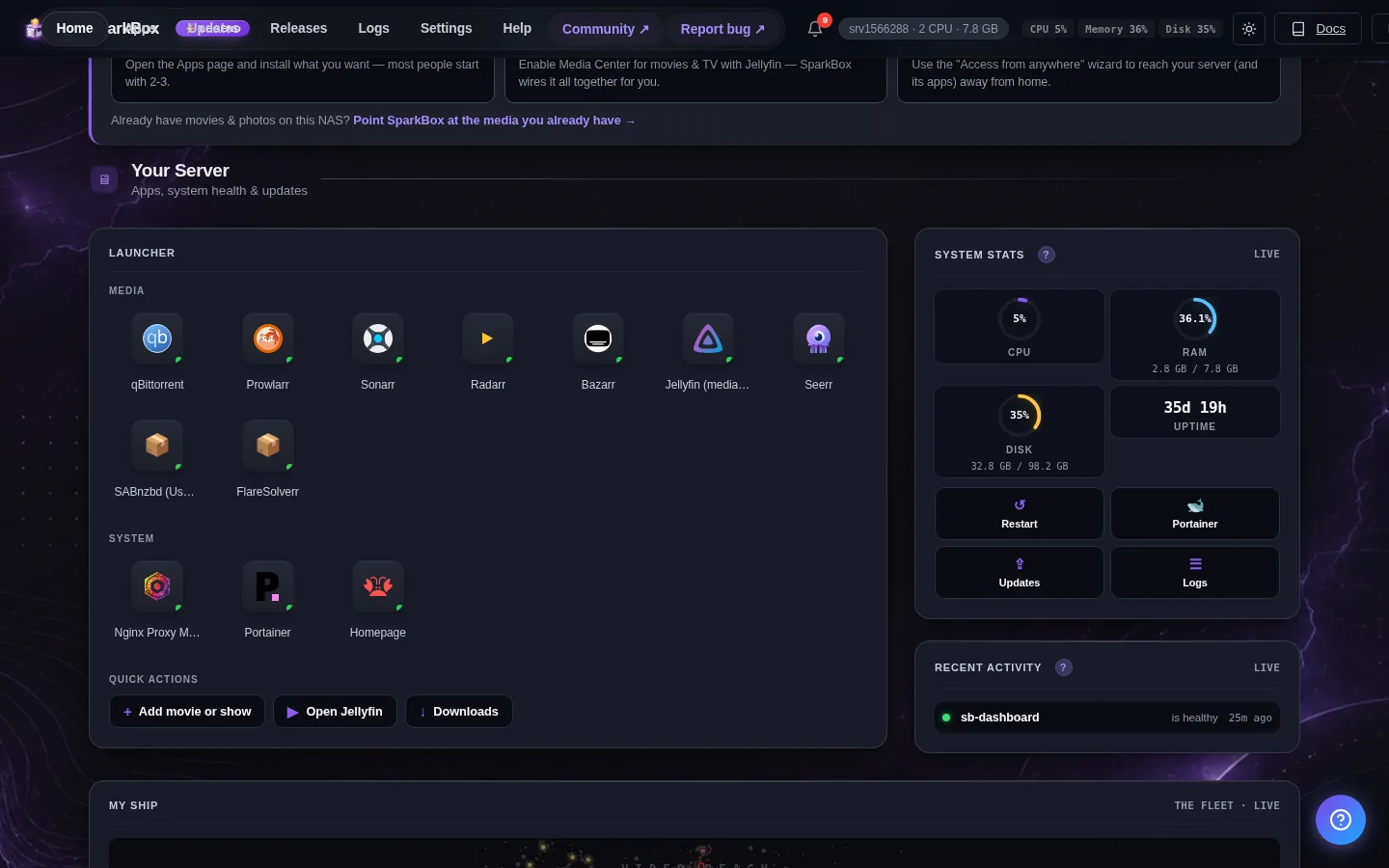
When that happens, the health-check probe simply times out and the tile turns red — permanently, since there's often no fallback path being tried. Manually connecting the dashboard container to another network doesn't fix this on its own, because the failure is in the host firewall rule, not in which network the dashboard container is attached to.
- Confirm the apps are actually reachable: open Sonarr, Radarr, and Prowlarr directly in a browser using their normal address and port.
- If they load fine there but a dashboard still shows them red, the problem is almost certainly the health-check path, not the apps.
- Check your NAS or router's firewall settings for anything blocking loopback/hairpin traffic on the LAN interface, and allow it for the ports your media apps use.
- If you manage your own firewall rules (e.g. a VPS or a NAS with a custom firewall), explicitly allow traffic from the host's own address back to its published ports.
SparkBox connects Prowlarr to Sonarr and Radarr over the box's own local address rather than routing that check out through the host's public-facing network path, which avoids this hairpin problem entirely on the NAS models we test against.
What we won't tell you
If none of the above matches what you're seeing, be wary of any advice — including from us — that confidently names an internal cause it can't actually show you. We've seen this class of problem misdiagnosed as a "bootstrap desync" or a missing "Prowlarr indexer type" in Radarr/Sonarr, followed by advice to rebuild the entire media stack. Neither of those things exist, and rebuilding changes nothing if the real cause is a sync setting, a restart race, or a firewall rule. If you've checked the causes above and it's still broken, that's a sign to post the specifics (what you observed, what you ruled out) to a forum or community rather than guess further.
Frequently asked
Why does my Sonarr indexer show up as "X (Prowlarr)" instead of by its normal name?
That's normal. Sonarr doesn't have a built-in Prowlarr indexer type. Prowlarr pushes each of its enabled indexers into Sonarr through its Applications link, and they land in Sonarr's Settings → Indexers list with "(Prowlarr)" appended to the name. That naming is how you confirm the sync worked, not a bug.
Only some of my Prowlarr indexers showed up in Sonarr. Why?
Check that the indexer is actually enabled in Prowlarr and that its sync category/tags match the Application link's sync profile. Prowlarr only pushes indexers that are enabled and match the sync settings on the Applications entry for that Sonarr instance.
Why does the dashboard say Sonarr and Prowlarr are unreachable even though I can open them fine in a browser?
On some NAS devices the host firewall blocks the loopback path a dashboard needs to check a container's published port from the host itself (sometimes called hairpin NAT). The apps are healthy; the health-check probe just can't complete that round trip, so it reports red.
Do indexers break every time I restart or update my server?
They shouldn't, but if your setup runs Sonarr behind a VPN container, indexers will fail if Sonarr comes back online before the VPN tunnel has finished connecting. Sonarr then keeps trying to reach the internet over a tunnel that isn't up yet.
Skip the manual wiring between Prowlarr, Sonarr, and Radarr
SparkBox sets up the Prowlarr → Sonarr and Prowlarr → Radarr application links for you with a full sync, waits for your VPN to be healthy before reconnecting media apps after every update, and checks app health over the box's own local network to avoid the firewall hairpin issue entirely.
Questions, or did this not match your box?
Every guide here came from a real problem someone hit. If yours behaves differently, say so — that is how these get corrected, and how the fix gets prioritised.
We answer there rather than in a comment box, because that is where the people who have already solved it are.