Sonarr Can See Its Library Folder But Won't Write to It — Here's the Fix
· Updated 18 September 2026 · SparkBox team
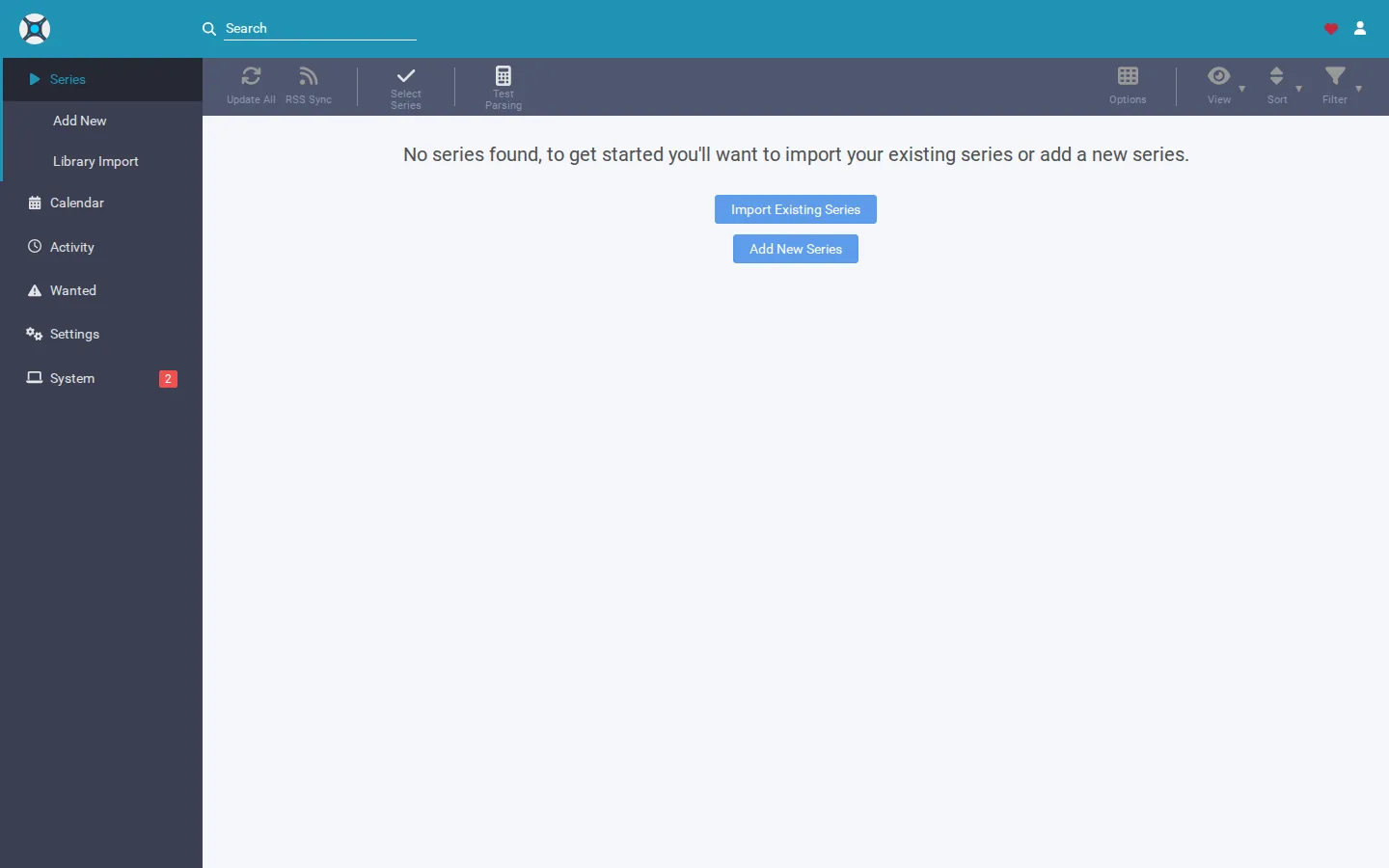
Sonarr's dashboard shows a warning like "Unable to write to /data/TV — permission denied," even though the folder shows up fine in Sonarr's settings and file browser. The one-line cause: the folder is owned by a different user than the one Sonarr is running as, so Sonarr can read it but the operating system won't let it write.
Rather not hunt down ownership mismatches by hand? SparkBox keeps every app's PUID/PGID and its library folders aligned from the start, so this class of permission error doesn't come up. See the walkthrough →
The 10-second version: Find the PUID/PGID Sonarr is running as (usually in your .env file), then change ownership of the library folder to match that user and group. Restart Sonarr and the write error clears.
Why this happens
Most self-hosted setups run apps like Sonarr as a non-root user for security, defined by a PUID (process user ID) and PGID (process group ID) — usually 1000 for the first regular user account on a Linux box. That's normally set in an .env file and passed to the app on startup.
The library folder itself, though, doesn't automatically belong to that user. If it was created by:
- Your NAS's own management system (UGOS, Synology DSM, etc.) when you first set up a shared folder
root, because a setup script or container ran once as root before you switched to PUID/PGID- A manual
mkdirrun under a different login
...then that folder's owner is whatever account made it, not Sonarr's user. Linux permissions are checked per-action: "can this user list the folder's contents" is a different check from "can this user create or modify files inside it." It's entirely possible to pass the first and fail the second — which is exactly what you're seeing.
Nothing is broken. Sonarr's path is correct, the folder exists, and the app is doing the right thing by refusing to silently fail. The fix lives in the filesystem, not in Sonarr's settings screen.
Fix 1: Confirm which user Sonarr is actually running as
- Open your
.envfile (or equivalent environment configuration) for the app stack. - Look for
PUIDandPGID. Note the values — commonly1000and1000, but not always. - If you're unsure which user that ID belongs to on the host, running
id yourusernameon the host machine will show you its UID and GID.
Gotcha: "the app runs as my user" and "the folder is owned by my user" are two separate facts. Confirm both — don't assume one implies the other.
Fix 2: Check who currently owns the library folder
- On the host (or via SSH into your NAS), navigate to the parent of your media root.
- List the folder with detail:
ls -la /data - Look at the owner and group columns next to
TV(or whatever your library subfolder is named). If they don't match the PUID/PGID from step 1, you've confirmed the mismatch.
Fix 3: Change ownership to match Sonarr's PUID/PGID
- Once you know the correct UID and GID from your
.env, apply them recursively to the library folder:
(Replacechown -R 1000:1000 /data/TV1000:1000with your actual PUID:PGID if different.) - If write access is still refused after ownership matches, the folder's permission bits themselves may be too restrictive. Check them with
ls -laand, if needed, loosen them:chmod -R 775 /data/TV - Restart the Sonarr app/container so it re-checks the folder rather than relying on a cached state.
- Trigger a write action (a manual import, a rename, or letting a download move into the folder) and confirm the error is gone.
Gotcha: Applying chown to only the top-level folder and not -R (recursive) will leave subfolders — like individual show directories already created — owned by the old user, and the error will reappear the moment Sonarr tries to write into one of them.
Fix 4: If the folder lives on a NAS share, fix it at the share level too
On systems like UGOS or Synology DSM, the shared folder's advanced permissions (set through the NAS's own web interface) can override or reintroduce a restriction even after you chown at the OS level, especially after a firmware update or share re-creation. If the permission error keeps coming back after Fix 3, open the NAS's shared folder permissions and confirm the user/group your app runs as (or "everyone," if that's how your setup is configured) has read/write, not just read.
How to confirm it's actually fixed
- Ownership of the library folder (and its subfolders) matches the PUID/PGID in your
.env. - Sonarr's dashboard no longer shows the write-permission warning after a restart.
- A real write test — an import, rename, or completed download moving in — succeeds without an error in Sonarr's logs.
Frequently asked
Why can Sonarr see the folder but not write to it?
Sonarr runs as a specific user and group ID (PUID/PGID) inside its container or process. If the library folder was created by a different user — your NAS system, root, or a manual mkdir as a different account — that user can be allowed to read the folder's contents but denied write access. Being able to see a folder and being able to write into it are two separate permission checks.
Is this a Sonarr bug?
No. Sonarr is correctly reporting what the operating system is telling it. The fix happens outside Sonarr, at the filesystem or NAS share level, not in Sonarr's settings.
What are PUID and PGID?
They stand for process user ID and process group ID. Most self-hosted app images let you set these in an .env file so the app runs as your regular host user (often ID 1000) instead of root, which keeps file ownership consistent between the app and your normal file browsing.
Will this happen again after I fix it once?
It can, if you create new subfolders manually, restore from a backup, or move to a new NAS share, since each of those can reset ownership to root or a NAS-managed account. Applying ownership recursively and confirming it after any folder changes prevents repeats.
Skip the ownership math entirely
SparkBox sets up Sonarr and its library folders with matching PUID/PGID from the first run, and its built-in Tom AI assistant can spot and correct a permission mismatch like this one without you touching a terminal.
Questions, or did this not match your box?
Every guide here came from a real problem someone hit. If yours behaves differently, say so — that is how these get corrected, and how the fix gets prioritised.
We answer there rather than in a comment box, because that is where the people who have already solved it are.