Sonarr Refused: "Another Operation Is in Progress" (Even Though Nothing Is Running)
· Updated 18 September 2026 · SparkBox team
You try to search, import, rename, or update in Sonarr and it refuses, telling you another operation is already in progress. You check the queue, the activity log, your host's task manager - nothing is actually running. The real cause is almost always a leftover lock from an earlier operation that got cut short, not a genuinely busy Sonarr instance.
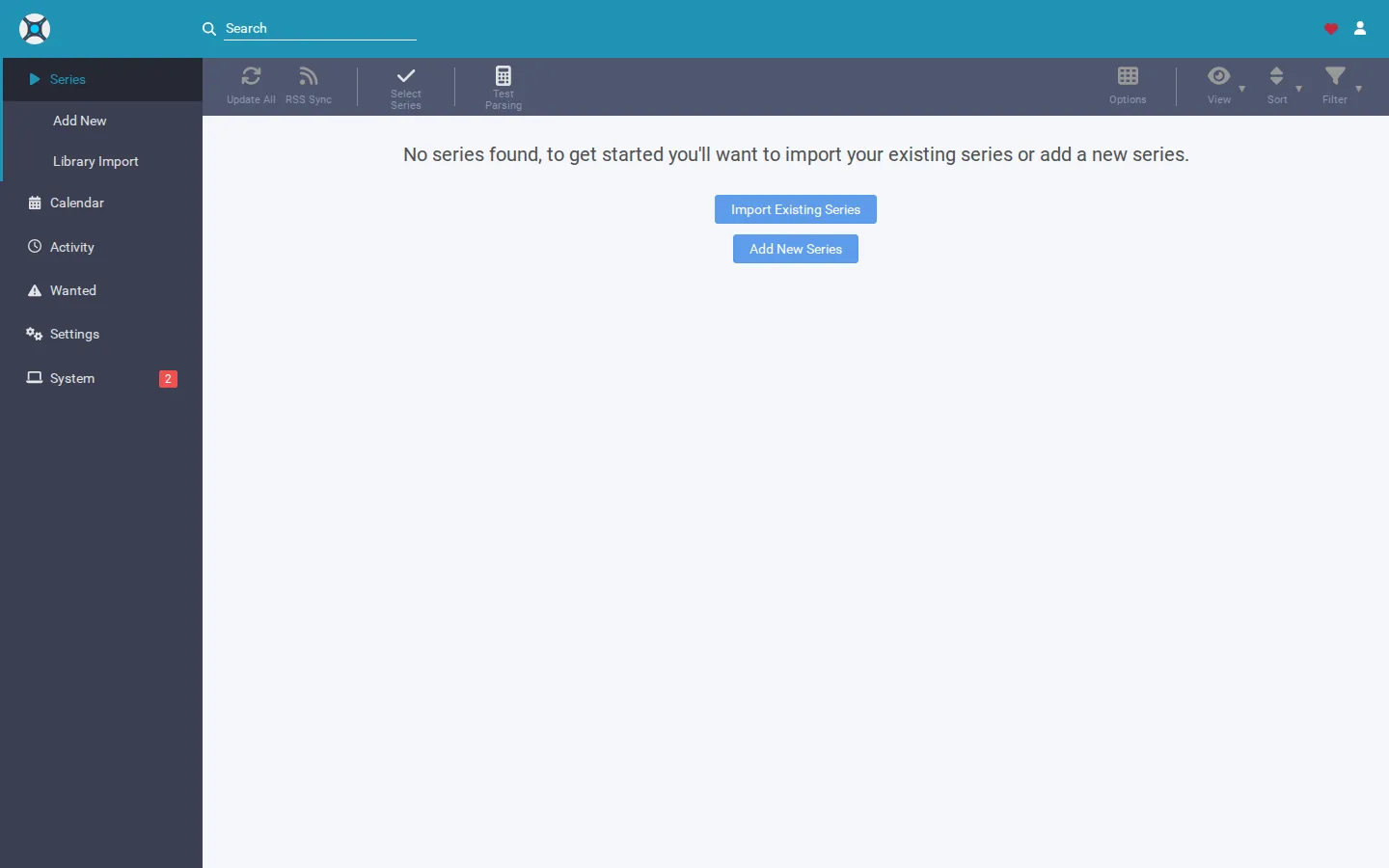
Rather not dig through log files to find a dead lock? SparkBox checks whether the operation behind a lock like this is actually still alive, and if it isn't, it flags the lock as stale and offers a one-click Clear instead of leaving you stuck waiting. See the walkthrough →
The 10-second version: A prior operation (an update, an import, a database write) was interrupted before it finished and its lock never got released. Fully stop Sonarr, clear the stale lock or journal file while it's stopped, then start it back up. Sonarr re-checks its state on startup and stops refusing your actions.
Why Sonarr thinks it's busy when it isn't
Sonarr keeps track of what it's doing so it doesn't run conflicting tasks at once - for example, it won't let you kick off a manual search while it's mid-import, and it won't let a database write happen while an update is applying. It does this with a lock: a marker that says "something is using this right now."
That marker is only useful if it gets cleared when the task finishes. If Sonarr's process (or the container or host it runs on) gets killed, crashes, loses power, or is force-restarted while a task is mid-flight, the lock can be left behind with nothing to clean it up. The next time you open Sonarr, it sees the lock, assumes the earlier task is still running, and refuses your new request - even though the process that set the lock no longer exists.
This is different from Sonarr actually being busy. If a real task is running (a big import, a heavy RSS sync, an update mid-download), waiting it out is the right move. The "refused" symptom described here is specifically when nothing shows as active anywhere, and the refusal doesn't go away no matter how long you wait.
Step 1: Confirm nothing is genuinely running
Before touching any files, rule out the simple explanation.
- Open Sonarr's Activity or queue view and check for anything actually in progress.
- Check System > Tasks (or the equivalent status/log screen in your version) for a task that's stuck at 0% or hasn't progressed in a long time.
- On the host itself, glance at CPU and disk activity for the Sonarr process. A truly busy Sonarr will show real, moving resource usage; a stuck lock won't.
If everything looks idle but Sonarr still refuses actions with the "another operation is in progress" message, you're dealing with a stale lock.
Step 2: Fully restart Sonarr
This clears the majority of stale locks, because Sonarr re-evaluates its own state when it starts up fresh. The key word is fully - closing the browser tab does nothing, since the lock lives on the server side, not in your browser.
- Stop Sonarr completely. Depending on how you run it, that might mean stopping the container, stopping the system service, or closing the application if it runs natively.
- Wait a few seconds to make sure the process has actually exited, not just the window.
- Start Sonarr again and check whether the refusal is gone.
Gotcha: If you run Sonarr in a container or behind a process manager that auto-restarts it, a quick restart can look like it happened but the underlying process might not have fully stopped before it came back. Give it a real pause between stop and start.
Step 3: If the restart didn't clear it, remove the stale lock manually
If Sonarr comes back up and immediately refuses actions again, the lock itself needs to be removed rather than just restarted around.
- Make sure Sonarr is fully stopped before touching any files - editing files while the app is running risks corrupting your data.
- Locate Sonarr's data/config directory - wherever you pointed its data volume or install, this is where its database and settings live.
- Look for companion files next to Sonarr's main database file (commonly named something like
sonarr.db) - specifically any journal or write-ahead-log files that share the same name with a different extension. These are the pieces that hold in-progress state, not your actual library data. - Remove only those companion/lock files. Leave the main database file untouched.
- Start Sonarr back up and confirm it comes up clean.
Important: Never delete or edit the main database file itself - that's where your shows, history, and settings actually live. Only the leftover journal/lock companion files are safe to remove, and only while Sonarr is fully stopped. If you're unsure which file is which, take a backup of the whole data folder before removing anything.
Why this keeps happening
A stale lock isn't random - it's a symptom of Sonarr's process being cut off mid-task. Common triggers:
- The host or container rebooting unexpectedly while Sonarr was importing a file or writing to its database.
- An update process being interrupted partway through (power loss, forced container restart, a scheduled reboot that didn't wait).
- A host running low on memory, causing the operating system to kill the Sonarr process abruptly instead of letting it shut down gracefully.
If this happens repeatedly, the fix isn't just clearing the lock each time - it's addressing whatever is cutting Sonarr off mid-operation. Stop Sonarr gracefully (through its proper stop command or a full container stop) rather than force-killing it or yanking power, and let updates finish fully before restarting anything on the same host.
Frequently asked
Why does Sonarr say another operation is in progress when nothing is running?
An earlier operation, like an update, database write, or import, was cut short before it finished, usually by a crash, a forced reboot, or a container restart. It left behind a lock that tells Sonarr something is still busy, even though the process that created it is long gone.
Is it safe to restart Sonarr to fix this?
Yes, in most cases a full stop and start clears a stale lock because Sonarr re-checks its state on startup. Make sure you stop the actual Sonarr process or container rather than just closing the browser tab, since that does nothing to the lock.
Will deleting the lock file lose my shows, history, or settings?
No, as long as you only remove the leftover lock or journal file and leave the main database file alone. The database holds your library, history, and configuration; the lock is just a temporary marker that a process was mid-task.
How do I stop this from happening again?
Avoid killing Sonarr's process abruptly while it's importing, updating, or writing to its database. Use graceful shutdowns (stop the service or container properly instead of yanking power or force-killing it) and let updates finish before restarting.
Skip the manual lock-hunting entirely
SparkBox runs Sonarr as part of its media stack and watches for exactly this kind of leftover lock. If an operation was interrupted and its lock is no longer tied to anything alive, SparkBox's dashboard flags it as stale and offers a one-click Clear, so you're not restarting services and hunting for journal files by hand.
Questions, or did this not match your box?
Every guide here came from a real problem someone hit. If yours behaves differently, say so — that is how these get corrected, and how the fix gets prioritised.
We answer there rather than in a comment box, because that is where the people who have already solved it are.