Sonarr 403 Forbidden: Why It Happens and How to Fix It
· Updated 18 September 2026 · SparkBox team
You open Sonarr in your browser, or another app tries to talk to it, and instead of your library you get "403 Forbidden." The short version: Sonarr is deliberately rejecting the request, usually because something between you and Sonarr — a reverse proxy, a stale cookie, or a stale API key — isn't sending what Sonarr expects to see.
Would rather not chase reverse proxy headers by hand? SparkBox wires up Sonarr and its reverse proxy together correctly from the start, so requests never hit this kind of mismatch. See the walkthrough →
The 10-second version: Sonarr 403s almost never mean "wrong password." They mean Sonarr couldn't verify the request. Check your reverse proxy's headers first, then the URL Base setting, then whether your login session or an app's API key has gone stale.
Cause 1: Your reverse proxy isn't forwarding the headers Sonarr expects
A reverse proxy is a server that sits in front of Sonarr and forwards your requests to it — common ones include Nginx Proxy Manager, Caddy, Traefik, or a Cloudflare Tunnel. Sonarr checks details like the Host header on every incoming request to protect against a browser-based attack where a malicious site tries to make requests to your Sonarr on your behalf. If your proxy strips, rewrites, or fails to pass those headers through unchanged, Sonarr can't confirm the request is legitimate and returns 403 instead of your login page or dashboard.
This is the single most common cause of Sonarr 403s, and it's almost always a proxy configuration gap rather than anything wrong with Sonarr.
- Open your reverse proxy's configuration and confirm it forwards the Host header, X-Forwarded-For, and X-Forwarded-Proto unchanged.
- If you're using Caddy, a working block looks like this:
reverse_proxy sonarr:8989 {
  header_up Host {host}
  header_up X-Forwarded-For {remote_host}
  header_up X-Forwarded-Proto {scheme}
}- Restart both the proxy and Sonarr after any header change.
- Test in a private/incognito browser window — cached 403 responses can make a fixed setup still look broken.
Gotcha: Cloudflare Tunnel and similar edge services sometimes inject their own headers that conflict with what Sonarr sees. If you're unsure whether the proxy is the problem, test by hitting Sonarr directly on its local IP and port, bypassing the proxy entirely. If that works, the proxy is confirmed as the cause.
Cause 2: URL Base doesn't match how you're actually reaching Sonarr
Sonarr has a "URL Base" setting under Settings > General that tells it whether it's being served from a sub-path, like yourdomain.com/sonarr, instead of its own subdomain or root address. If this setting doesn't match the address pattern people are actually typing in, requests can be rejected as invalid before Sonarr even loads the interface.
- If you reach Sonarr at a sub-path (for example
yourdomain.com/sonarr), set URL Base to/sonarrin Settings > General. - If you reach Sonarr at its own subdomain or a direct IP:port with no extra path, leave URL Base blank.
- Save, restart Sonarr, clear your browser cache, and reload.
Cause 3: A locked-out or stale login session
Sonarr's built-in login lives under Settings > General > Security > Authentication. If Sonarr was reinstalled, moved to a new machine, or restored from a backup, the authentication method or stored session can end up out of sync with what your browser is still sending — and instead of a clean "wrong password" message, some reverse proxy setups turn that mismatch into a flat 403.
- Stop Sonarr.
- Open
config.xmlin Sonarr's config folder (in a Docker setup this is typically/config/config.xml). - Set
<AuthenticationMethod>toNoneand save the file. - Start Sonarr — you should now get in without a password.
- Go to Settings > General > Security, set a new password, and switch
AuthenticationMethodback toForms. - Restart Sonarr once more so the change takes effect.
Gotcha: Back up config.xml before editing it. It also stores your API key, so if you're troubleshooting on a live system, keep a copy in case a typo stops Sonarr from starting.
Cause 4: A stale API key breaking calls from Prowlarr, Bazarr, or Overseerr
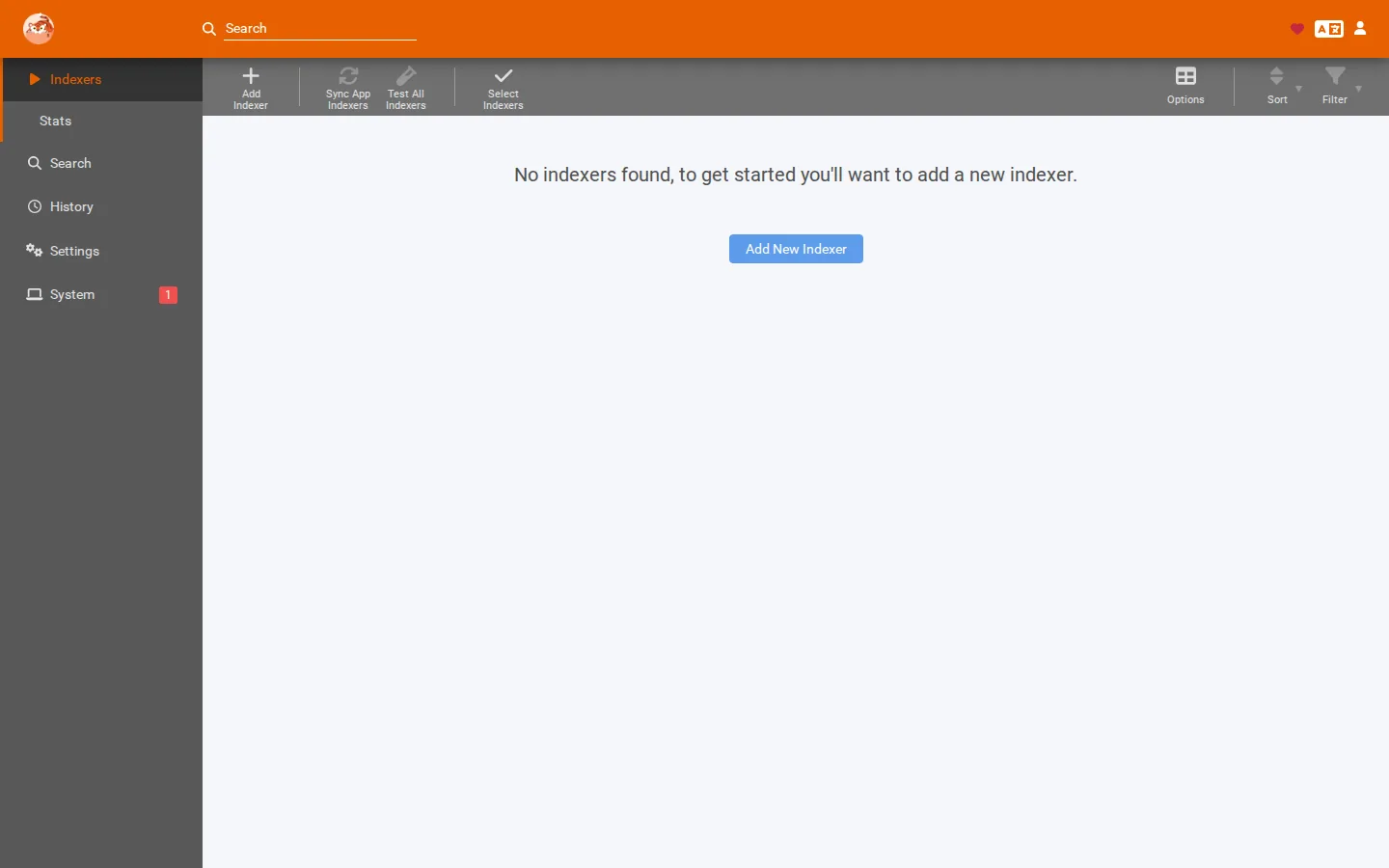
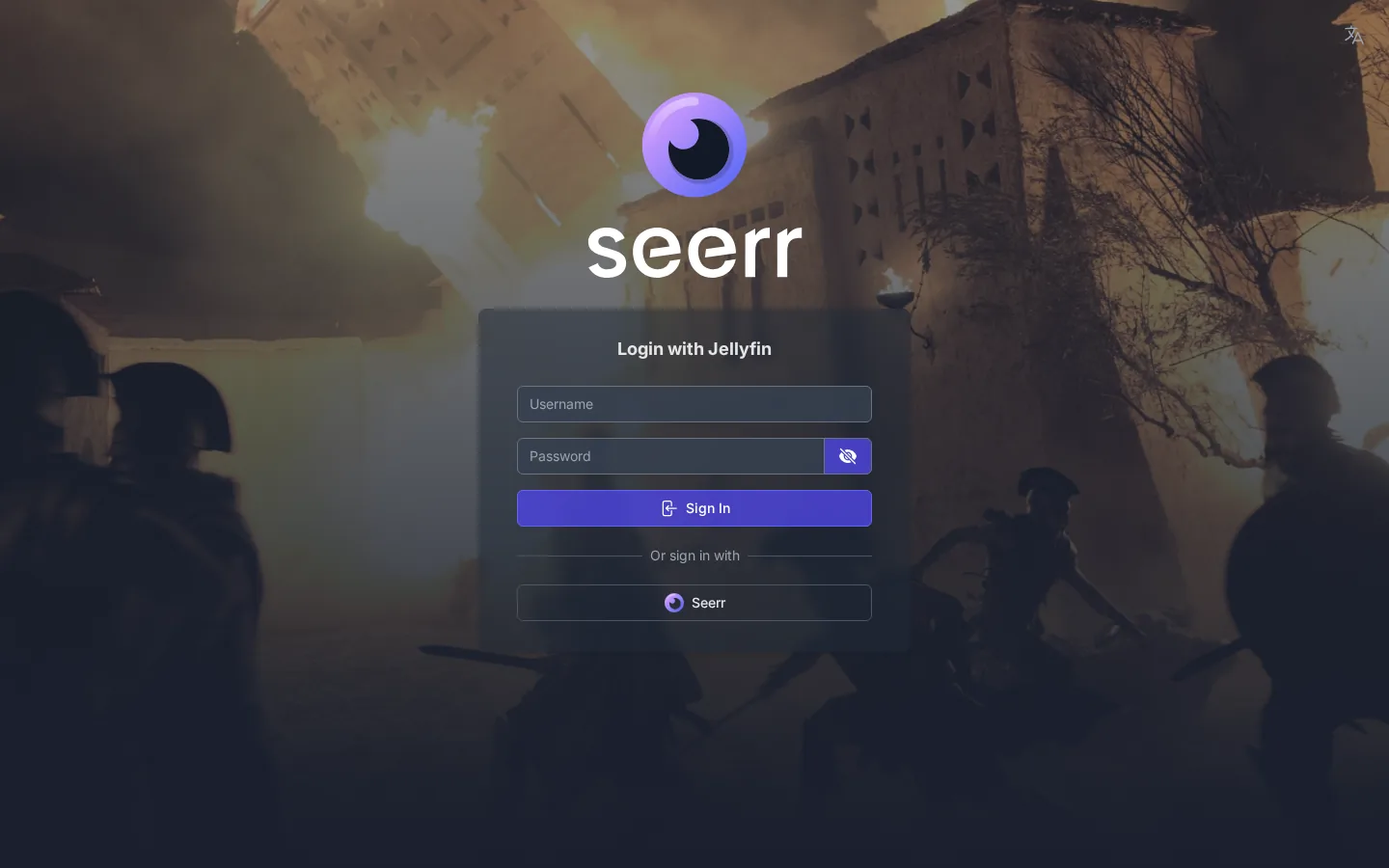
The API key is the token that other apps use to talk to Sonarr on your behalf — Prowlarr pushing indexers, Bazarr pulling subtitle info, Overseerr sending requests, or a script triggering a scan. If Sonarr's key was ever regenerated, or you copied a key from a different Sonarr instance, every request from an app still using the old key will come back as 403. This is the cause behind most "Sonarr scan fails with 403" reports, since a failed library scan or RSS sync is often just Sonarr rejecting the calling app, not Sonarr itself misbehaving.
- In Sonarr, go to Settings > General > Security and copy the current API Key.
- Open each connected app (Prowlarr, Bazarr, Overseerr, or any custom script) and update its Sonarr entry with the current key.
- Trigger a manual sync or scan from that app and confirm the 403 is gone.
- If it persists, check Sonarr's own logs under System > Logs for entries showing which app or address the 403 was issued to — that tells you exactly where the stale key is still in use.
Frequently asked
Why does Sonarr suddenly show 403 after it was working fine?
Almost always something changed on the network path rather than in Sonarr itself: a reverse proxy config update, a renewed certificate that altered header handling, or a new proxy layer that started stripping or rewriting the Host header Sonarr relies on.
Is a Sonarr 403 the same thing as a wrong password?
No. A wrong password normally shows an "invalid credentials" message on the login form. A 403 means Sonarr rejected the request before it even evaluated the password, which points to a reverse proxy header mismatch, a URL Base mismatch, or a stale login session.
How do I reset my Sonarr password if I'm locked out?
Stop Sonarr, open config.xml in its config folder, temporarily set AuthenticationMethod to None, and restart. You'll be logged in without a password. Set a new one under Settings > General > Security, then switch AuthenticationMethod back to Forms.
Why does a Sonarr library scan fail with 403 in the logs?
This is usually not Sonarr rejecting itself — it's Sonarr's API key being stale on the app calling it. If Prowlarr, Bazarr, or Overseerr are using an old copy of Sonarr's API key, every request they make during a scan or sync comes back as 403.
Skip the header-by-header debugging
SparkBox sets up Sonarr, its reverse proxy, and every connected app with matching keys and headers from the first install, so a proxy update or a key rotation doesn't quietly turn into a 403 a week later.
Questions, or did this not match your box?
Every guide here came from a real problem someone hit. If yours behaves differently, say so — that is how these get corrected, and how the fix gets prioritised.
We answer there rather than in a comment box, because that is where the people who have already solved it are.