Host your own Factorio server (one click, no command line)
· Updated 18 September 2026 · SparkBox team
The factory must grow — even when your PC is off. A dedicated Factorio server means your shared world runs around the clock on your own hardware: friends drop in whenever they like, autosaves happen on your box, and nobody is paying a hosting company £5–10 a month for the privilege. SparkBox sets one up in a single click, and this guide covers the two things people actually get stuck on: joining, and opening the right port.
1. What you're actually installing
Factorio has an official headless server — the game without the graphics, built to run on a box in a cupboard. That's what SparkBox installs. There's no web page for it and nothing to log into: the server sits quietly on your box, and everyone plays by connecting to it from inside the normal Factorio game.
The first start generates a fresh map automatically, so there is genuinely nothing to configure before playing.
2. Install it (one click)
- Open your SparkBox dashboard and go to Apps.
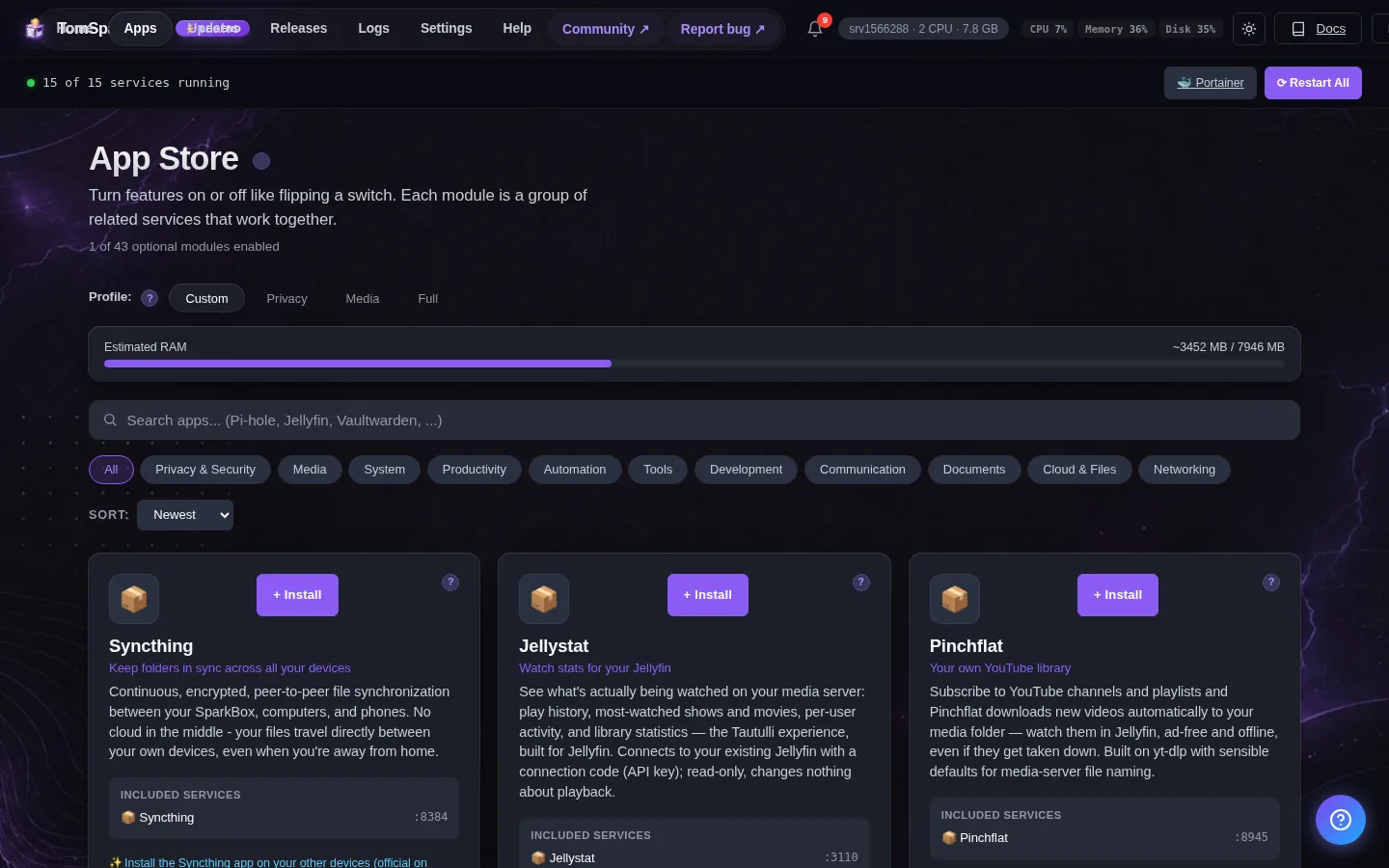
- Find Factorio Server and click Install.
- Give it a minute — the first start downloads the server and generates your map.
That's the whole install. Because the server has no web page, you won't get a tile that opens in the browser — the app card's notes remind you how to join instead.
3. Joining your server
- Open Factorio on your gaming PC.
- Pick Multiplayer → Connect to address.
- Enter your box's address with the port on the end — on your home network that looks like
192.168.1.50:34197.
4. Letting friends in from outside
- On a NAS or home PC: forward UDP port 34197 on your router to your SparkBox's local address. Every router words this differently (“Port Forwarding”, “Virtual Server”, “NAT”) — search your router model plus “port forwarding”. Note it's UDP: some routers make you pick, and TCP won't work.
- On a VPS: nothing to do — SparkBox opens its own firewall for the port, and friends connect to the server's public address.
Friends then join the same way you did: Connect to address, your public address, :34197 on the end.
5. Passwords, fresh maps and mods
Everything the server owns lives in one folder you can reach from the SparkBox Files app: modules/factorio/config/factorio.
- Password-protect the server: open
server-settings.jsonin that folder, setgame_password, then restart the app from the dashboard. - Start a fresh map: delete
saves/sparkbox.zip(and any autosaves you don't want) and restart — a new world generates. - Mods: drop mod zips into the
modsfolder and restart. Everyone joining needs the same mods — Factorio will tell them exactly which ones on connect.
6. When something goes wrong
“My friend can't connect.” In order of likelihood: their game version doesn't match the server (stable vs experimental); the router forward is TCP instead of UDP 34197; or the forward points at the wrong local address.
“The log says Matching server connection failed: Missing token.” Harmless. That's the server trying to advertise itself on Factorio's public server browser, which needs a factorio.com login. Direct connections and LAN play don't use it at all.
“It got slow late-game.” Very large factories are CPU-hungry by nature. SparkBox gives the server sensible resource room by default; if your box has headroom, a Backer can raise the per-app limit in Settings.
Legend supporters can also ask Tom AI in the dashboard — it reads the server's actual logs and explains errors in plain English.
Questions, or did this not match your box?
Every guide here came from a real problem someone hit. If yours behaves differently, say so — that is how these get corrected, and how the fix gets prioritised.
We answer there rather than in a comment box, because that is where the people who have already solved it are.