Navidrome: open it, first login, settings, fixes
· Updated 18 September 2026 · SparkBox team
A lightweight, self-hosted music server. Stream your personal music library from any browser or mobile app. Compatible with Subsonic clients like DSub, Symfonium, and more. This is the short card for it — the two minutes after you press Enable, and the page to come back to when something is off.
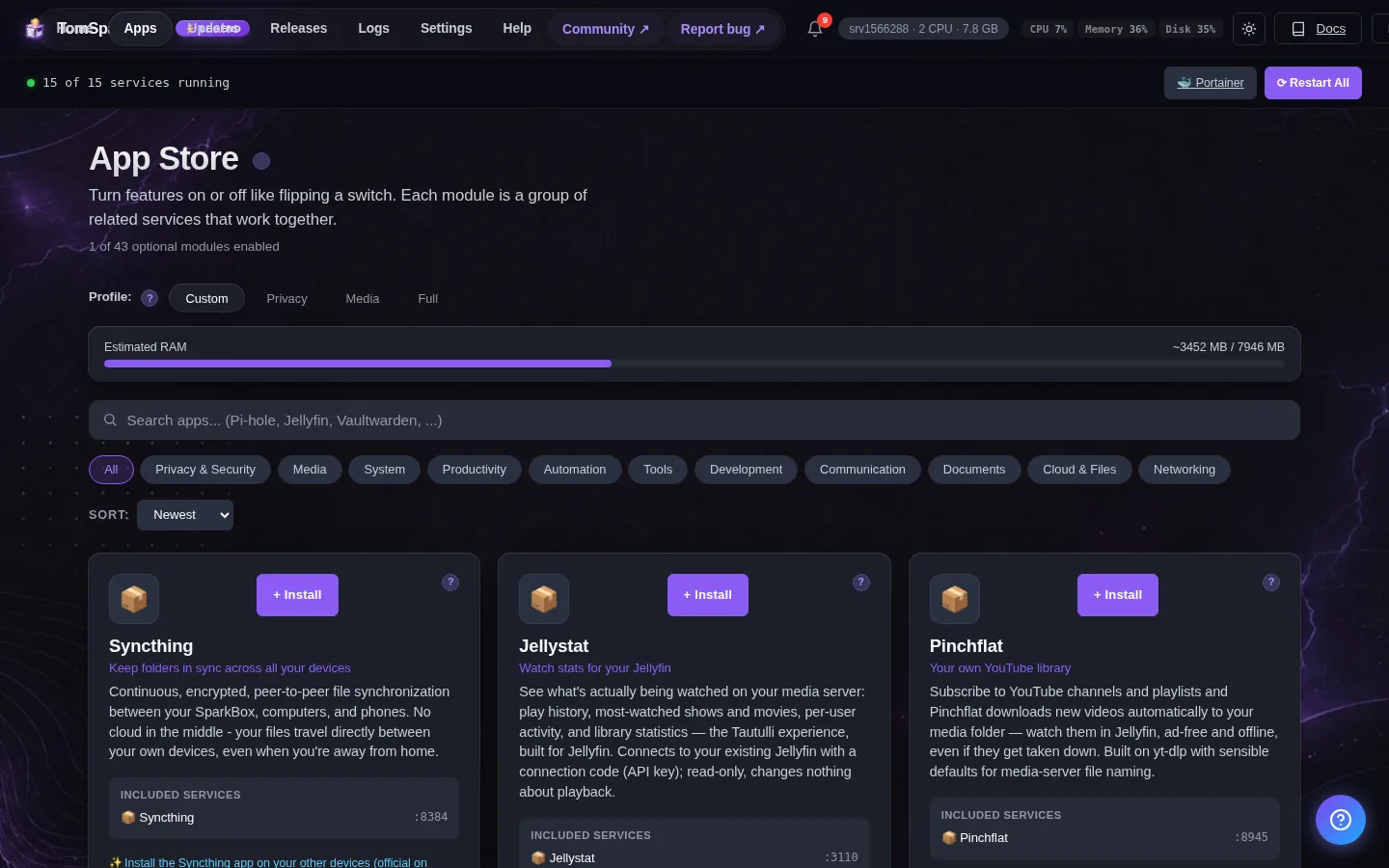
Open it
Dashboard → Apps → Navidrome → Open. The direct address on your network is:
http://<your-box-IP>:4533Add your music to the music folder and it will appear in the library
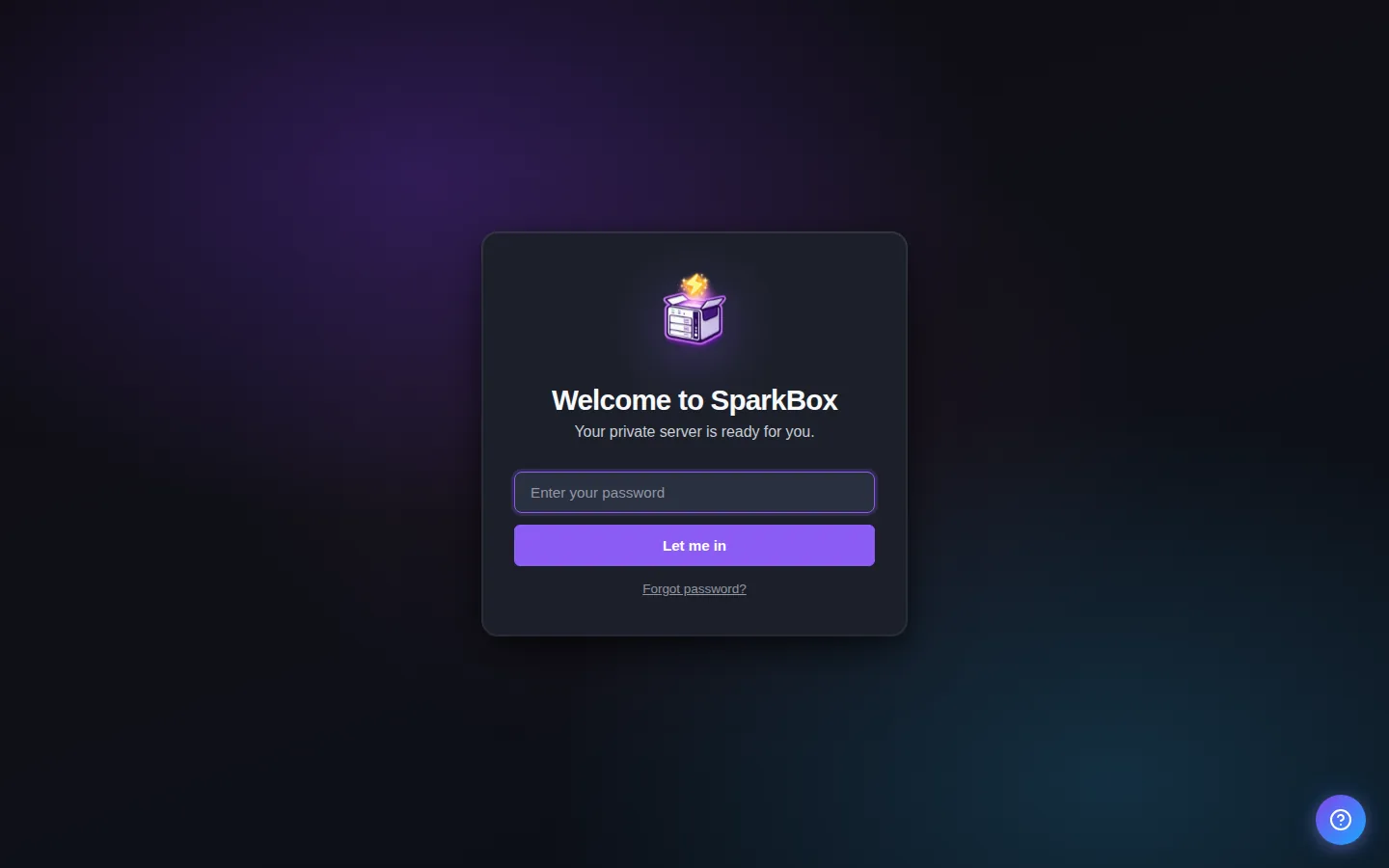
First login
Navidrome shows a 'Create admin account' screen on first visit. The first account you create becomes the admin — pick any username + password. Point it at the Music folder on the server when asked (or it auto-scans /music if you've dropped files there already).
Any password the installer generated for you is under Settings → Passwords; the Open button offers to copy it.
Worth knowing
- Drop your music files into the music folder and Navidrome will scan them automatically
- Install a Subsonic-compatible app like DSub or Symfonium on your phone for mobile streaming
- Cover art from MusicBrainz works out of the box — for even richer artwork, add a Spotify or last.fm API key under this app's Settings
Settings that matter
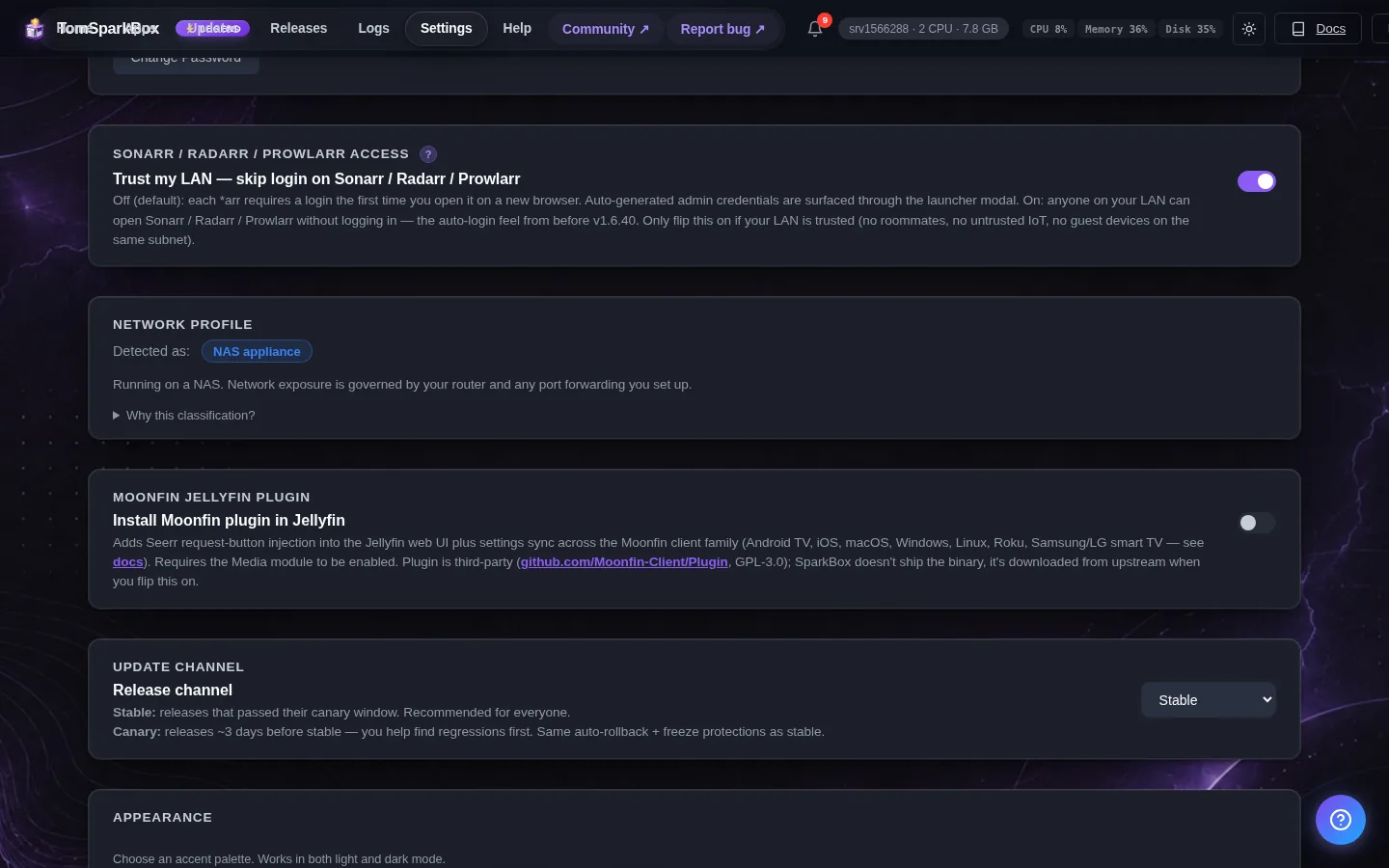
Change these under Apps → Navidrome (or when you enable it):
- Spotify Client ID (optional — richer cover art) — Navidrome pulls high-quality cover art and artist info from Spotify when you give it your own (free) Spotify Web API app's Client ID. Create one at developer.spotify.com → Dashboard → Create App. Leave blank to keep MusicBrainz-only covers.
- Spotify Client Secret (optional) — The Client Secret from the same Spotify Web API app you created for the Client ID above.
- last.fm API key (optional — richer cover art) — Navidrome also fetches covers from last.fm when given an API key. Create a free one at last.fm/api/account/create. Leave blank to keep MusicBrainz-only covers.
- last.fm shared secret (optional) — The shared secret from the same last.fm API account you created for the API key above.
When it breaks
If it will not open, check the app card first — a red dot means it is restarting or unhealthy, and this walkthrough reads the reason from its log. Tom AI on the dashboard can do the same for you.
Where your data lives
/opt/sparkbox/modules/navidrome/config/Included in the dashboard's Backup by default. Restoring that backup on a fresh install brings Navidrome back exactly as it was.
Questions, or did this not match your box?
Every guide here came from a real problem someone hit. If yours behaves differently, say so — that is how these get corrected, and how the fix gets prioritised.
We answer there rather than in a comment box, because that is where the people who have already solved it are.