Emby: open it, first login, settings, fixes
· Updated 18 September 2026 · SparkBox team
Emby Server organizes and streams your personal media library — movies, TV, music, photos — to any device, browser, or smart TV. A polished commercial-quality alternative to Plex and Jellyfin. Hardware transcoding works on UGREEN N100 / i3 NAS via Intel Quick Sync. This is the short card for it — the two minutes after you press Enable, and the page to come back to when something is off.
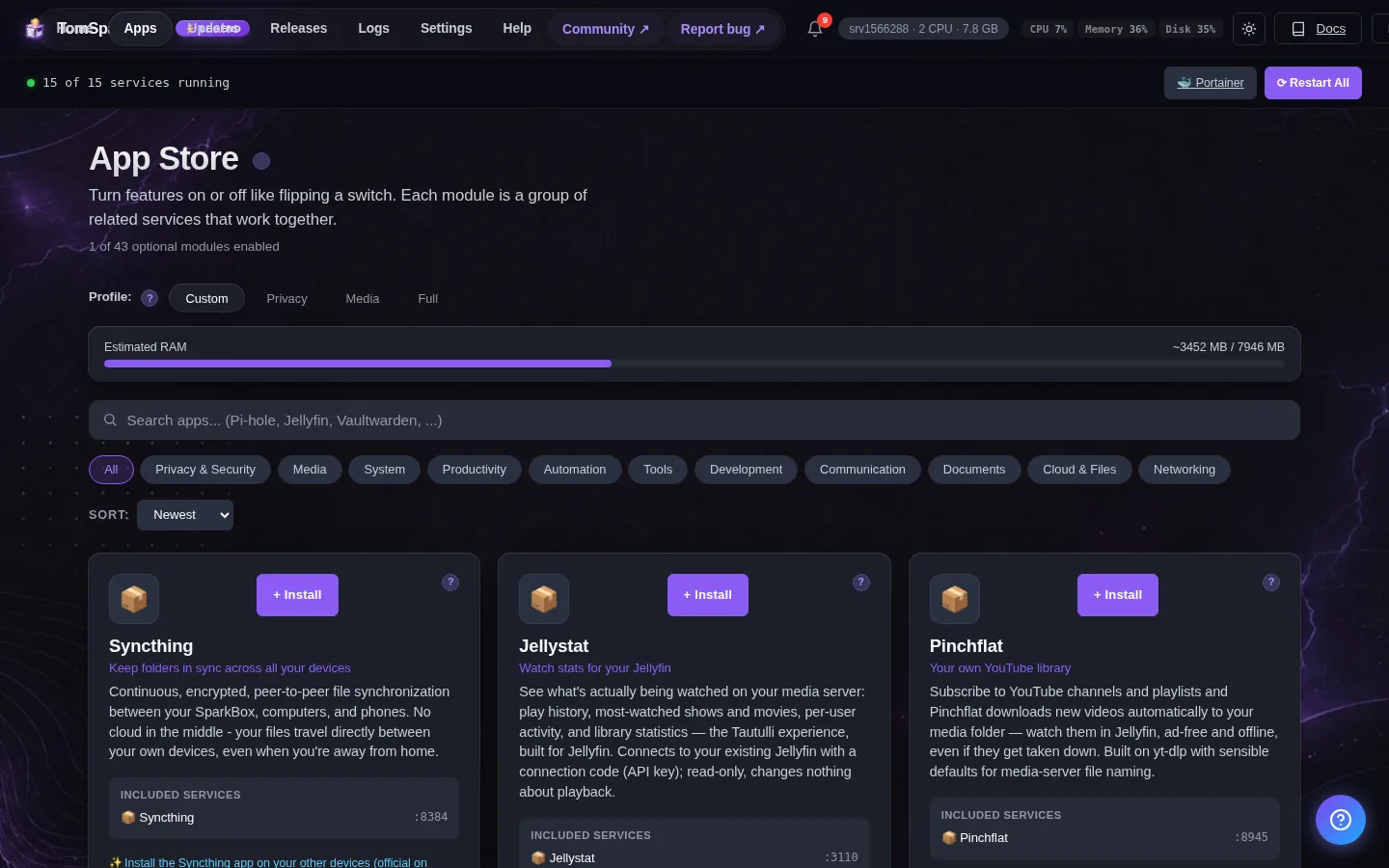
Open it
Dashboard → Apps → Emby → Open. The direct address on your network is:
http://<your-box-IP>:8092On first launch, Emby walks you through user setup and library scanning — do it immediately; until you do, the server is unclaimed
First login
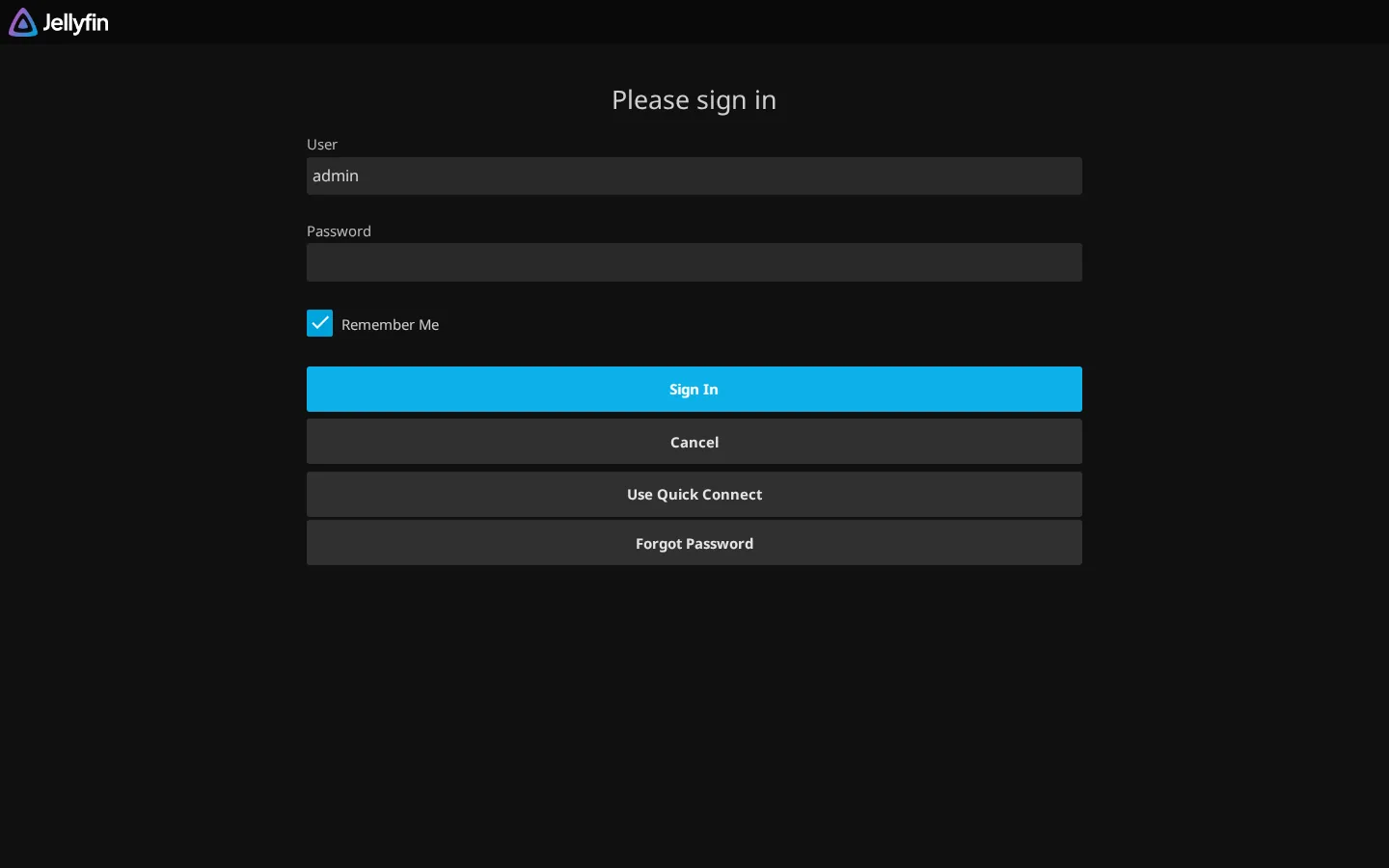
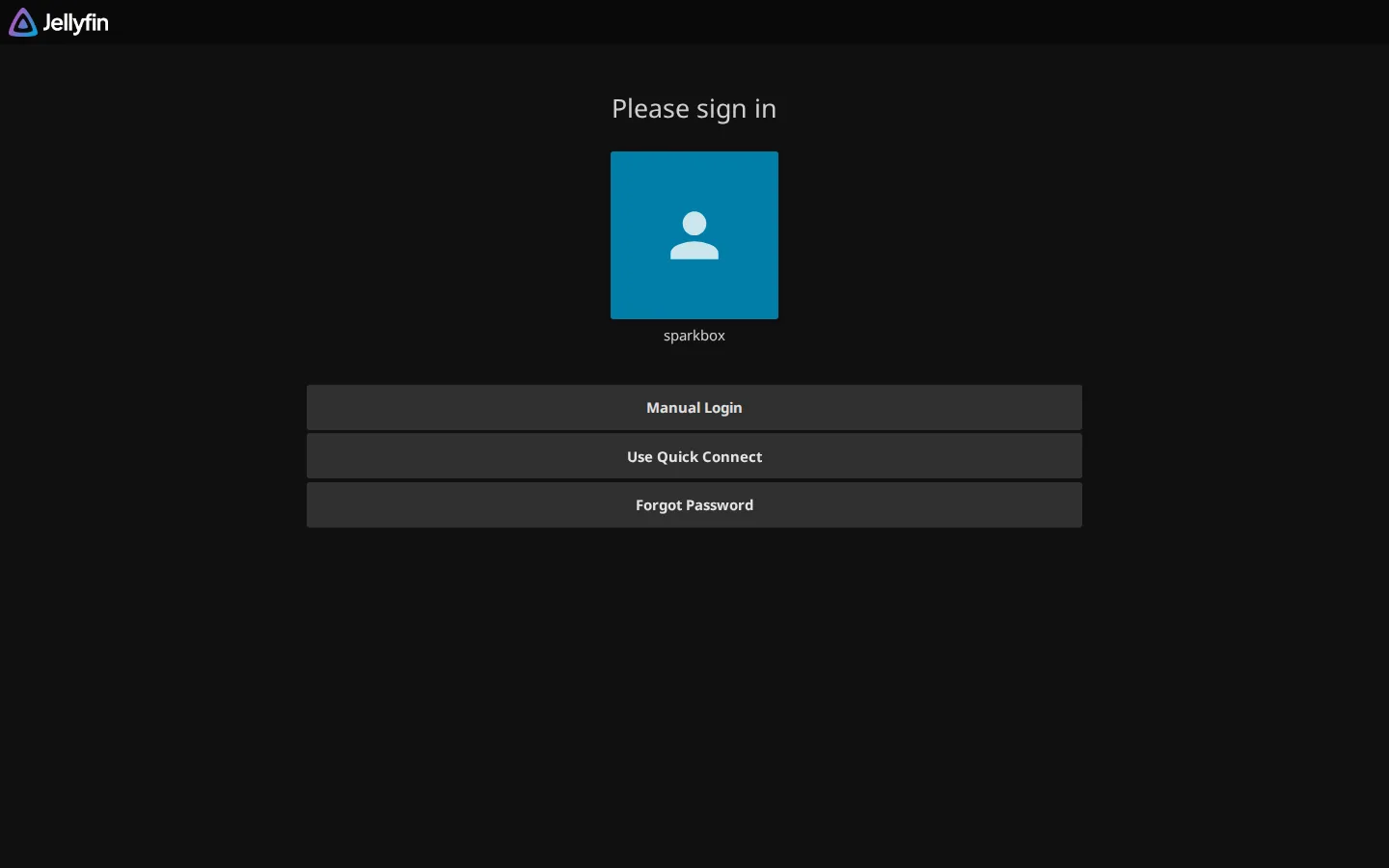
No preset password - and this one matters: Emby has no account until someone creates one, and whoever opens it FIRST becomes the administrator of your media server. Open http://<your-box>:8092 yourself, straight after enabling Emby, and create the admin account before anyone else on your network does. SparkBox cannot pre-seed this credential because Emby only accepts it through its own setup wizard.
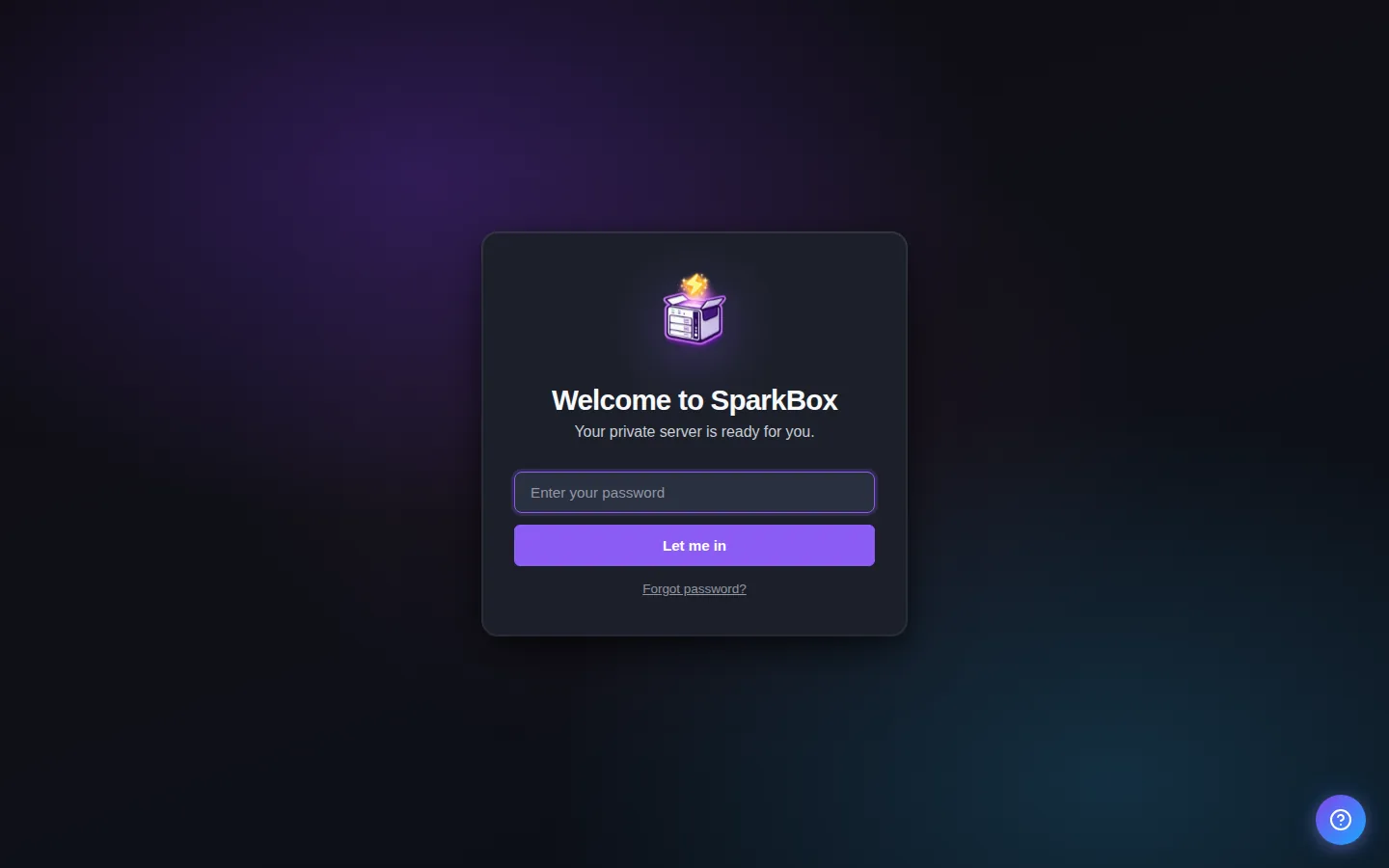
Any password the installer generated for you is under Settings → Passwords; the Open button offers to copy it.
Worth knowing
- Drop your movies and shows into the data/media folder and Emby will scan them
- Some Emby Premiere features (mobile sync, DVR) require a paid Emby account — the rest is free forever
- If you also enabled the Jellyfin module, only one will be reachable at a time on the default ports
When it breaks
If it will not open, check the app card first — a red dot means it is restarting or unhealthy, and this walkthrough reads the reason from its log. Tom AI on the dashboard can do the same for you.
Where your data lives
/opt/sparkbox/modules/emby/config/Included in the dashboard's Backup by default. Restoring that backup on a fresh install brings Emby back exactly as it was.
Questions, or did this not match your box?
Every guide here came from a real problem someone hit. If yours behaves differently, say so — that is how these get corrected, and how the fix gets prioritised.
We answer there rather than in a comment box, because that is where the people who have already solved it are.