Tdarr: open it, first login, settings, fixes
· Updated 18 September 2026 · SparkBox team
Tdarr transcodes your library to save space and standardize formats, and runs health checks to catch corrupt files. It ships with a built-in worker node, so it works out of the box — add an Intel/AMD GPU for fast hardware transcoding. This is the short card for it — the two minutes after you press Enable, and the page to come back to when something is off.
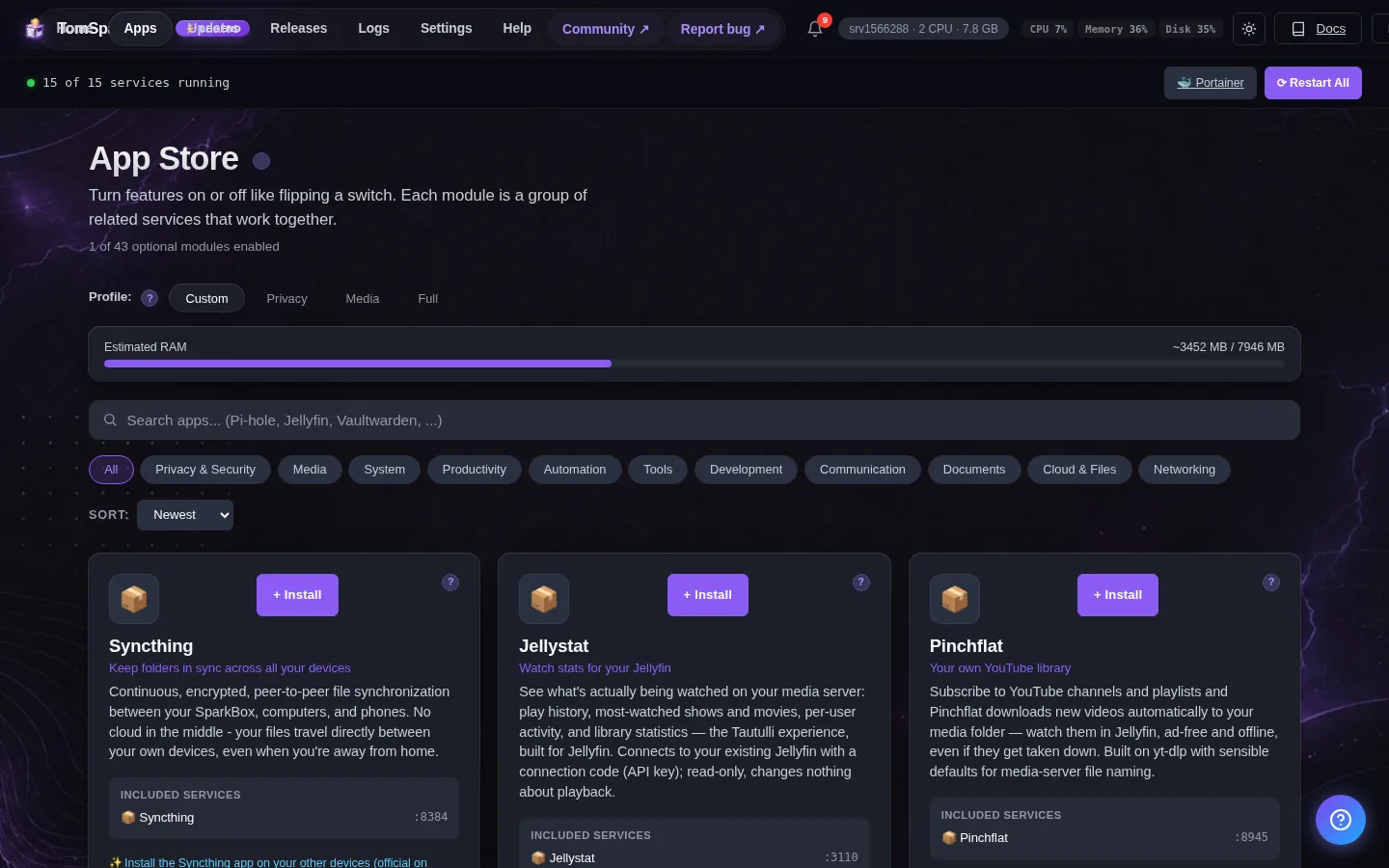
Open it
Dashboard → Apps → Tdarr → Open. The direct address on your network is:
http://<your-box-IP>:8265Point a Tdarr Library at /data to scan your movies and shows
First login
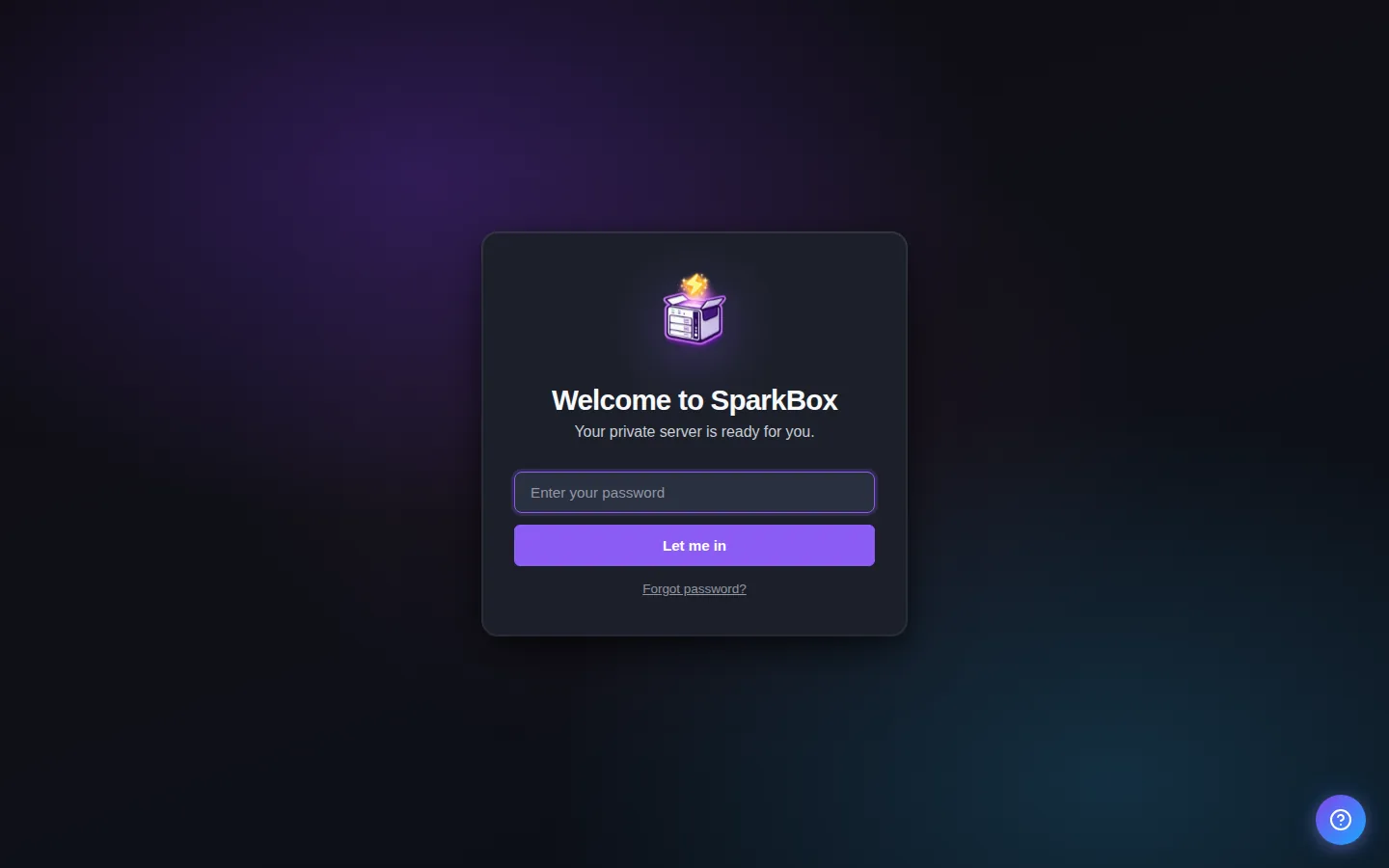
No login — and this one matters: anyone on your home network who opens Tdarr can run transcode plugins that MODIFY or DELETE your media files. Keep it on your LAN and never publish it to the internet. On first launch it opens a setup wizard; the built-in worker node connects on its own — just create a Library pointing at /data.
Any password the installer generated for you is under Settings → Passwords; the Open button offers to copy it.
Worth knowing
- On first visit, Tdarr runs a quick setup wizard — the built-in node connects automatically
- Add a Library pointing at /data and pick a transcode plan to start saving space
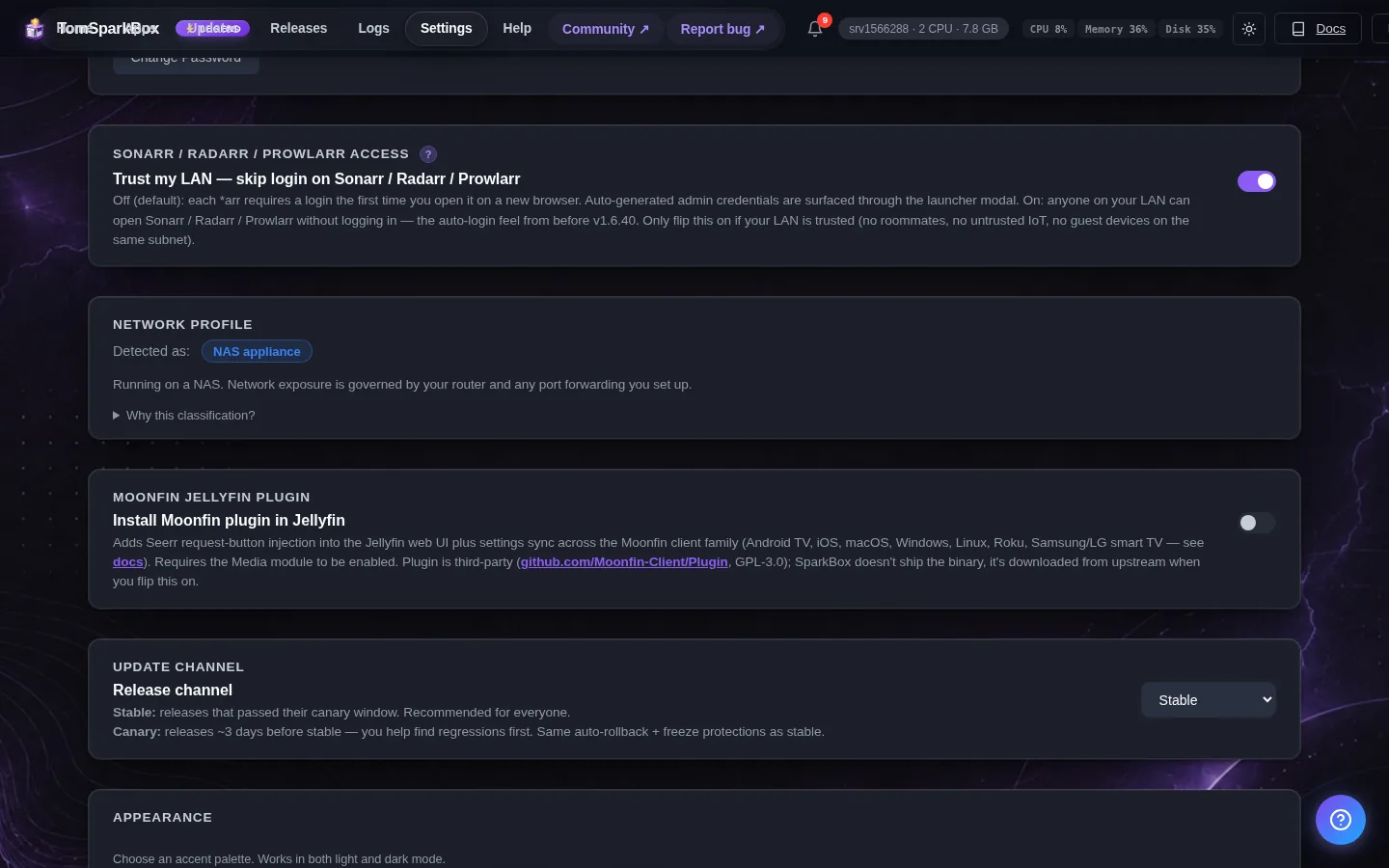
- Got an Intel/AMD GPU? Set JELLYFIN_HW_ACCEL in Settings for fast hardware transcoding
Settings that matter
Change these under Apps → Tdarr (or when you enable it):
- Worker node name
- Transcode cache folder (host path) — Optional. Host folder for Tdarr's transcode scratch space — point it at a fast SSD pool to keep heavy cache writes off your media drive (a single 4K job can churn tens of GB). Leave blank to keep the default (a tdarr/transcode_cache folder on your storage pool). The cache is disposable: after changing this, the old folder can simply be deleted; nothing needs migrating. The folder must exist and be writable before you set it here (Legend request, #33817).
A safe first run (health checks only)
Tdarr can MODIFY your media files, so don't point it at your whole library with a transcode plan on day one. Safer order: create a Library (Libraries, then Library+) pointing at /data/Movies, leave Transcode options OFF, and let it run health checks first - that alone finds corrupt files without touching anything. When you're ready to actually transcode, test on a single folder you can afford to lose, check the result plays fine on your TV/phone, and only then widen the library. Transcodes also need scratch space: Tdarr's cache lives on your storage pool and a single 4K job can use tens of GB, so keep some headroom free there.
What to expect without a GPU
On a typical NAS CPU, software-transcoding a single movie can take hours and will pin the CPU while everything else on the box fights for scraps. That's not a bug, it's physics. If your box has an Intel CPU with quick-sync (most do) set JELLYFIN_HW_ACCEL in SparkBox Settings so /dev/dri is passed through, and pick a hardware (QSV/VAAPI) plugin in your transcode plan - the difference is 10x or more. If you have no GPU at all, stick to health checks and the occasional one-off transcode overnight.
When it breaks
If it will not open, check the app card first — a red dot means it is restarting or unhealthy, and this walkthrough reads the reason from its log. Tom AI on the dashboard can do the same for you.
Where your data lives
/opt/sparkbox/modules/tdarr/config/Included in the dashboard's Backup by default. Restoring that backup on a fresh install brings Tdarr back exactly as it was.
Questions, or did this not match your box?
Every guide here came from a real problem someone hit. If yours behaves differently, say so — that is how these get corrected, and how the fix gets prioritised.
We answer there rather than in a comment box, because that is where the people who have already solved it are.