Frigate NVR: open it, first login, settings, fixes
· Updated 18 September 2026 · SparkBox team
AI-powered camera recording with object detection. Runs locally on your hardware — your footage never leaves the server. Hardware-accelerated on Intel N100/N150. This is the short card for it — the two minutes after you press Enable, and the page to come back to when something is off.
Before you turn it on
Frigate needs a camera with an RTSP stream. A placeholder config is installed so the service starts cleanly — edit config/config.yml to add your cameras.
false
Open it
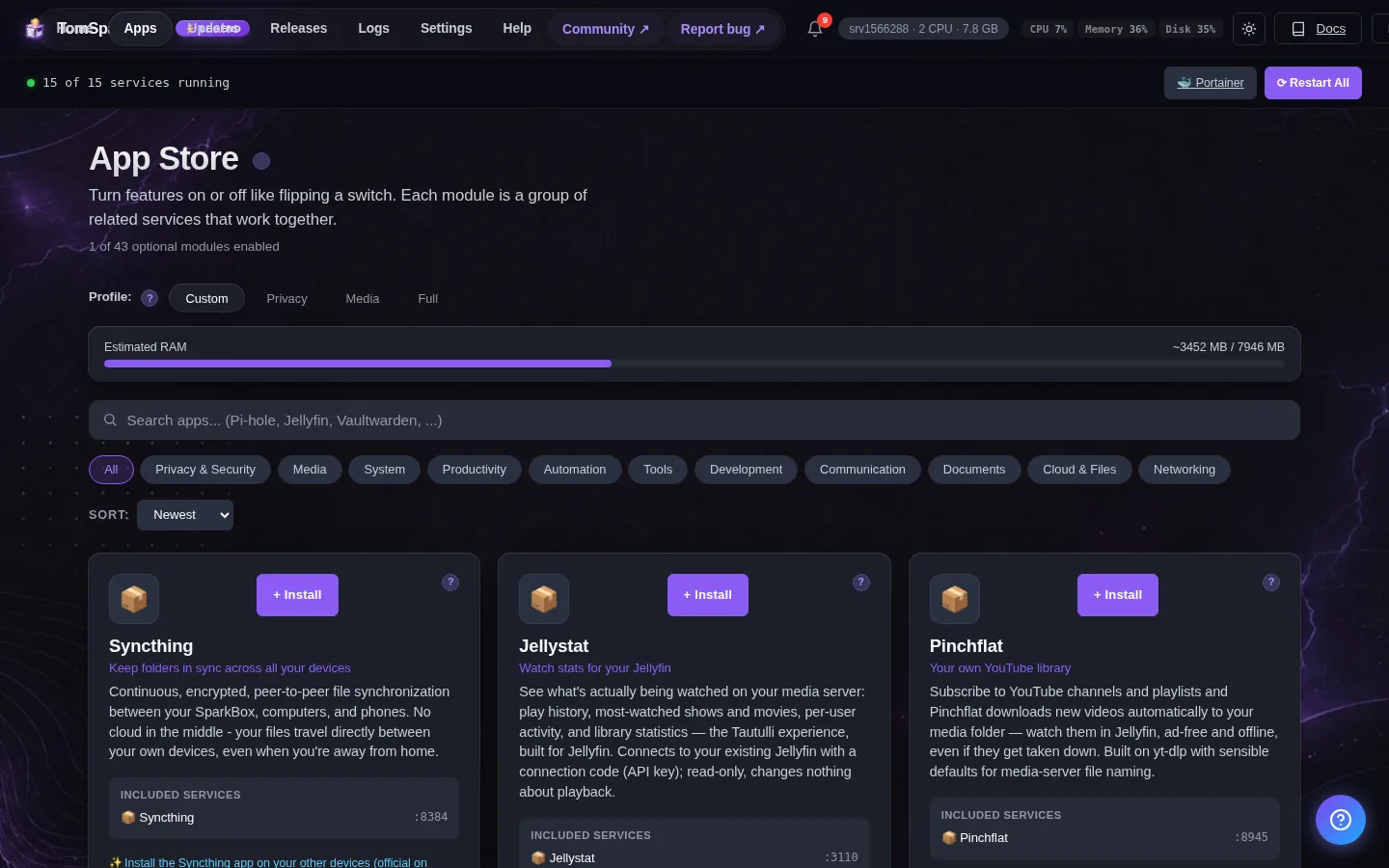
Dashboard → Apps → Frigate NVR → Open. The direct address on your network is:
https://<your-box-IP>:5001Works best with Intel N100/N150 for hardware-accelerated object detection. First-visit you may need to accept the self-signed cert.
First login
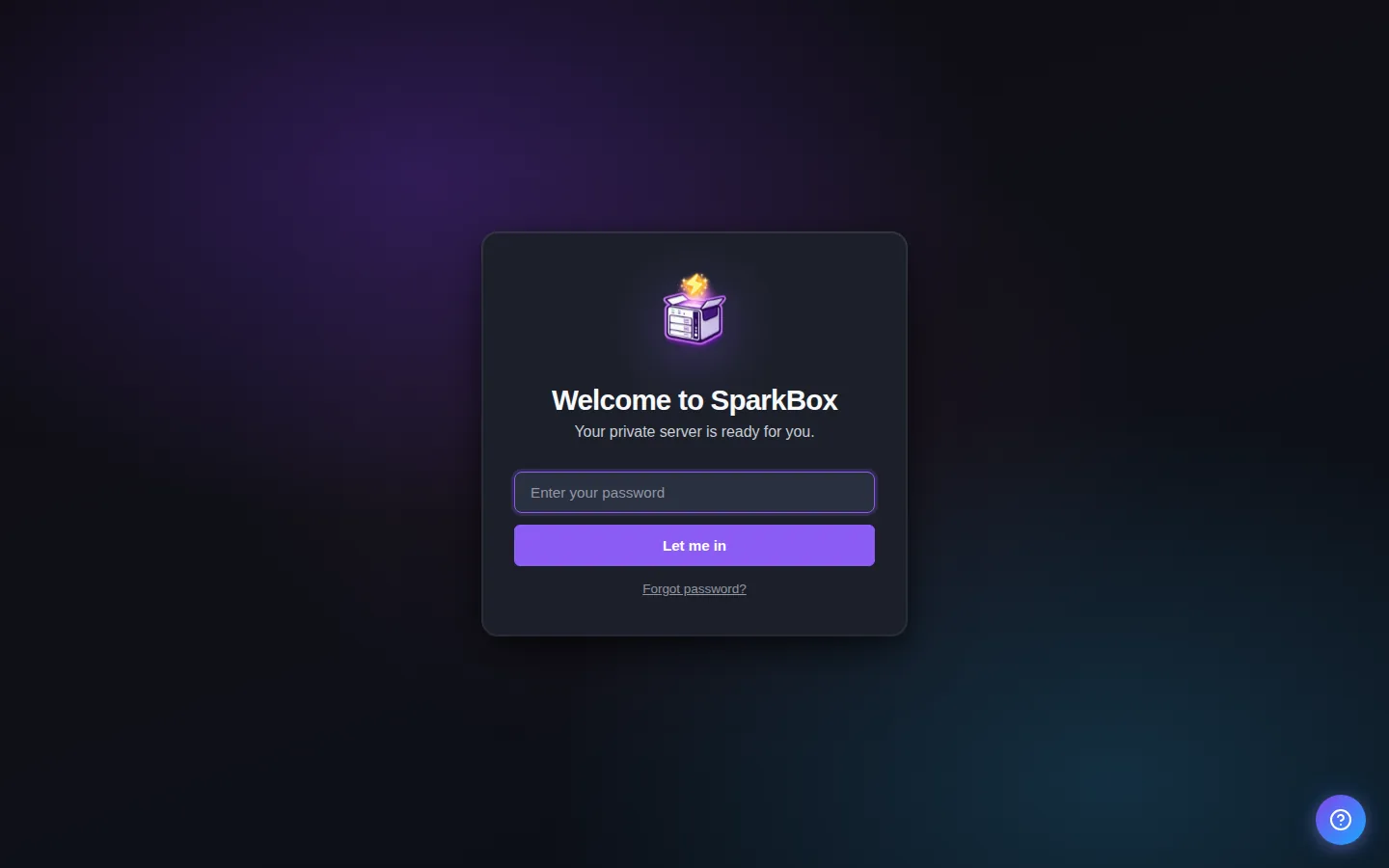
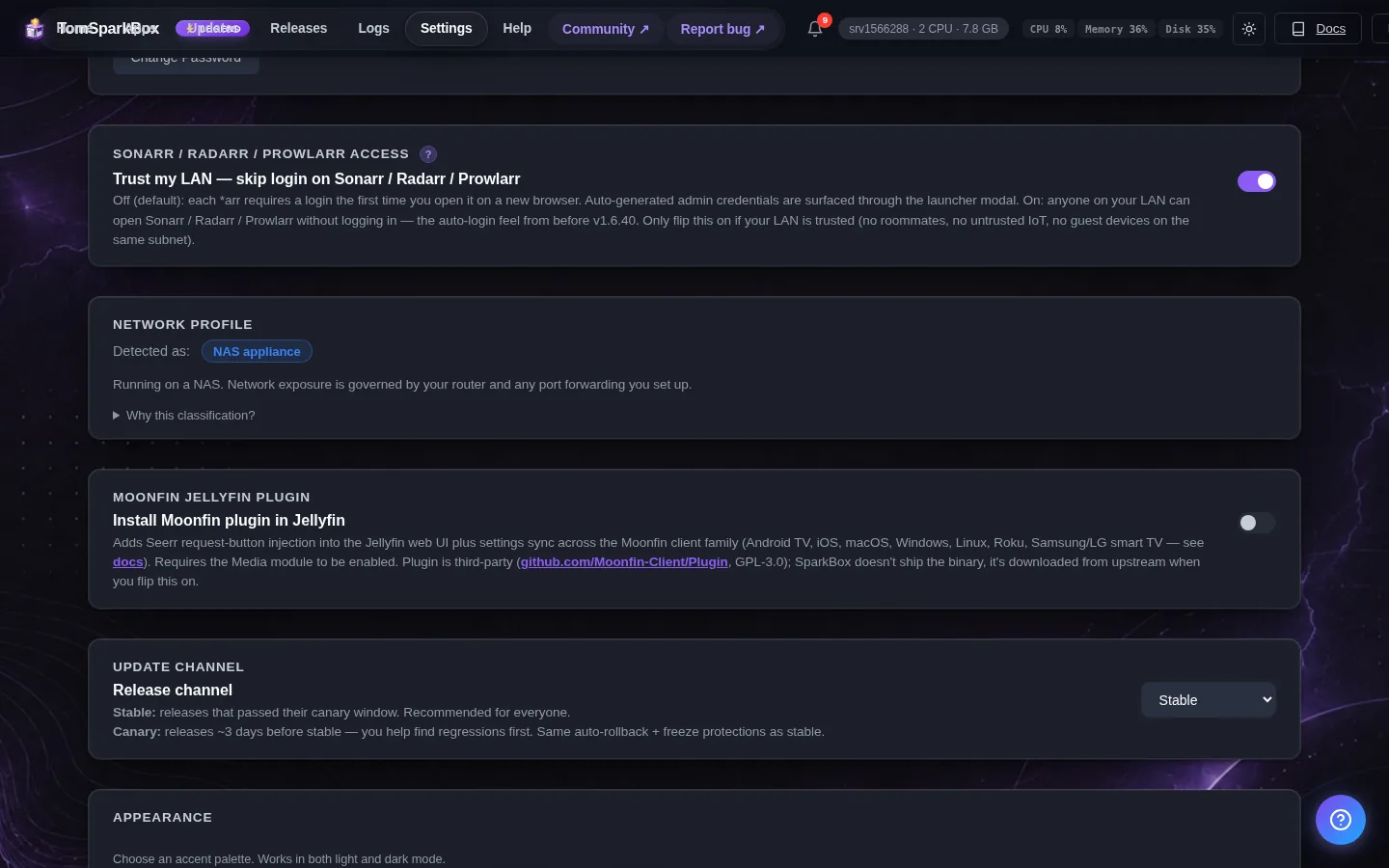
Username is 'admin'. Frigate makes a random admin password the first time it starts and prints it once in its log; when SparkBox finds it, it is listed in the window that opens with the app. Nothing listed? Frigate may still be starting (wait a minute and open it again), or that one-time printout is gone because Frigate was set up earlier or recreated since. Then run this on the box — it makes a new admin password, prints it, and saves it so the dashboard shows it under Settings → Passwords. Cameras and recordings are not touched.
sudo sparkbox frigate-passwordYou can change the password inside Frigate at Settings → Users.
Any password the installer generated for you is under Settings → Passwords; the Open button offers to copy it.
When it breaks
If it will not open, check the app card first — a red dot means it is restarting or unhealthy, and this walkthrough reads the reason from its log. Tom AI on the dashboard can do the same for you.
Where your data lives
/opt/sparkbox/modules/frigate/config/Included in the dashboard's Backup by default. Restoring that backup on a fresh install brings Frigate NVR back exactly as it was.
Questions, or did this not match your box?
Every guide here came from a real problem someone hit. If yours behaves differently, say so — that is how these get corrected, and how the fix gets prioritised.
We answer there rather than in a comment box, because that is where the people who have already solved it are.