Sonarr Stuck Importing Multi-Part RAR Torrents? Here's the Fix
· Updated 18 September 2026 · SparkBox team
A download finishes, Sonarr sees it, and then nothing happens — the episode just sits in the queue, or Sonarr reports it can't import the files. This is a known, confirmed issue specifically with multi-part RAR torrents (archives split across several files, like .r00, .r01, or .part1.rar), and it was fixed in Sonarr v1.6.556.
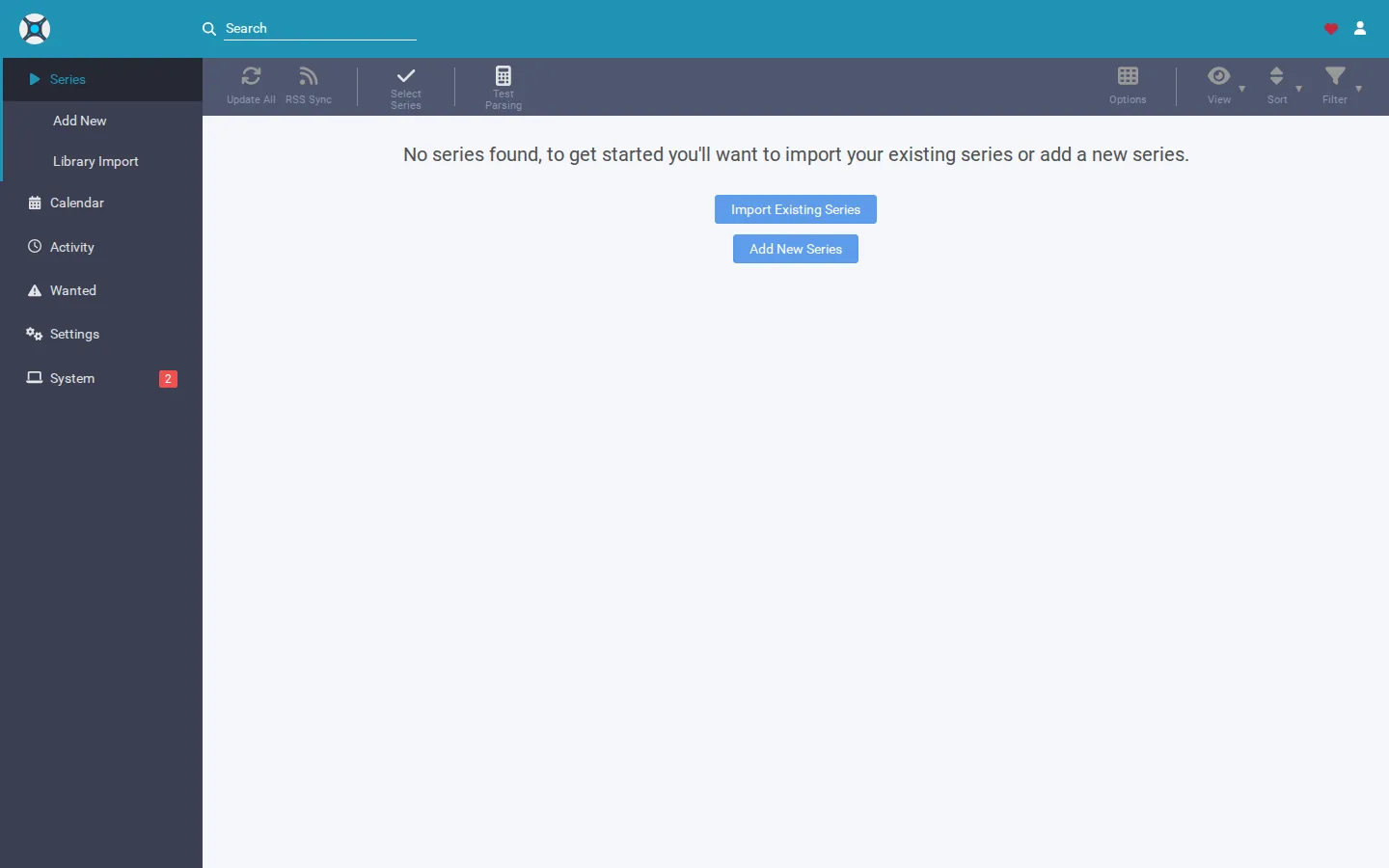
The 10-second version: Update Sonarr to v1.6.556 or later. That's the version where the multi-part RAR import stall was fixed. If items were already stuck before you updated, clear them from the queue and manually import the extracted files once you're on the fixed version.
Confirm this is the bug you're hitting
Before changing anything, check that your symptoms line up. This specific issue affects torrents packaged as multi-part RAR archives — not single-file downloads, and not every stuck-import case in Sonarr (there are other, unrelated reasons imports can fail, like permission errors or naming mismatches).
- Open the download in your torrent client and check the file list. If you see multiple
.rar-style files (numbered segments, or a.part1.rar,.part2.rarpattern), this is a multi-part RAR release. - In Sonarr, go to Activity > Queue and look at the stuck item. It may show as sitting indefinitely, or as an import warning/error tied to that download.
- Check your Sonarr version under System > General. If it's older than v1.6.556, you're very likely looking at this exact bug.
The fix: update Sonarr
The resolution here is straightforward — this was fixed as part of Sonarr v1.6.556. If you're on an older version, updating is the primary fix.
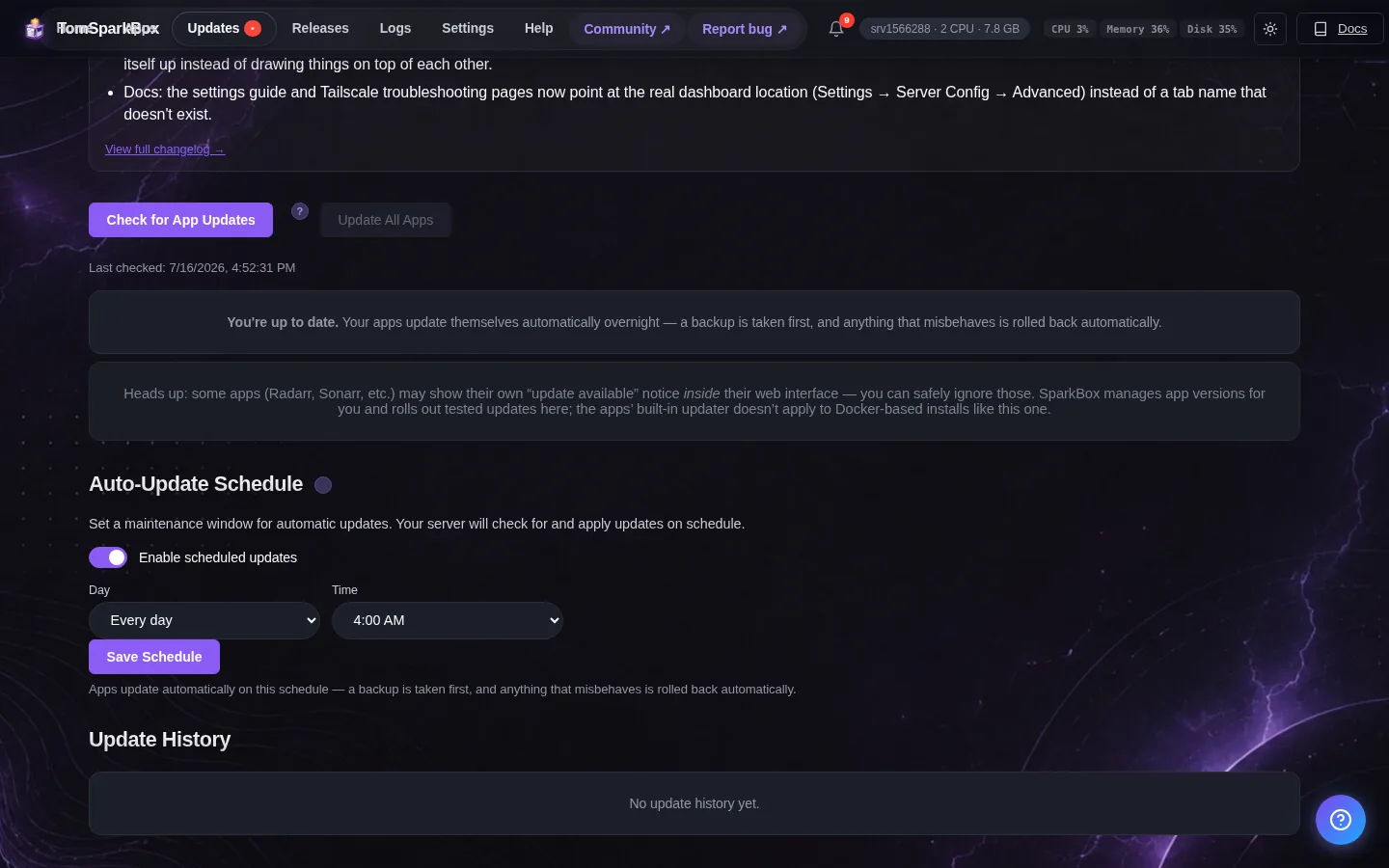
- Go to System > Updates in Sonarr and check for an available update, or update through whatever method you normally use (your app's package manager, container image, or update script).
- Confirm the update applied by rechecking the version under System > General — it should now read v1.6.556 or later.
- Restart Sonarr if your setup doesn't do this automatically after an update.
Gotcha: Updating Sonarr fixes the bug going forward — it doesn't automatically rescue downloads that got stuck before you updated. Those need a manual nudge, covered next.
Clearing downloads that are already stuck
If you had episodes stuck in the queue before updating, they can be left in a half-imported or unmatched state. Here's how to clean that up once you're on the fixed version:
- Go to Activity > Queue and remove the stuck item. Depending on your Sonarr settings, you may be asked whether to also remove the file from your download client — decide based on whether the extracted files are still there.
- Check your download client to confirm the archive finished extracting into the folder Sonarr watches. Multi-part RARs need every segment present for extraction to complete; if a segment failed to download, extraction may be incomplete even though the torrent shows as "done."
- If the extracted episode file exists on disk, use Sonarr's Manual Import feature (usually under Activity, or by browsing to the folder) to point Sonarr directly at the file instead of waiting for it to pick it up automatically.
- If extraction never completed (segments missing or corrupt), you'll likely need to re-download that release rather than repair it in place.
If it's still stuck after updating
Most cases resolve with the update above. If you're already on v1.6.556 or later and still seeing imports stall on multi-part RAR downloads, the cause may be something separate rather than this specific bug. Worth checking:
- Extraction settings in your download client — confirm it's configured to fully unpack RAR archives before marking the download complete, rather than handing raw archive files to Sonarr.
- Permissions on the download folder — Sonarr needs read access to the extracted files and, if it moves rather than hardlinks them, write access to the destination folder too.
- Sonarr's logs under System > Logs — an import failure here usually names the specific file or reason, which narrows down whether it's the same RAR issue or something new.
Frequently asked
How do I check what Sonarr version I'm running?
Open Sonarr, go to System, then General. Your current version is listed at the top. Compare it against v1.6.556 or later, which is where this multi-part RAR import stall was fixed.
Will updating Sonarr automatically fix downloads that are already stuck?
Not always on its own. After updating, open Activity > Queue, remove the stuck item, and either let Sonarr re-scan the download folder or use Manual Import to point it at the extracted files directly.
Why do multi-part RAR files specifically cause problems?
Multi-part RARs (files like .r00, .r01, .part1.rar) need every segment present and correctly named before an archive tool can extract them. If Sonarr's import step checks the files before extraction finishes, or misreads which segment is the "first" one, it can stall instead of failing cleanly.
Do I need to install anything extra for RAR extraction to work?
Sonarr relies on an unpacking tool being available for RAR extraction. If it's missing, misconfigured, or an old version, multi-part archives are more likely to fail or hang partway through. Confirm your download client is set to fully extract archives before handing files to Sonarr.
Skip tracking Sonarr release notes altogether
SparkBox bundles Sonarr with your download client and media server as one managed stack, keeping versions current so fixes like this apply before they cost you a stuck queue.
Questions, or did this not match your box?
Every guide here came from a real problem someone hit. If yours behaves differently, say so — that is how these get corrected, and how the fix gets prioritised.
We answer there rather than in a comment box, because that is where the people who have already solved it are.