Jellyfin Stuck on "Server Is Still Starting Up" After an Update
· Updated 18 September 2026 · SparkBox team
You updated Jellyfin, and now the web UI just sits on "Server is still starting up" — forever. The container shows as running (or even "healthy") but the actual app returns a 503, and a health check might report it as Degraded. The most likely cause: Jellyfin got stuck partway through a database migration when the app's database schema moved forward but hasn't finished catching up.
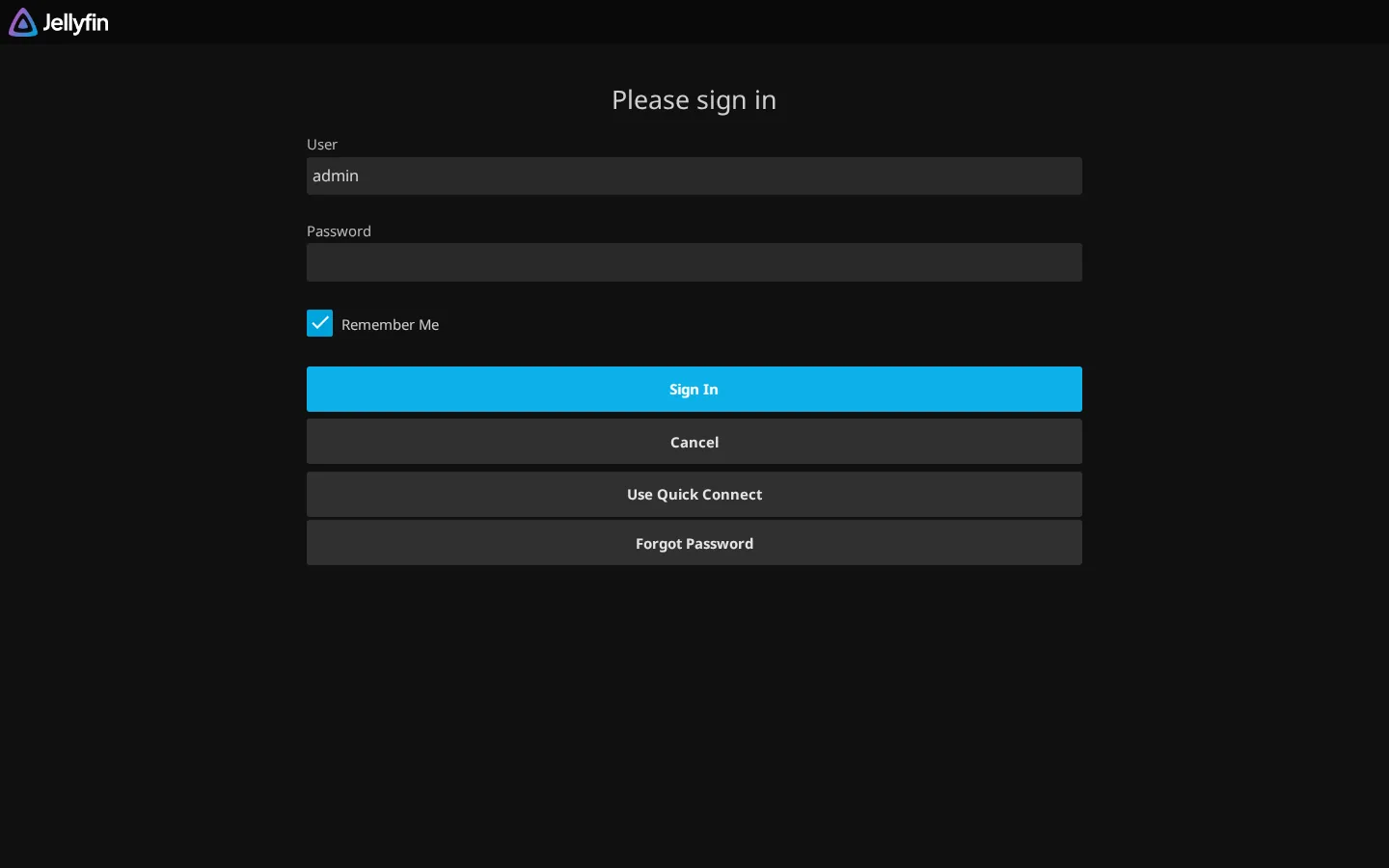
The 10-second version: Restart the Jellyfin container (often named something like sb-jellyfin-media) and leave it alone for a full five minutes — migrations can genuinely take that long, especially on WSL. If it's still stuck after that, stop watching the repeating StartupCheck lines and read the actual last lines of the log — that's where the real error is hiding.
What "Server Is Still Starting Up" Actually Means
This screen is Jellyfin's own frontend telling you the backend hasn't finished initializing yet. Under normal conditions it clears in a few seconds. When it doesn't clear, three things are usually true at once:
- The container or service is running — it hasn't crashed.
- The web UI (and API) returns a 503 error, or times out.
- A health check, if you have one, reports the service as "Degraded" rather than fully down or fully up.
That combination — process alive, app not answering — points to something happening inside the app during startup that never finishes, rather than a crash or a networking problem.
The Root Cause: A Stuck Database Migration
Jellyfin, like a lot of self-hosted apps, keeps a local database (metadata, watch history, user settings, etc.) that has to match the version of Jellyfin currently running. When you update to a newer image or package, the new code often expects a newer database schema than what's currently on disk. On first boot after the update, Jellyfin runs a migration step to bring the database in line with the new code.
If that migration is slow, or gets interrupted, or is working through a large library, you end up in a state where the database is effectively "ahead of" or "not yet caught up to" what the running code expects — and the app just sits there mid-startup instead of answering requests. This is the same general class of problem we've seen in other self-hosted apps after a version bump (Jellyseerr's discordId migration is a similar example): new code, old-shaped data, and a startup step that has to reconcile the two before anything else can happen.
On a normal Linux filesystem this usually resolves itself in well under a minute. The trouble gets much worse in one specific setup:
Why WSL Makes It Worse
If you're running Jellyfin through Docker on Windows Subsystem for Linux (WSL), and its config/database folder lives on a Windows-side path, every disk read and write for that folder has to cross a filesystem translation layer between Windows and the Linux container. That layer is dramatically slower than native disk access — a migration that would finish in seconds on a real Linux filesystem can take many minutes through it. From the outside, that just looks like Jellyfin being "stuck," when it's actually working, just very slowly.
Fix Step 1: Restart, Then Actually Wait
This is the first thing to try, and it resolves most cases on its own:
- Restart the Jellyfin container or service. If you're on Docker, that's usually something like:
(replacedocker restart sb-jellyfin-mediasb-jellyfin-mediawith whatever your Jellyfin container is actually named — check withdocker psif you're not sure.) - Leave it alone for a full 5 minutes minimum before doing anything else. Don't refresh repeatedly, don't restart it again "just in case," and don't reboot the host. If a migration is running, interrupting it mid-write is the one thing that can turn a slow startup into an actually broken database.
- After the wait, reload the Jellyfin web UI in a fresh browser tab (not just a refresh of the stuck page) and see if it comes up normally.
Gotcha: Restarting the same stuck container over and over resets the startup process each time. If a migration needs, say, six minutes to finish and you restart it every two minutes because it "still looks stuck," it will never get there. One restart, then patience, beats several restarts in a row.
Fix Step 2: If It's Still Stuck, Read the Real Log Lines
If five-plus minutes pass and the app is still returning a 503 or showing the startup screen, the fix depends entirely on what's actually going wrong — and that information is in the log, not in the repeated "StartupCheck" messages you'll see scrolling by. Those are just Jellyfin polling its own status; they're noise, not the error.
- Pull the last chunk of the container's log output:
docker logs sb-jellyfin-media --tail 100 - Or follow it live from a fresh restart to watch exactly where it stalls:
docker logs -f sb-jellyfin-media - Ignore the repeating StartupCheck lines. Scroll to the very last non-repeating line before the output goes quiet — that's the real error, whether it's an exception, a permission problem, a disk-space issue, or something else entirely.
- If you have direct filesystem access to Jellyfin's config folder, its own internal log file (usually inside a
logfolder next to the config data) can also have more detail than the container's stdout.
What that last line says determines the actual fix from here — a permissions error, a full disk, and a genuinely hung migration all need different responses. If you're stuck on this step, that last log line is the single most useful thing to have in hand, whether you're debugging it yourself or asking someone else for help.
If You're on WSL: Move the Data Off the Windows Filesystem
If restarting and waiting eventually works but takes an unreasonably long time every single update, the WSL filesystem layer is almost certainly the bottleneck. The fix is to make sure Jellyfin's config/database volume lives on the Linux side of WSL2 (for example, under your WSL distro's own home directory) rather than on a mounted Windows drive path. Database-heavy operations like migrations are exactly the kind of workload that layer struggles with.
Prevention for Next Time
- Before a major Jellyfin update, back up the config/database folder so a rough migration isn't a one-way trip.
- Update one app at a time when you can, so if something does stall, you know exactly what to look at.
- If you're on WSL, sort out the filesystem location once, rather than re-discovering the slowness on every update.
Frequently asked
Why does Jellyfin say "Server is still starting up" forever after I update it?
Jellyfin usually needs to run a database migration on first boot after moving to a new version, bringing its database up to date with the new code. If that migration hangs or just takes a long time, the frontend shows the "starting up" screen indefinitely, and the container itself can look perfectly healthy even though the web UI keeps returning a 503 or a Degraded health status.
Is my Jellyfin library or data at risk when this happens?
We don't have confirmed evidence of data loss from this specific issue, but interrupting a database migration mid-write is never a good idea. Avoid repeatedly force-restarting the container while it's mid-migration, and back up your config folder before major version updates as general good practice.
Why does this happen more often on WSL?
If Jellyfin's config and database live on a Windows-side path accessed through WSL2's filesystem translation layer, disk I/O is much slower than on a native Linux filesystem. A migration that takes seconds natively can take many minutes through that layer, which looks identical to a hang.
How long should I wait before assuming something is actually broken?
Give it at least five full minutes after a restart before touching anything, especially with a large library or on WSL. If it's still showing the startup screen after that, stop reading the repeating StartupCheck messages and look at the actual last lines in the log instead.
Skip the log-diving next time
SparkBox runs Jellyfin (and the rest of your media stack) with update sequencing and real health checks, so a stuck migration gets flagged instead of silently sitting there for hours.
Questions, or did this not match your box?
Every guide here came from a real problem someone hit. If yours behaves differently, say so — that is how these get corrected, and how the fix gets prioritised.
We answer there rather than in a comment box, because that is where the people who have already solved it are.