Apps can't reach sb-gluetun: "Refused connection with hostname"
· Updated 18 September 2026 · SparkBox team
One of your download apps — Sonarr, Prowlarr, Notifiarr, qBittorrent — is logging "Refused connection with hostname 'sb-gluetun'" followed by a container address like ::ffff:172.20.0.5. The app is doing the right thing: it routes through the VPN and reaches the internet by talking to the VPN gateway. The gateway just wasn't answering when it knocked. There are three real causes, and this guide tells them apart.
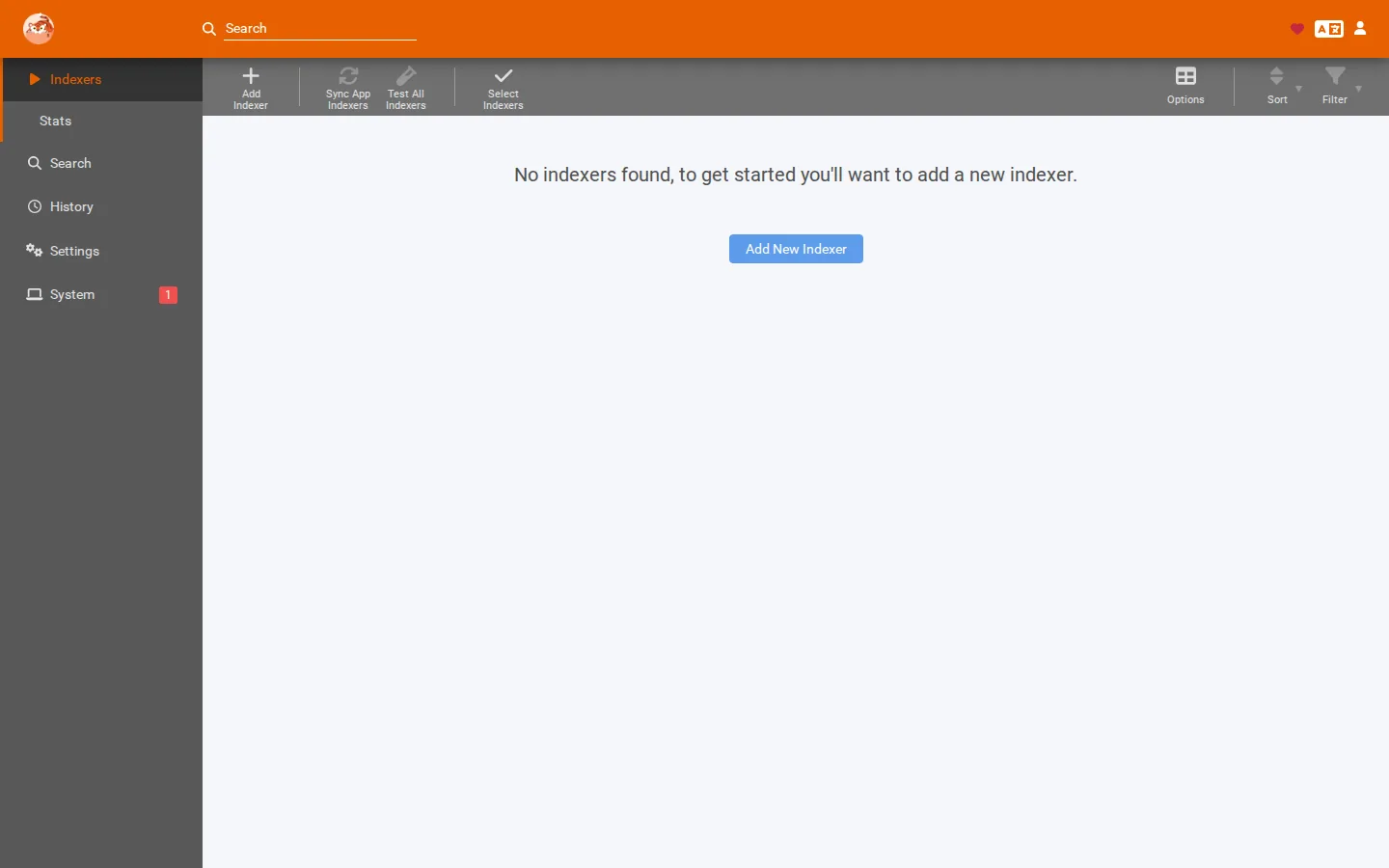
The 10-second version: confirm the VPN tile is green and docker logs sb-gluetun --tail 50 shows a steady tunnel. Then restart the app that logged the error — apps attach to the VPN gateway when they start, and one that started during a VPN outage keeps failing until it is restarted. If the app still refuses, it is trying a port the gateway isn't forwarding, and that is the port-forwarding fix below.
Quick vocabulary. sb-gluetun is the network alias (a name that points at a container) for the VPN gateway. Gateway means the container every VPN-routed app talks through on its way to the internet. A refused connection means the app reached the gateway's address but nothing answered — different from a timeout, which usually means the app could not reach it at all. The address 172.20.x.x in the error is the internal Docker network, not something on your home network — that part is normal.
First: is the VPN gateway actually up?
The dashboard tile can be green while the gateway is mid-restart, so look at the gateway itself:
docker logs sb-gluetun --tail 50Three healthy signs: a completed handshake near the top, no endless reconnect loop, and recent log lines that are quiet (no repeated errors). If you see reconnects every few seconds, this is the flapping-tunnel problem, not an app problem — fix that first with the VPN not connecting guide, then come back.
If the dashboard shows the VPN container as unhealthy, same story: "unhealthy" only means its health check is failing, and the log tells you why. The usual causes are the narrow server pool, a corrupt server cache, or changed provider credentials — all covered in the VPN guide.
Cause 1 — the app started while the VPN was down
This is the most common case by far. Apps that route through the VPN attach to the gateway when they start. If the tunnel was down at that moment — a provider hiccup, a restart, a flapping server — the app gives up on the gateway and keeps failing even after the tunnel comes back. The tunnel returning does not re-attach containers that already moved on.
The fix: restart the app, not the VPN
- Confirm the VPN tile is green and the gateway log shows a steady tunnel.
- Restart the app that logged the error — from the dashboard's app card, or with
sudo sparkbox restart <app>. - Watch that app's log for a minute. A fresh attach to the gateway usually clears the error immediately.
If the error comes back right away while the gateway is steady, move to Cause 2.
Cause 2 — the app is asking for a port the gateway isn't forwarding
Some integrations reach the gateway on a specific port, not just "through" it. The two you will meet in the wild:
- Notifiarr connecting to the VPN gateway's API. If you integrated Notifiarr with Gluetun and it can't connect, check the port it is configured to use against what the gateway actually exposes — a typo or an old port number produces exactly this "refused" error.
- qBittorrent's forwarded port. Behind a VPN, qBittorrent seeds through a port your VPN provider forwards. If that port changed or expired, connections to it are refused even though the tunnel is healthy. Re-check the forwarded port in your provider's settings and in qBittorrent's connection settings — the two must match.
If both ports look right and the error persists, re-check the gateway log. A gateway that is healthy but refusing one port is almost always a port mismatch, not a broken box.
Cause 3 — the gateway is up but overloaded or wedged
Rare, but real: the gateway container is running yet refusing everything — a wedged state a restart clears. The tell is a gateway log that is silent (no reconnects, no errors) while every VPN-routed app fails at once. Restart just the gateway and then the apps, in that order:
sudo sparkbox restart vpn
# wait for the tile to turn green, then:
sudo sparkbox restart sonarr
If a simple restart clears it, you are done. If it recurs weekly, something upstream is flapping — see the VPN guide's Cause 3 and loosen the server pool.
When to ask for help
You've confirmed the gateway is steady, restarted the app, checked both ports, and the error still repeats. Post in d/sparkbox with two things: the last 20 lines of docker logs sb-gluetun --tail 20 and the exact error line from the failing app. Redact keys, emails and hostnames before posting — your VPN username, WireGuard key and public IP do not belong in a public thread. Those two together pin the cause in almost every case.
Questions, or did this not match your box?
Every guide here came from a real problem someone hit. If yours behaves differently, say so — that is how these get corrected, and how the fix gets prioritised.
We answer there rather than in a comment box, because that is where the people who have already solved it are.