"Docker unreachable": every app shows stopped at once — the fix
· Updated 18 September 2026 · SparkBox team
Every app on the dashboard is grey at the same time, the checkup says "Docker unreachable — skipping container health", or a command answers "permission denied while trying to connect to the Docker daemon socket". When everything stops together, no individual app is at fault: the engine underneath them is not answering. Three causes cover it.
The 10-second version: On Linux/NAS: sudo systemctl start docker, then sudo sparkbox up. On Windows: open the SparkBox app (or a WSL terminal) — that starts the engine — and reinstall the start-with-Windows task if the checkup says it is missing. If Docker is running but the dashboard still says unreachable: sudo docker restart sb-dashboard.
1. Tell the three apart
On the box:
sudo systemctl is-active docker      # "active" = engine running
sudo docker ps # lists containers, or an errorinactive/failed, orCannot connect to the Docker daemon→ Docker is not running (section 2).- You are on Windows and the box was just rebooted → WSL did not start (section 3).
docker psworks for you, but the dashboard still says unreachable, or you seepermission denied … docker.sock→ a lost socket permission (section 4).
2. Docker is not running (Linux, NAS)
sudo systemctl start docker
sudo systemctl enable docker         # start at boot from now on
sudo sparkbox up
If start fails, sudo journalctl -u docker -n 30 shows why. The two we see: the disk is full (Disk is full) and a NAS that updated its own Docker package and needs a reboot. On UGREEN/UGOS specifically, the Docker app inside UGOS must be installed and enabled — it is the engine SparkBox uses there.
3. Windows: WSL did not start at boot
On Windows, SparkBox lives inside WSL (a Linux layer), and Docker runs inside that. Nothing runs until WSL starts. The SparkBox Windows app installs a scheduled task that starts it with Windows; if that task is missing — the checkup line is "wsl-boot-task-missing" — every reboot leaves the box dark until you open something.
- Right now: open the SparkBox app, or a WSL terminal, and wait a minute. The engine starts and the apps follow.
- Permanently: reinstall the start-with-Windows task — the Windows guide has the exact steps in step 3.4 of the Windows setup. The checkup will confirm it on the next run.
WSL also shuts itself down when idle if nothing keeps it alive; the same task prevents that. If your box goes dark a few minutes after you close every window, it is this.
4. Docker runs, but the dashboard can't reach it
The dashboard talks to Docker through a socket file, and is allowed to because it belongs to the docker group. When Docker is upgraded or reinstalled, that group can get a new number, and the dashboard — started with the old number — is locked out with permission denied. The apps themselves are fine; only the dashboard's view of them is broken.
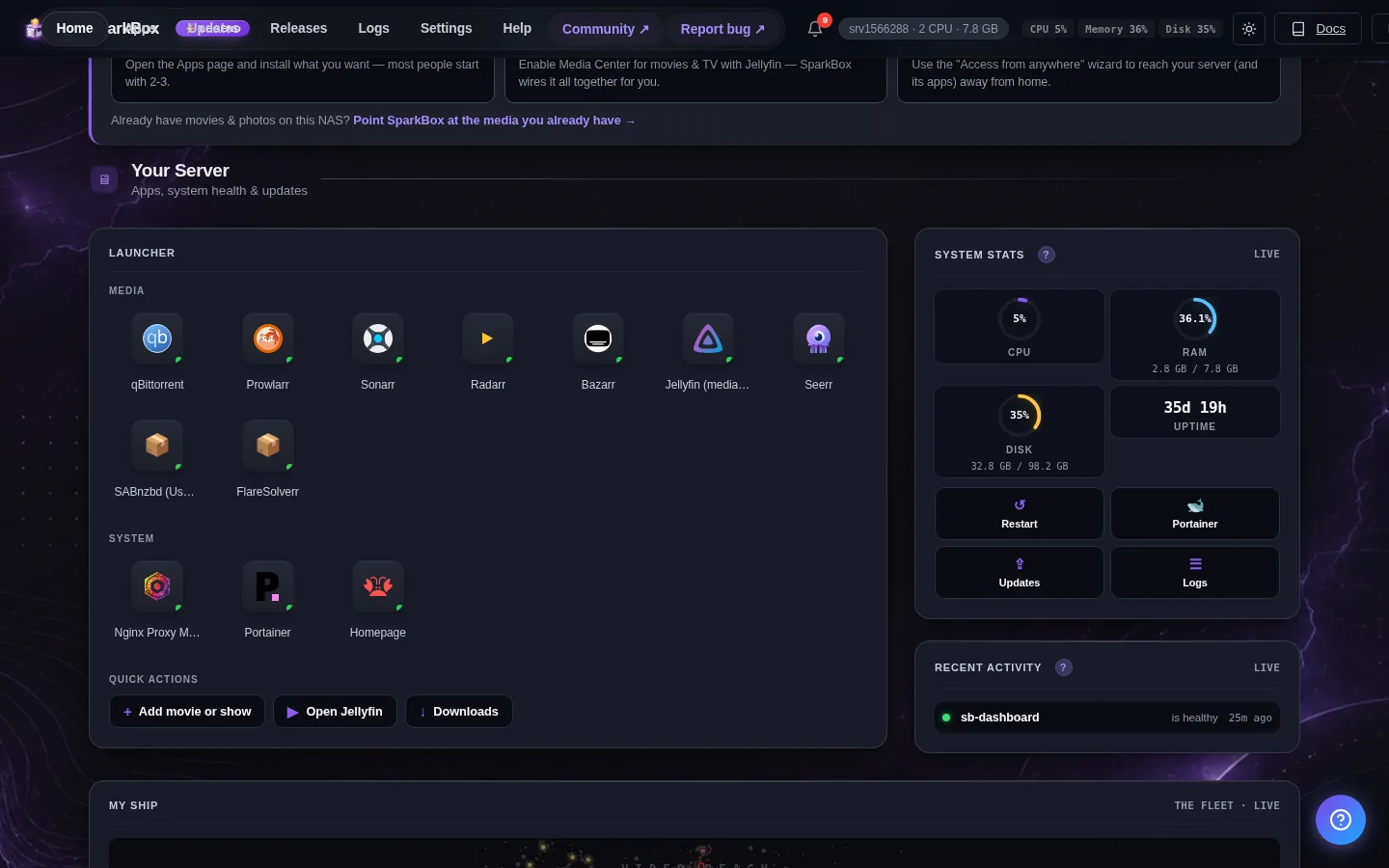
- Since v1.6.620, SparkBox detects this and heals it on its own within a minute.
- On an older version, or if it persists:
sudo docker restart sb-dashboard. If even that fails,sudo sparkbox uprecreates it with the current group.
A box that cannot be recovered this way — the group was renamed, not renumbered — needs sudo sparkbox update run on the host itself; the dashboard's own update button can't help when the dashboard can't see Docker.
5. After Docker is back
Apps that were running before come back on their own. If some stay grey, sudo sparkbox up starts whatever is enabled and missing. Run the checkup (Tom AI: "run a checkup") to confirm the Container Health section is green again.
Frequently asked
Is my data gone?
No. Docker is the engine; your data is in ordinary folders under /opt/sparkbox. When Docker is back, the apps start with everything as it was.
Why does this happen on Windows after a reboot?
WSL was not started at boot, so Docker inside it never ran. The start-with-Windows task fixes it permanently.
What does "permission denied … docker.sock" mean?
Docker is running but the dashboard lost permission to talk to it — the docker group's number changed. Newer versions self-heal; otherwise restart the dashboard container.
Questions, or did this not match your box?
Every guide here came from a real problem someone hit. If yours behaves differently, say so — that is how these get corrected, and how the fix gets prioritised.
We answer there rather than in a comment box, because that is where the people who have already solved it are.