Changedetection.io: open it, first login, settings, fixes
· Updated 18 September 2026 · SparkBox team
Monitors websites for changes and sends you notifications when something updates. Supports JavaScript-rendered pages via a built-in Playwright browser for reliable detection. This is the short card for it — the two minutes after you press Enable, and the page to come back to when something is off.
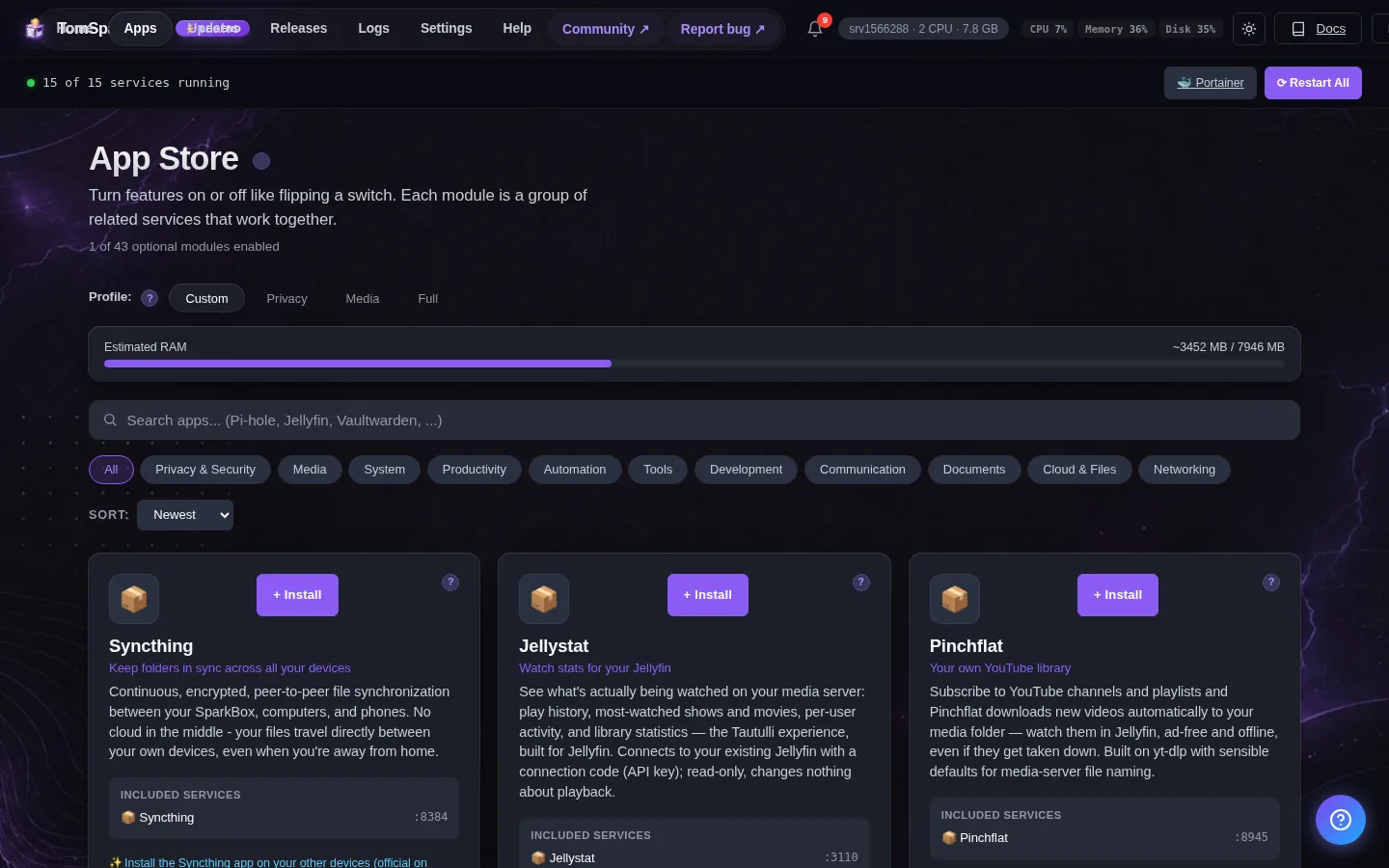
Open it
Dashboard → Apps → Changedetection.io → Open. The direct address on your network is:
http://<your-box-IP>:5000Add URLs to watch and configure notifications to get alerted on changes
First login
SparkBox auto-generated a password for this app — there's no username, the login asks for the password only. It's shown below and at Settings → Service Passwords. To change it, use the Reset button there: SparkBox manages this password, so changing it inside the app's own settings will not stick.
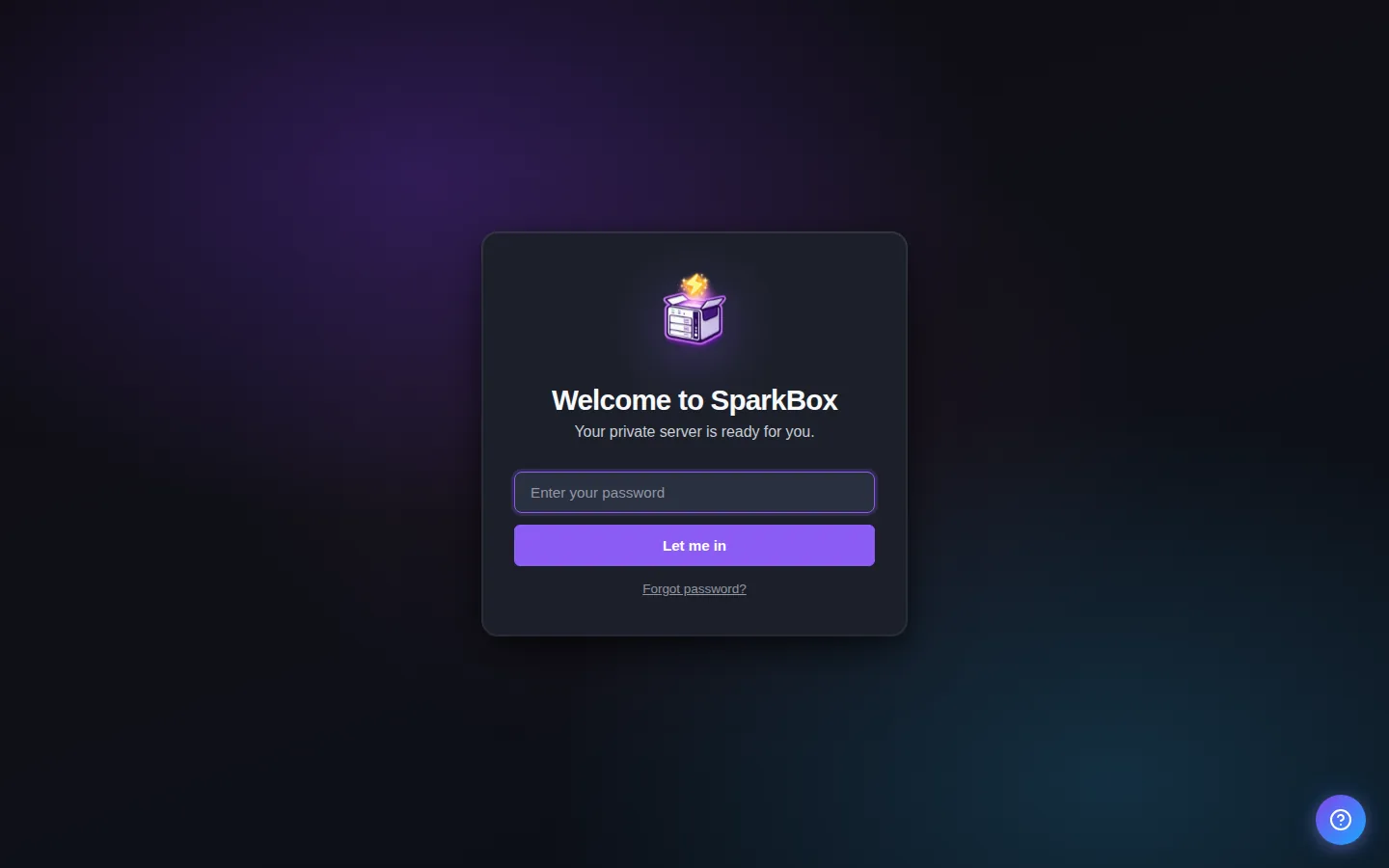
Any password the installer generated for you is under Settings → Passwords; the Open button offers to copy it.
Worth knowing
- Add a URL and set a check interval to start monitoring any website for changes
- Use CSS selectors to watch only specific parts of a page for more precise alerts
When it breaks
If it will not open, check the app card first — a red dot means it is restarting or unhealthy, and this walkthrough reads the reason from its log. Tom AI on the dashboard can do the same for you.
Where your data lives
/opt/sparkbox/modules/changedetection/config/Included in the dashboard's Backup by default. Restoring that backup on a fresh install brings Changedetection.io back exactly as it was.
Questions, or did this not match your box?
Every guide here came from a real problem someone hit. If yours behaves differently, say so — that is how these get corrected, and how the fix gets prioritised.
We answer there rather than in a comment box, because that is where the people who have already solved it are.