Actual Budget: open it, first login, settings, fixes
· Updated 18 September 2026 · SparkBox team
Self-hosted YNAB alternative. Track spending, set budgets, and manage finances with zero-knowledge end-to-end encryption. All data stays on your server. This is the short card for it — the two minutes after you press Enable, and the page to come back to when something is off.
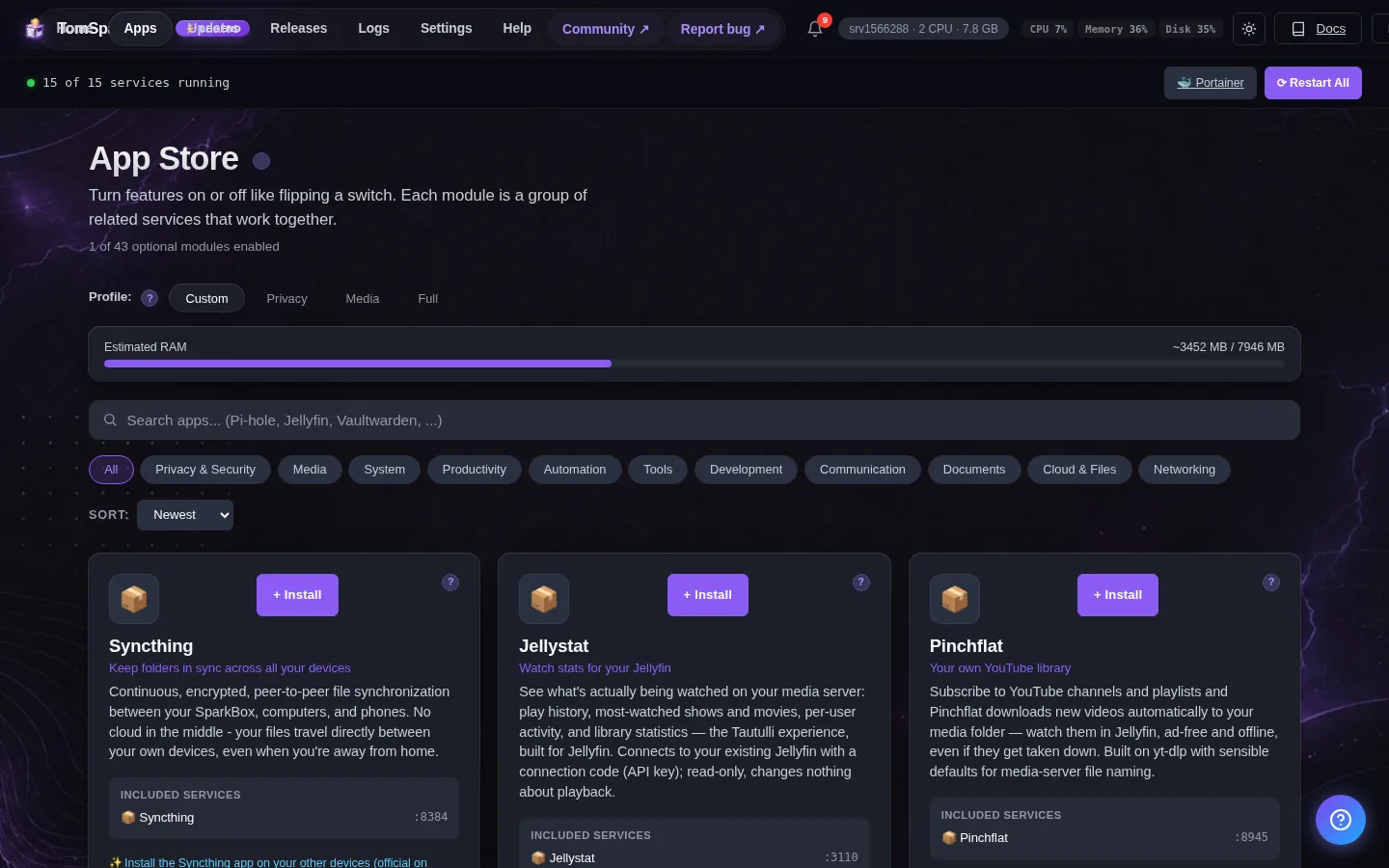
Before you turn it on
Create your first account after launching. Data is encrypted on your server.
Open it
Dashboard → Apps → Actual Budget → Open. The direct address on your network is:
https://<your-box-IP>:5006First visit will show a self-signed cert warning — accept it once. You can also install the Actual mobile/desktop apps and point them at this server to sync.
First login
No preset password - and this one matters: Actual asks whoever opens it FIRST to set the server password, and that person controls your budget data. Open it yourself straight after enabling and set a strong password.
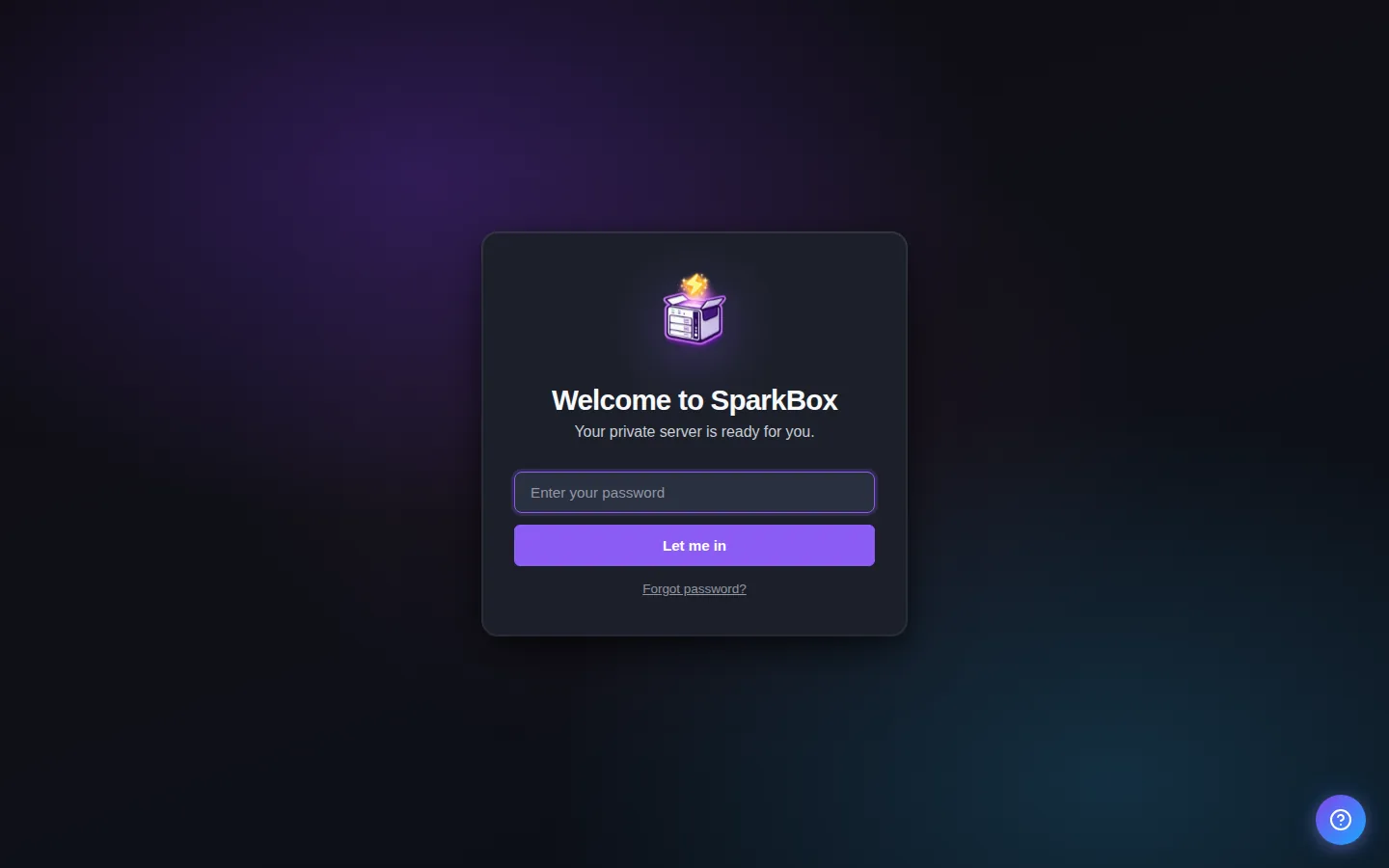
Any password the installer generated for you is under Settings → Passwords; the Open button offers to copy it.
Worth knowing
- Your browser will warn about a self-signed certificate on first load — click Advanced → Proceed. The cert is generated locally and never leaves your server. It's required because Actual Budget's web UI uses SharedArrayBuffer, which browsers only expose over HTTPS.
When it breaks
If it will not open, check the app card first — a red dot means it is restarting or unhealthy, and this walkthrough reads the reason from its log. Tom AI on the dashboard can do the same for you.
Where your data lives
/opt/sparkbox/modules/budget/config/Included in the dashboard's Backup by default. Restoring that backup on a fresh install brings Actual Budget back exactly as it was.
Questions, or did this not match your box?
Every guide here came from a real problem someone hit. If yours behaves differently, say so — that is how these get corrected, and how the fix gets prioritised.
We answer there rather than in a comment box, because that is where the people who have already solved it are.