"This box has a public internet address" — close the doors with one command
· Updated 18 September 2026 · SparkBox team
The checkup says "This box has a PUBLIC internet address, and it is serving the dashboard and the VPN admin page to every network", or the softer "…3 app port(s) answer on every network". This is the VPS situation: the box sits directly on the internet, and anything listening on all addresses is reachable by anyone who guesses the port — which scanners do, constantly. One command closes the admin doors; the apps are a decision you make per app.
The 10-second version: On the box run sudo sparkbox lockdown. The dashboard and the VPN admin page stop answering the public internet and remain reachable through your VPN, a custom domain, or an SSH tunnel. Then decide about the apps in section 3.
1. What the two messages mean
- Admin surfaces exposed (
admin-ports-internet-exposed) — the dashboard login and the WireGuard admin page can be opened from anywhere. They have passwords, but a login page on the open internet is a target, and a weak or reused password is a takeover. Fix this today. - App ports exposed (
app-ports-internet-exposed) — the admin pages are closed, but some apps (the checkup lists which) answer publicly. The danger is specific: several apps give admin rights to whoever opens them first. An app you enabled but have not set up yet can be claimed by a stranger before you get to it.
On a NAS behind your home router you will not see these — your router is the door. The checkup only fires when the box's own internet route uses a public address.
2. Run lockdown
sudo sparkbox lockdownWhat it does, precisely: it rebinds the dashboard's port and the VPN admin page's port to the box itself (127.0.0.1) and records that in .env, so it survives reboots and updates. Nothing else is touched.
What keeps working afterwards:
- Your VPN tunnel. WireGuard's tunnel port stays open — that is the VPN. Only its admin page closes. Connected clients stay connected, and through the tunnel you reach the dashboard exactly as before.
- A custom domain on the bundled proxy — the proxy talks to the dashboard over Docker's internal network, not the host port.
- Tailscale, if you use it: same idea, reach the dashboard over the Tailscale address.
- An SSH tunnel:
ssh -L 8443:127.0.0.1:8443 user@your-vps, then openhttp://localhost:8443on your laptop.
What stops working: opening http://<public-ip>:8443 from anywhere. That is the point. If that was your only way in, set up the VPN or a custom domain first (reach your box remotely without port forwarding), then lock down.
3. The apps — a decision per app
Lockdown deliberately leaves app ports alone: the apps are what you run the box for, and some of them you may want public (a Jellyfin you share with family, a Vaultwarden behind HTTPS). For each app the checkup lists, pick one:
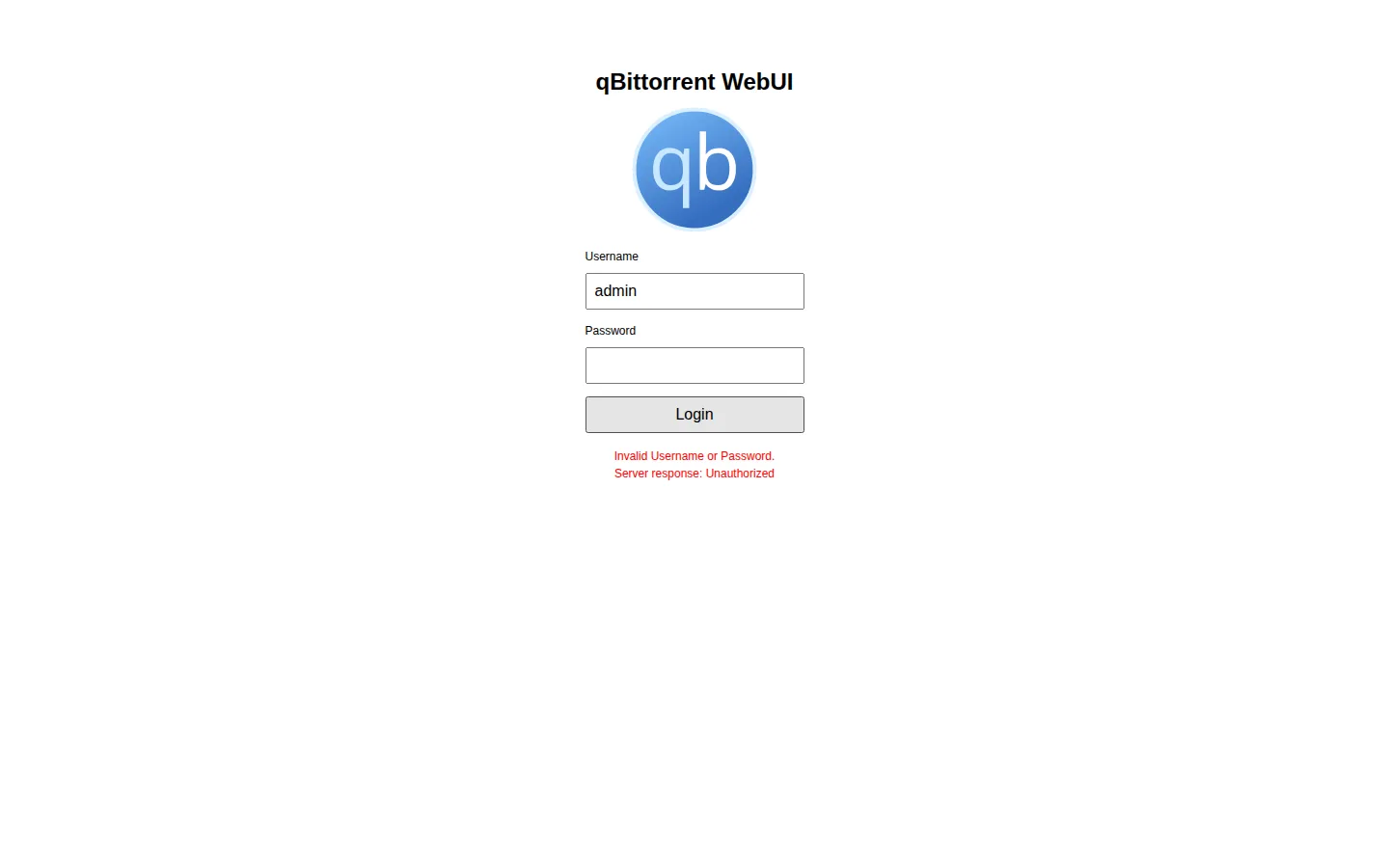
- Reach it over the VPN only. The default for anything with an admin page you never intend to share (Portainer, Sonarr/Radarr, qBittorrent, the download apps). In Apps → the app → settings, bind it to localhost, or simply don't publish it — Tom AI can do this per app if you ask.
- Put it behind the proxy with a login. For apps you share: a custom domain on the bundled proxy, HTTPS from Let's Encrypt, and a password in front (Authelia, or the app's own strong login). Two-factor auth for self-hosted apps.
- Set it up now. If an app is exposed only because you have not claimed its first-run admin account yet, do that first — five minutes — then decide the above.
4. Check it worked, and the firewall question
Run the checkup again (sudo sparkbox doctor, or Tom AI: "run a checkup"). The exposure lines should read "Admin surfaces are open to your local network only" or disappear. From another network, http://<public-ip>:8443 should now time out.
Why not just a firewall rule? Docker publishes ports by writing its own firewall rules, and they sit in front of ufw's. A port a container publishes on all addresses is reachable from the internet regardless of what ufw status says — several people have "locked down" a VPS with ufw and stayed wide open. Rebinding the port is what actually closes it; that is why lockdown works that way.
5. "Was I hacked?"
An open door is not a footprint. But on a VPS, assume the login page has been seen. Do three things: run lockdown, change the dashboard password if it was short or reused (Settings → Security), and look at Settings → Sessions for a login you do not recognise. If any app was exposed with its first-run setup unfinished, open it now and confirm the admin account is yours — if someone else's, that app's data folder should be treated as theirs: Clean Slate it and set it up again behind the VPN.
Frequently asked
Was I hacked?
The message means a door is open, not that someone walked through it. Close it now, change the dashboard password if it was weak, and check Sessions.
Why doesn't the firewall protect me?
Docker's own rules sit in front of ufw's, so a published port is reachable no matter what ufw says. Lockdown rebinds the port instead of touching the firewall.
Will I still reach my dashboard after lockdown?
Yes — through the VPN, a custom domain on the bundled proxy, or an SSH tunnel. Only the raw public IP:port stops working.
Questions, or did this not match your box?
Every guide here came from a real problem someone hit. If yours behaves differently, say so — that is how these get corrected, and how the fix gets prioritised.
We answer there rather than in a comment box, because that is where the people who have already solved it are.