Cloudflare Tunnel: open it, first login, settings, fixes
· Updated 18 September 2026 · SparkBox team
Connects your box OUT to Cloudflare, so chosen apps get a public https address without opening a single router port — it works even on 5G, Starlink, or any connection where port forwarding is impossible (CGNAT). You pick exactly which apps are exposed, in your own free Cloudflare account. Heads up: anything you publish here is reachable from the whole internet — put Cloudflare Access (free) in front of admin pages. This is the short card for it — the two minutes after you press Enable, and the page to come back to when something is off.
Before you turn it on
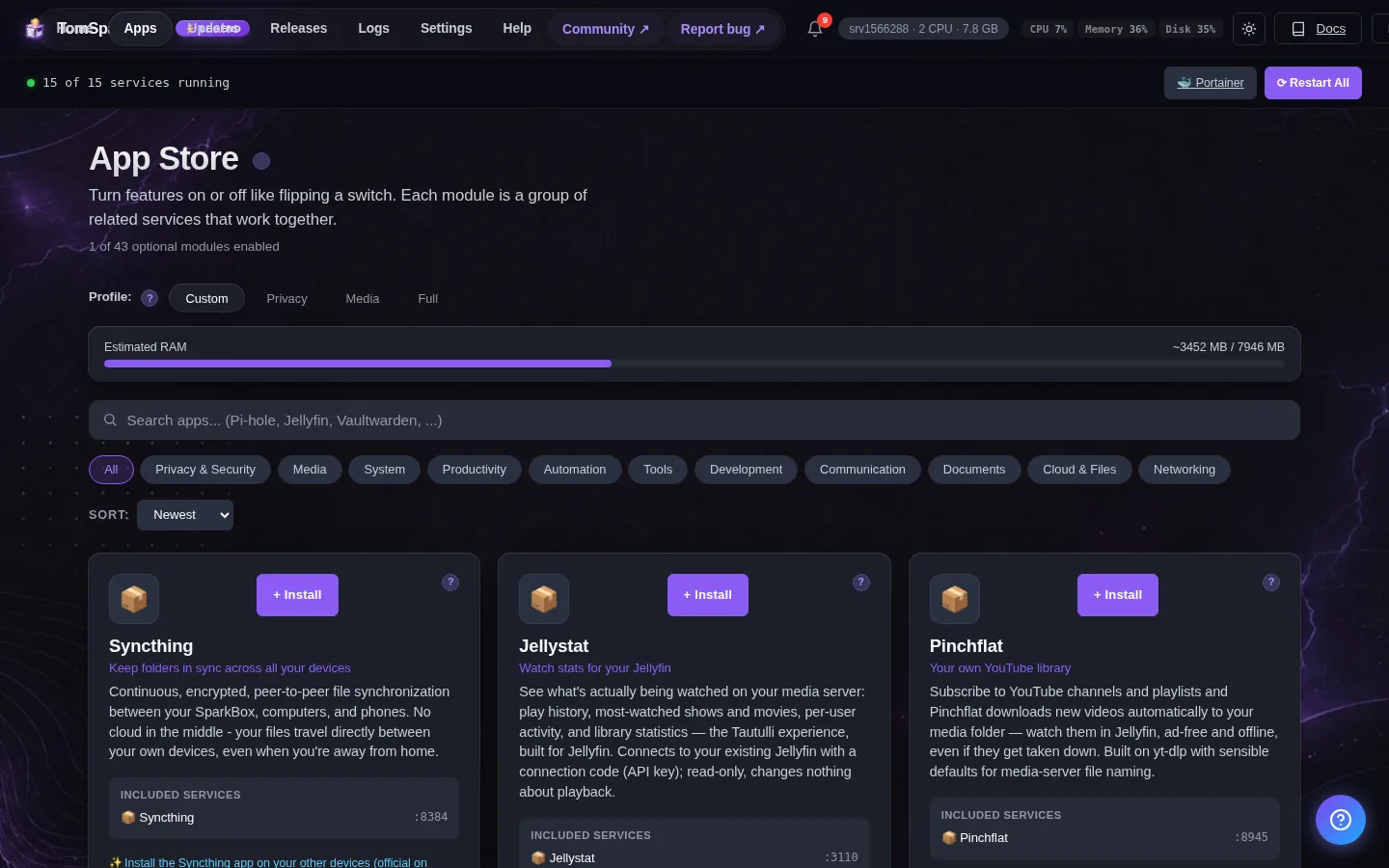
Two one-time steps in a free Cloudflare account first: (1) add a domain you own to Cloudflare (a cheap one works; free DuckDNS names can't be used here — Cloudflare needs to manage the domain's DNS). (2) In the Cloudflare dashboard open Networking → Tunnels (older accounts: Zero Trust → Networks → Tunnels) → Create a tunnel (Cloudflared), name it, and copy the long TOKEN it shows. Paste that token into the setting below. You'll add hostnames (like jellyfin.your-domain.com → http://sb-jellyfin-media:8096 for the Media Center's Jellyfin) on the same Cloudflare page — that part lives in your Cloudflare account, not in SparkBox.
Open it
Cloudflare Tunnel has no page of its own — it works in the background. The dashboard's app card shows whether it is running.
Which apps are public is configured in YOUR Cloudflare account (Zero Trust → Tunnels) — SparkBox just keeps the connector running. Point hostnames at container names and inside ports like http://sb-jellyfin-media:8096 (Media Center Jellyfin) or http://sb-audiobookshelf:80; VPN-routed apps are sb-gluetun (SABnzbd: http://sb-gluetun:8081).
Settings that matter
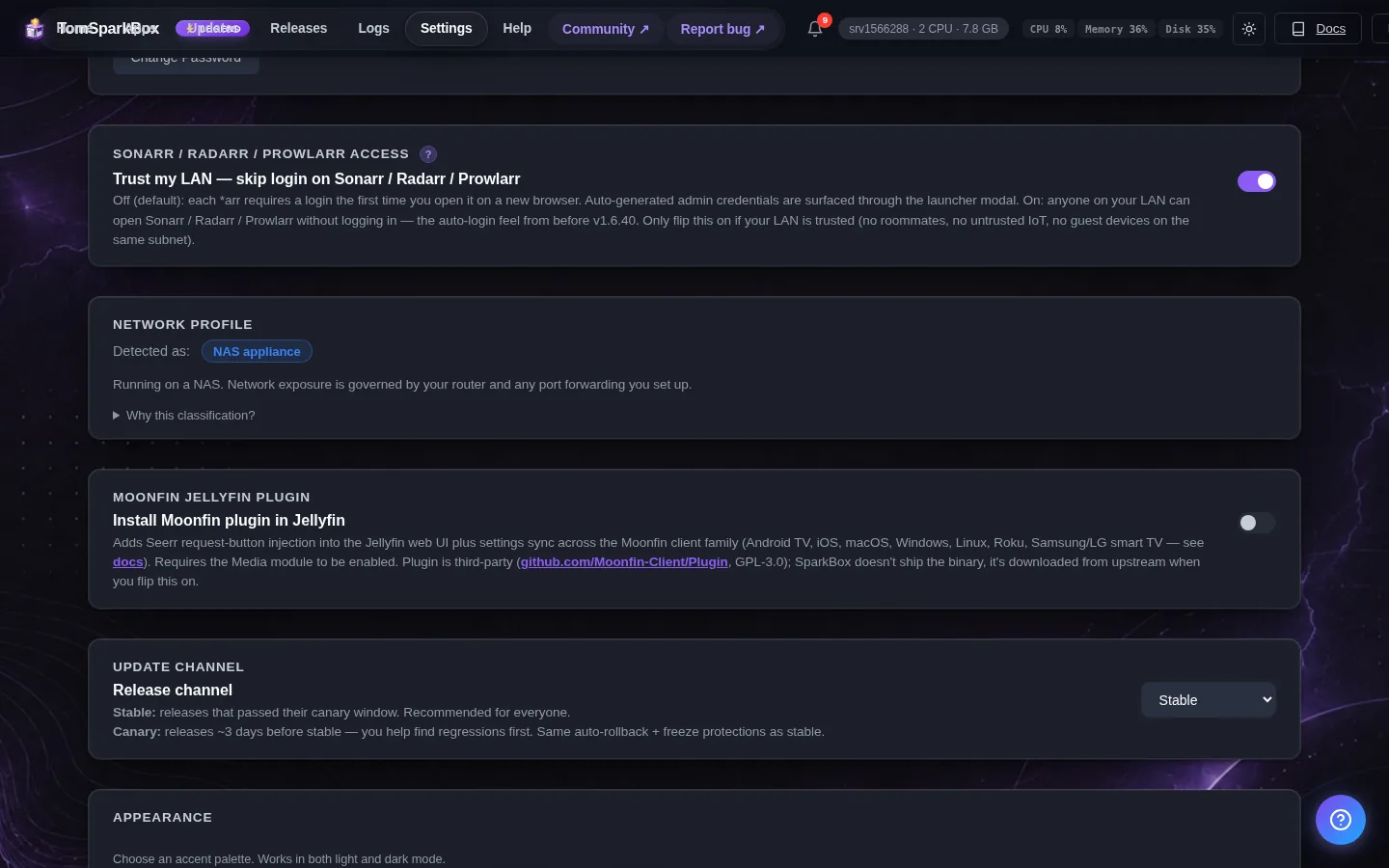
Change these under Apps → Cloudflare Tunnel (or when you enable it):
- Cloudflare Tunnel Token — Paste your tunnel token here — the long code Cloudflare shows when you create a tunnel under Networking → Tunnels (older accounts: Zero Trust → Networks → Tunnels) (it starts with 'eyJ'). SparkBox keeps the connector running; which apps are published on which hostnames is configured on that same Cloudflare page. Tip for hostname targets: services on this box are reachable by container name and the port the app uses INSIDE its container, e.g. http://sb-jellyfin-media:8096 (Media Center Jellyfin), http://sb-audiobookshelf:80, http://sb-npm:80, or the dashboard at http://sb-dashboard:8443. Apps that run through the VPN are reached as sb-gluetun (SABnzbd: http://sb-gluetun:8081).
Publishing your first app
The tunnel is only the pipe — which apps are public is decided in your Cloudflare account, so SparkBox never opens anything you didn't ask for.
- Create the tunnel + token. In Cloudflare: Networking → Tunnels (main dashboard; older accounts: Zero Trust → Networks → Tunnels) → Create a tunnel (type Cloudflared), name it (say
sparkbox), and copy the token. Paste it into SparkBox at Settings → Apps → Cloudflare Tunnel, save, and the connector card turns healthy once it's linked. - Add a public hostname. Still on the tunnel's page, open Hostname routes → Add (older screens call it Public Hostname): pick a subdomain (say
jellyfin), your domain, and set the service toHTTP→sb-jellyfin-media:8096(the Media Center's Jellyfin; the separate Jellyfin app issb-jellyfin:8096). The tunnel joins SparkBox's internal network, so each app is reached by its container name and the port it uses inside its container — which is not always the port you type on your home network: Audiobookshelf issb-audiobookshelf:80(not 13378), Nginx Proxy Managersb-npm:80, the dashboardsb-dashboard:8443. Apps that run through the VPN have no address of their own; usesb-gluetunwith the app's inside port — SABnzbd issb-gluetun:8081, Sonarrsb-gluetun:8989, Radarrsb-gluetun:7878. - "Bad gateway" (502)? Cloudflare reached your box but the name or port in the route is wrong for this box, so the tunnel found no app there. Check the target against the examples above. Your box's own address and port (like
192.168.1.20:8096) also works, but stops working if the box's address ever changes. - Open it.
https://jellyfin.your-domain.comnow works from anywhere — phone networks, hotel Wi-Fi, a friend's TV — with a real certificate, and still zero ports open on your router.
Please protect admin pages. A published hostname is reachable by the whole internet. For anything that isn't meant for guests (the SparkBox dashboard, *arr apps, Portainer), add a free Cloudflare Access policy (Zero Trust → Access → Applications) so a login you control sits in front — or better, simply don't publish admin apps and use Tailscale for those instead. Jellyfin and other apps with real login screens are the natural things to publish.
Good to know: if the card shows unhealthy right after you save the token, give it ~30 seconds (it's dialing Cloudflare). Stuck unhealthy? Re-copy the token — a truncated paste is the usual culprit — save, and the module restarts itself.
When it breaks
If it will not open, check the app card first — a red dot means it is restarting or unhealthy, and this walkthrough reads the reason from its log. Tom AI on the dashboard can do the same for you.
Where your data lives
/opt/sparkbox/modules/cloudflared/config/Included in the dashboard's Backup by default. Restoring that backup on a fresh install brings Cloudflare Tunnel back exactly as it was.
Questions, or did this not match your box?
Every guide here came from a real problem someone hit. If yours behaves differently, say so — that is how these get corrected, and how the fix gets prioritised.
We answer there rather than in a comment box, because that is where the people who have already solved it are.