How to add a search source (indexer) in Prowlarr
· Updated 18 September 2026 · SparkBox team
Your dashboard says "Nothing can download yet — your server needs at least one search source." This is the one step in a media server SparkBox cannot do for you, and it is where most beginners stall — not because it is hard, but because nobody explains what an "indexer" is or which screen to click on. This page does exactly that, and nothing else.
The 10-second version: Open Prowlarr from the dashboard → Indexers (left menu) → the + button → search the list for a source you are entitled to use → fill in what it asks for → Test → Save. Done. Sonarr and Radarr pick it up on their own within a minute.
1. What an indexer is, in one paragraph
When you request a film in Seerr, your server has to find it somewhere. Prowlarr is the search desk, but it owns no library of its own — it sends your search to the indexers you have added (a website or service that lists what is available) and passes the answers on to Radarr and Sonarr, which download and file them. No indexers, no answers. That is all the scary word means.
SparkBox ships with none, on purpose. We do not provide, pick, or recommend sources of content. Prowlarr's built-in list has hundreds; you add the ones you are entitled to use under the laws where you live. The how is the same for every one of them, and that is what the rest of this guide covers.
2. Open Prowlarr
- On your SparkBox dashboard, find Prowlarr in the Media group (or use the search box at the top) and click Open.
- If it asks you to sign in, use the sparkbox user — the password is under Settings → Passwords on the dashboard. The Media pipeline card also has an Open Prowlarr button right next to the "needs a search source" message.
3. Add one
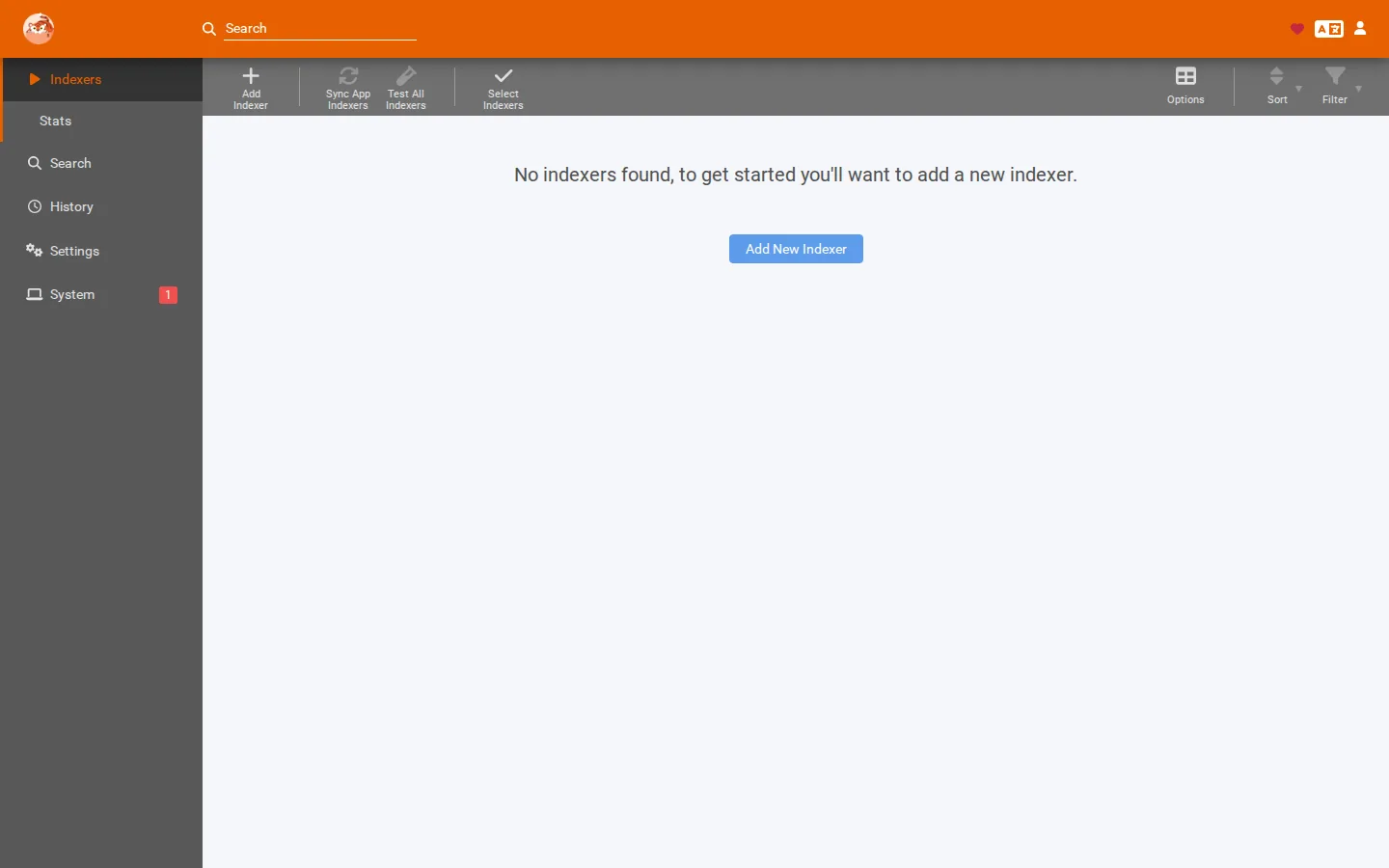
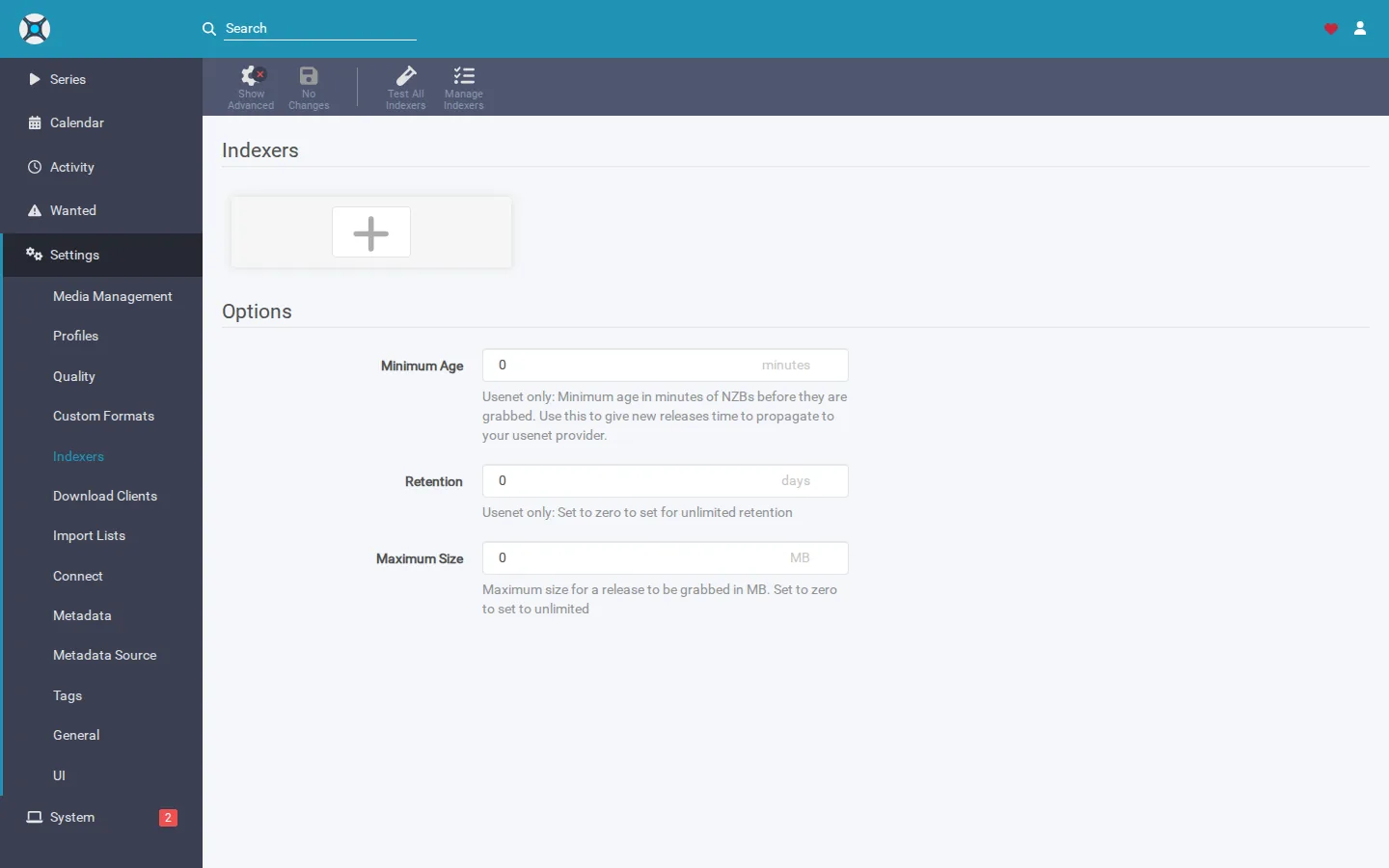
- In Prowlarr's left menu click Indexers. On a fresh install the page says "No indexers found" — that is the setup state, not an error.
- Click the + (Add Indexer) button, top-left of the list.
- A long list appears with a search box at the top. Type the name of the source you want to use and click it. Each entry shows two badges: Public (no account) or Private (needs an account), and Torrent or Usenet.
- Fill in the form. What it asks for depends on the source:
- Sources without an account usually need nothing — the defaults are fine.
- Private sources and Usenet indexers ask for an API key (and sometimes a username). That key is on your account page at the source's own website, typically under Profile, Settings, or API. Copy-paste it exactly; keys are long and case-sensitive.
- Click Test. A green tick means Prowlarr reached the source and got a valid answer. A red message means it did not — section 5 decodes those. Some sources sit behind an “are you human?” check. SparkBox answers it for you automatically, but the first check can take up to about a minute (longer through a VPN), so press Test once and wait. Clicking it again only queues more checks behind the first one.
- Click Save. The indexer now appears in the list with a green status dot.
Repeat for as many as you like. Two or three good ones beat a dozen poor ones — every request queries all of them, and each dead one slows searches down.
4. Check it reached Sonarr and Radarr
On SparkBox, Prowlarr is already wired to Sonarr and Radarr, so you do not add anything in those two apps. To see the hand-off happen:
- Go back to the dashboard. The Media pipeline's Indexers step should now read "1 indexer ready and shared with Sonarr and Radarr" (refresh after a minute).
- Or open Radarr → Settings → Indexers. Your new source is listed there, tagged as coming from Prowlarr. You never have to touch this page.
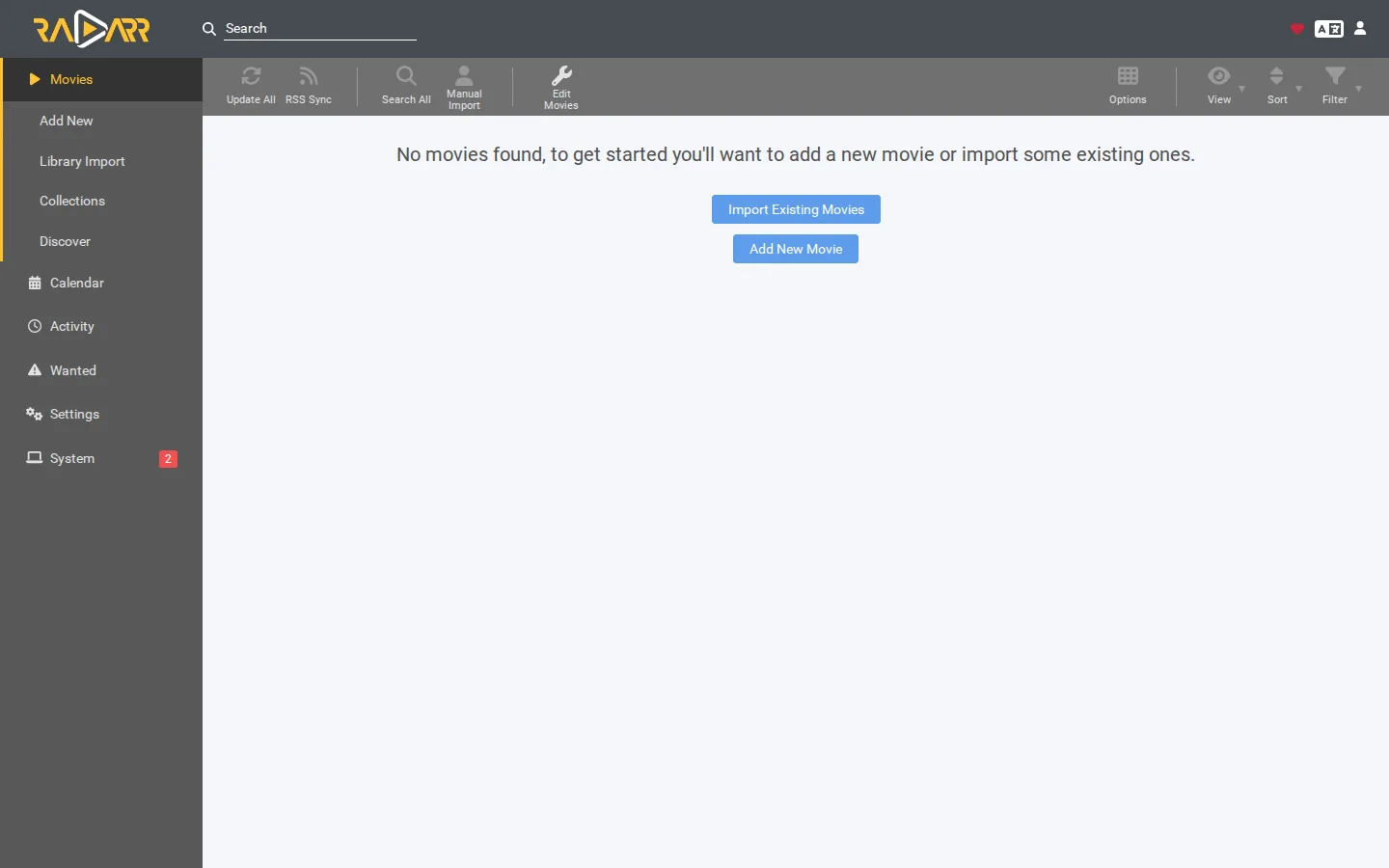
- Then request a film in Seerr. Radarr → Activity → Queue shows it being fetched within a couple of minutes.
5. When Test fails — what the message means
- Every indexer fails at once, "Unable to connect" / "DNS" / "SSL". Your VPN tunnel is down or still reconnecting, so Prowlarr cannot reach anything. Check the dashboard's VPN status, wait a minute, restart the Media apps. Full walkthrough: Gluetun indexer errors.
- "Unauthorized" / "Invalid API key" / "401". The key or username is wrong. Re-copy it from the source's own site; watch for a trailing space.
- "Cloudflare" / "challenge" / "403". That source hides behind Cloudflare's "prove you are human" page. On current SparkBox you don't have to do anything: every source you add is routed through the built-in helper (Byparr) automatically, and it only steps in when a site shows that page. The first check can take up to about a minute (longer through a VPN), so press Test once and wait; if it still fails, see the guide below. Still blocked? Prowlarr indexer stays blocked by Cloudflare covers the two remaining cases.
- "No results" on a search, but Test was green. The source just doesn't carry that title, or only carries a category you aren't asking for. Add another source rather than fighting this one.
- It worked yesterday and is red today. Sources go down. Prowlarr retries on its own; if it is still red after a day, the site moved or closed.
6. Three tips from the support inbox
- Never add an indexer inside Sonarr or Radarr directly. It works, but it creates a duplicate that Prowlarr doesn't know about, and you'll get every result twice. Prowlarr is the only place to add them.
- Ask Tom AI. The assistant on your dashboard can see whether your VPN is up and how many indexers Prowlarr has, so "why is my search empty?" gets a real answer for your box. It will not recommend sources either — that part is yours.
- Usenet is the calm option. If the word "torrent" makes you nervous, a paid Usenet provider plus one Usenet indexer is a two-API-key setup with consistent speeds. SparkBox has SABnzbd already installed and wired for it.
Frequently asked
What is an indexer?
A search source — a website or service Prowlarr queries when you request a movie or show. Prowlarr itself searches nothing; it forwards your search to the indexers you added. With none added, every request comes back empty.
Which indexers should I add?
Your choice — SparkBox does not pick or recommend any. Prowlarr's built-in list has hundreds; add the ones you are entitled to use under the laws where you live.
Why does the Test button fail?
In order of likelihood: the VPN is still reconnecting (all fail at once), the source needs an account or API key you haven't entered, the site is behind a Cloudflare challenge the helper hasn't passed yet (it is routed automatically, but the first check can take up to about a minute, longer through a VPN — press Test once and wait), or the site is down. The text under Test names which.
Do I have to add it in Sonarr and Radarr too?
No. Prowlarr is already connected to both on SparkBox; anything you add is pushed to them within a minute. Adding directly in Sonarr or Radarr creates a duplicate.
The only manual step, made obvious
SparkBox wires Prowlarr to Sonarr, Radarr, the download apps and the VPN for you, and its dashboard tells you in plain words when a search source is the one thing missing — with a button straight to this page.
Questions, or did this not match your box?
Every guide here came from a real problem someone hit. If yours behaves differently, say so — that is how these get corrected, and how the fix gets prioritised.
We answer there rather than in a comment box, because that is where the people who have already solved it are.