Which VPN should I use with SparkBox?
· Updated 18 September 2026 · SparkBox team
Short answer: Surfshark. Cheapest, fastest for BitTorrent in our tests, all servers allow P2P, works with gluetun out of the box. Tom's affiliate link: Surfshark → (87% off + 4 months free).
How we keep checking this recommendation: we built vpnupdates.app, which every day checks the apps each VPN provider ships (iOS, Android, Windows, macOS, Linux, browser extensions) against the public app stores and package registries and records what it finds. No reviews, no payout rankings, just a release log you can read yourself. A VPN client installs network drivers and rewrites your routing table, so whether it is still being maintained matters more than any feature list. Surfshark holds the default slot because it keeps shipping; if that ever stops, the tool will show it and this page will change. Read exactly how it is calculated.
Long answer: the difference between VPN providers isn't about encryption or privacy policy — they're all fine there. It's about how they handle BitTorrent traffic and what defaults the wizard can reasonably pick. That's the whole story, and it's why we made Surfshark the default.
1. Why Surfshark wins the default slot
Four reasons, in order of how much they matter:
All servers allow P2P
ProtonVPN only allows peer-to-peer (BitTorrent) on a subset of their servers, their "P2P-optimized" tier. If your VPN config lands on a non-P2P server, downloads get rate-limited or silently blocked at the network layer.
Surfshark doesn't differentiate. Every server, every workload, no throttling. That matters because the SparkBox wizard picks a server for you — we can't know which specific one will be P2P-friendly on every provider.
Cheapest per-month
As of April 2026, Surfshark's 2-year plan via Surfshark → is ~$2.20/mo with 4 months free, versus ~$5-7/mo for ProtonVPN's Plus tier and ~$4-5/mo for NordVPN's 2-year deal. For a hobbyist media server that's also running 24/7, cheaper matters more than any 3% speed difference.
Unlimited device connections
Surfshark doesn't cap the number of devices you connect. ProtonVPN limits you to 10 (Plus), NordVPN to 10. One of those devices is the SparkBox NAS — leaves plenty of room for your phone, laptop, Apple TV, etc. on the same subscription.
Works with gluetun out of the box
SparkBox's Media module uses gluetun to route downloads through the VPN. Gluetun supports all three providers, but Surfshark's config is the simplest: pick any country, paste the key, done. ProtonVPN needs you to select a P2P-labeled server (not exposed by the wizard). NordVPN needs credentials via a different flow.
2. The real-world speed test
"Aren't there faster VPNs?" On absolute-throughput leaderboards like RealVPNSpeeds, a few premium VPNs rank ahead of Surfshark on raw speed — but none of those expose native WireGuard configs. They run proprietary WireGuard variants or their own custom protocols that gluetun either can't connect to or can only connect to with a workaround (extracting credentials with a third-party Python script). Surfshark is the only top-performing VPN that works with SparkBox's stack out of the box, AND it's about half the price of the speed-leader plans you can't actually use here.
Same NAS, same torrent, same time of day. The same 18 GB file with 212 peers in the swarm, downloaded through qBittorrent behind gluetun. Use this kind of test only with files you have the right to download, such as open-licensed films or Linux install images.
| Provider | Average download | Connected seeds | Estimated time |
|---|---|---|---|
| ProtonVPN (random US exit) | 0.5 MB/s | 10 of 212 | ~10 hours |
| Surfshark (random US exit) | 8.2 MB/s | 16 of 212 | ~37 minutes |
16× difference. Not a cherry-picked test — this is the first swap we did, on a fresh NAS, with no tuning either way. The gap on subsequent torrents was similar.
Why so extreme: gluetun's default config disables VPN port forwarding. On Surfshark, that's fine because their NAT doesn't block incoming connections on P2P-allowed ports. On ProtonVPN, without port forwarding you're limited to connections you initiate — other peers in the swarm can't reach you — which halves your effective bandwidth. Combined with landing on a non-P2P-optimized server, the effect compounds.
3. ProtonVPN: great VPN, wrong defaults for this use case
ProtonVPN is an excellent company — Swiss-based, audited, actually defends privacy in court. If you're picking a VPN for general web browsing, it's a fine choice. For SparkBox's Media module, it's a worse fit because:
- P2P is server-specific. You have to manually pick Switzerland, Netherlands, Iceland, Romania, or one of their "P2P" tier servers. SparkBox's
SERVER_COUNTRIES=United Statesdefault can land on a non-P2P US server and BitTorrent stops working with zero error message — gluetun stays healthy, the VPN tunnel is fine, packets just silently drop. - Port forwarding is a Plus-tier feature. Even on Plus, you have to select servers with the port-forwarding flag (not all do), and gluetun has to request the port at connect time (
VPN_PORT_FORWARDING=onin .env).
If you want to use ProtonVPN anyway, you just need to point it at a P2P-friendly server and turn on port forwarding. The easy way is right in your dashboard — no terminal:
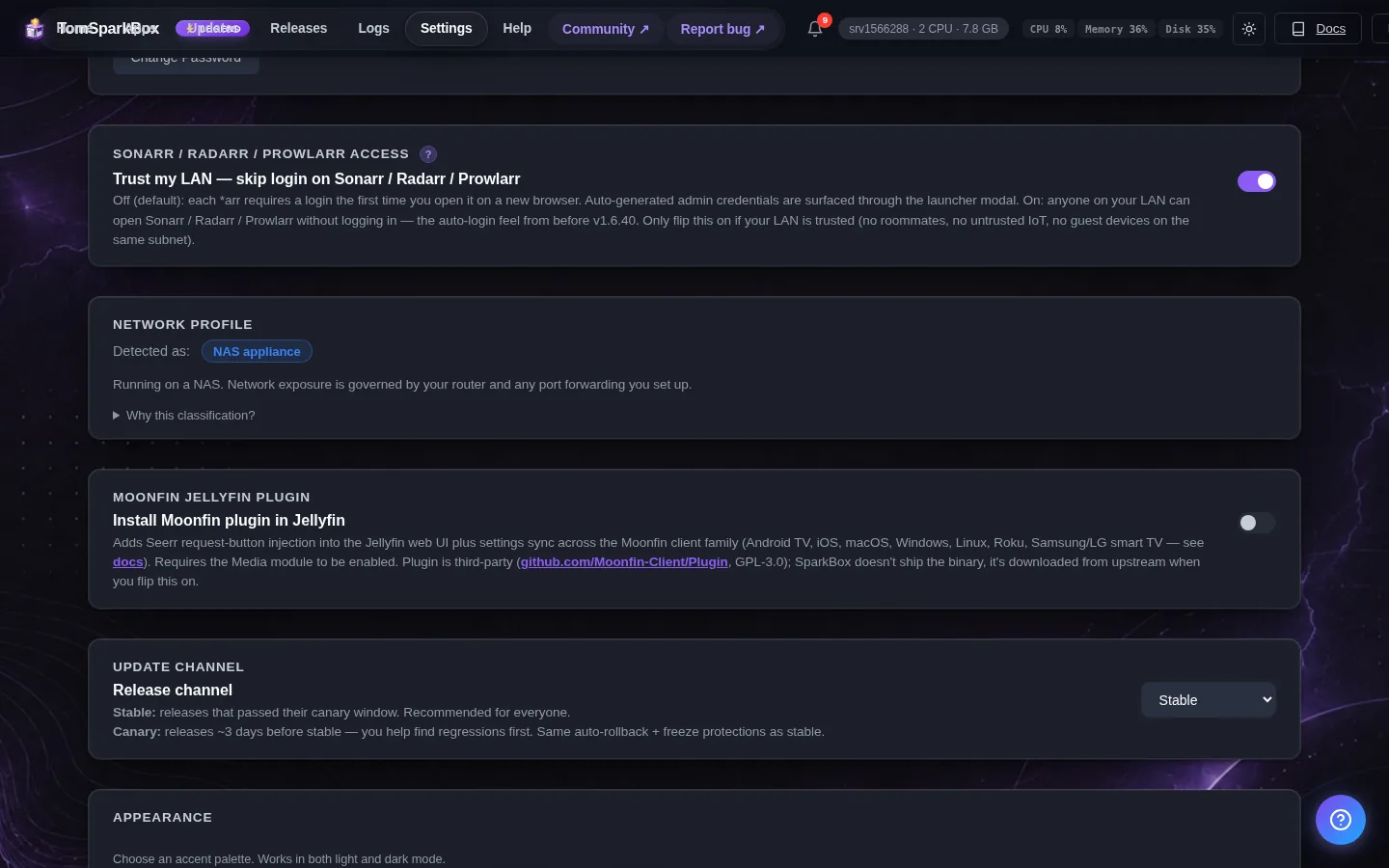
- In your SparkBox dashboard, open Settings → Network → VPN → Edit VPN settings.
- Set the server country to Switzerland (every Swiss server allows P2P).
- Turn on Port forwarding.
- Save. SparkBox restarts the media stack for you.
With those two changes, ProtonVPN's BitTorrent speeds come back. But that's two extra setup steps a Surfshark user doesn't need.
Advanced: doing the same thing from the terminal
If you'd rather edit the config file directly, set these two lines in /opt/sparkbox/.env and restart the media stack — this does exactly what the dashboard steps above do:
SERVER_COUNTRIES=Switzerland(all CH servers allow P2P)VPN_PORT_FORWARDING=on
Then run sudo sparkbox restart media.
4. NordVPN: works but fiddly
NordVPN works with gluetun too. Its WireGuard (NordLynx) requires a slightly different credential extraction — you need to pull a key out of Nord's desktop app with a Python script. Docs at gluetun's NordVPN setup. Not hard, just one more step.
P2P support on NordVPN is also per-server — look for servers in Netherlands, Switzerland, Poland. Similar footgun to ProtonVPN.
If you already have NordVPN, use it. If you're picking fresh, Surfshark is simpler.
5. "I already have [provider], can I use it?"
Probably yes — gluetun supports 20+ VPN providers:
- Surfshark (tested ✓)
- ProtonVPN (tested ✓)
- NordVPN
- Mullvad
- IVPN
- Private Internet Access
- ExpressVPN
- Windscribe
- HideMyAss
- PureVPN
- VyprVPN
- PrivateVPN
- Privado
- PerfectPrivacy
- AirVPN
- Plus ~5 more
The SparkBox UI's "tested" label means we've personally verified end-to-end. The others should work — same gluetun backend under the hood — but we haven't run the full request-to-download flow on each. If you try one and hit an issue, tell us on d/sparkbox and we'll add it to the tested list.
6. Where to get your WireGuard key
Surfshark
- Sign up at Surfshark → (Tom's 87% off deal)
- Log in → My Account → VPN tab
- Manual setup → Router → WireGuard
- Click Generate a new key pair
- Copy the Private Key (starts with random characters, ends in
=) - Copy the Address (usually
10.14.0.2/16) - Paste both into the SparkBox wizard's VPN step — or, if you're already up and running, into Settings → Network → VPN → Edit VPN settings in your dashboard
ProtonVPN
- Sign up at protonvpn.tomspark.tech
- Log in → Downloads → WireGuard configuration
- Select a P2P-optimized server (look for the "P2P" label)
- Create credential → download .conf file
- Open the .conf file, copy the
PrivateKey =line (that's your private key) andAddress =line - Paste into the SparkBox wizard's VPN step (or Settings → Network → VPN → Edit VPN settings if you're already running)
- In those same VPN settings, turn on Port forwarding and save — SparkBox restarts the media stack for you. (Terminal equivalent: add
VPN_PORT_FORWARDING=onto/opt/sparkbox/.envand runsudo sparkbox restart media.)
Ready to set up?
If you haven't installed SparkBox yet, the wizard will ask for your VPN key as step 4 of setup. If you're already running SparkBox: Settings → Network → VPN → Edit VPN settings.
Get SparkBox Get SurfsharkQuestions, or did this not match your box?
Every guide here came from a real problem someone hit. If yours behaves differently, say so — that is how these get corrected, and how the fix gets prioritised.
We answer there rather than in a comment box, because that is where the people who have already solved it are.