AdGuard Home: open it, first login, settings, fixes
· Updated 18 September 2026 · SparkBox team
AdGuard Home is a DNS server — the 'phone book' every device uses to find websites. It quietly drops the ad and tracker addresses, so ads disappear across your whole network with no browser add-ons. Advanced: also supports encrypted DNS (DNS-over-HTTPS, DNS-over-TLS, DNSCrypt) if you want it. This is the short card for it — the two minutes after you press Enable, and the page to come back to when something is off.
Before you turn it on
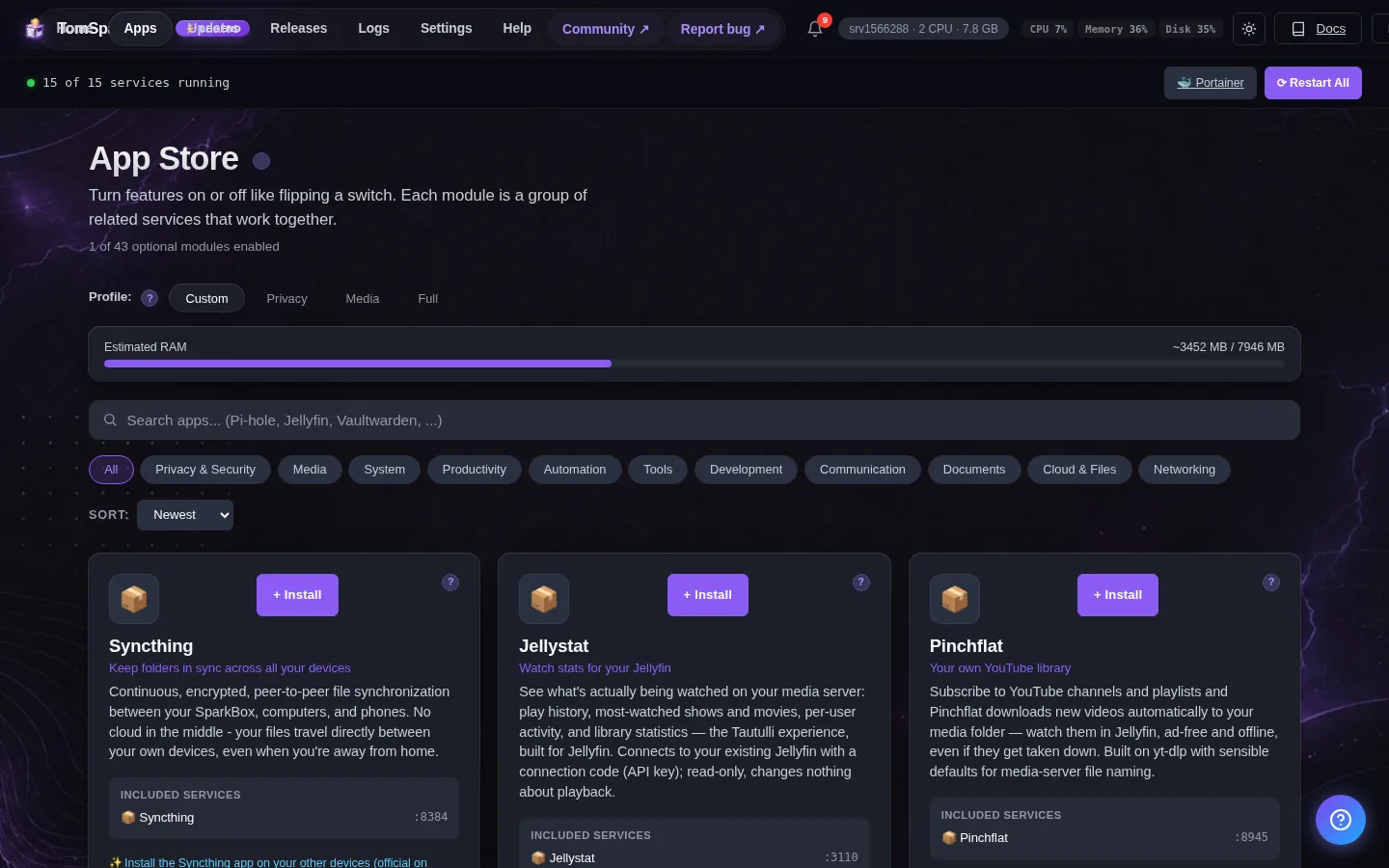
AdGuard Home is an alternative to Pi-hole. You should only enable ONE ad-blocker DNS at a time. Disable the privacy module if switching.
Open it
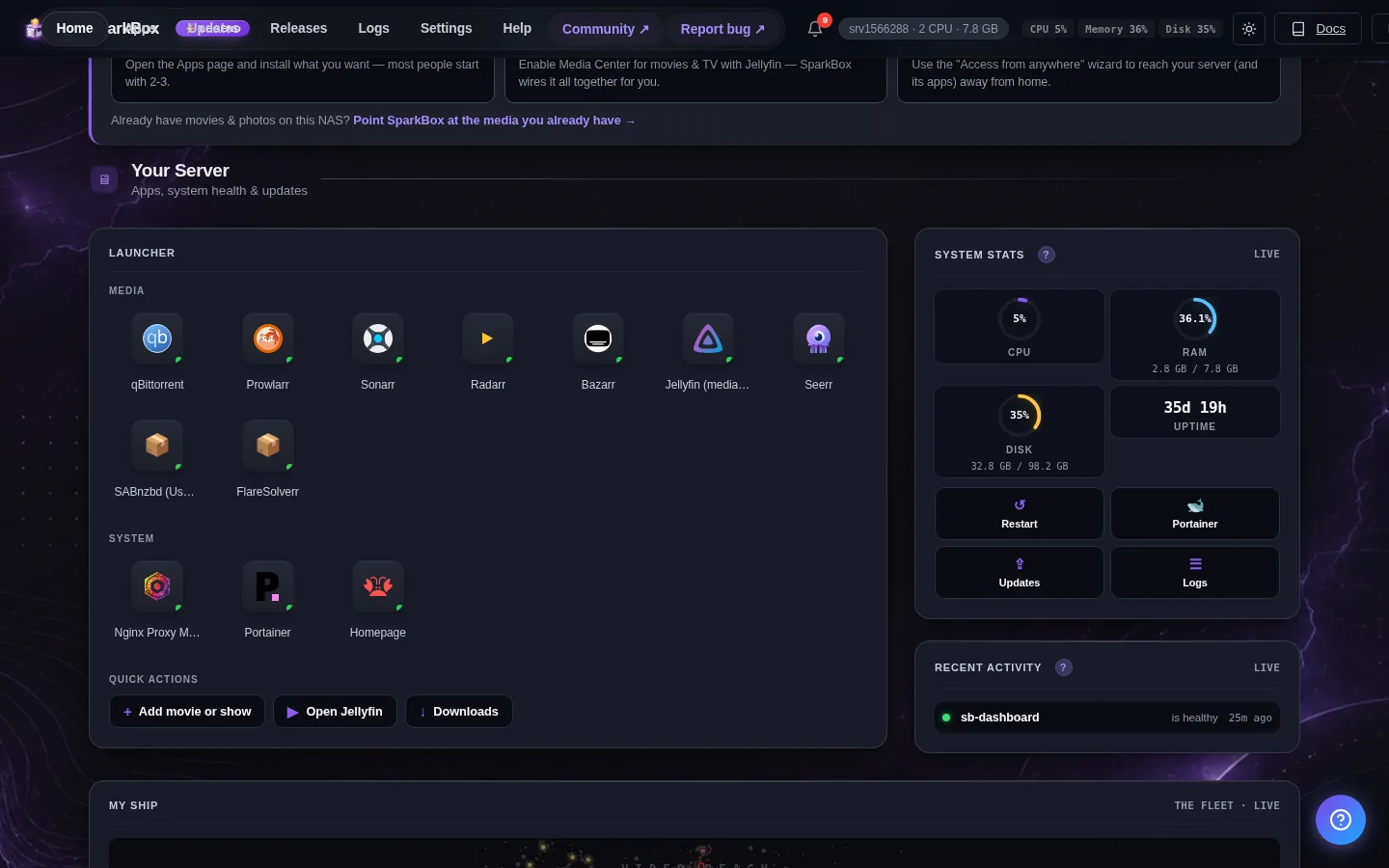
Dashboard → Apps → AdGuard Home → Open. The direct address on your network is:
http://<your-box-IP>:3053First launch shows a setup wizard on this server at port 3054 (http://<your-server-ip>:3054). Accept the DEFAULT Admin Web Interface port (80) when asked — the dashboard launcher then opens AdGuard correctly afterward. Finally, point your router's DNS to this server's IP.
First login
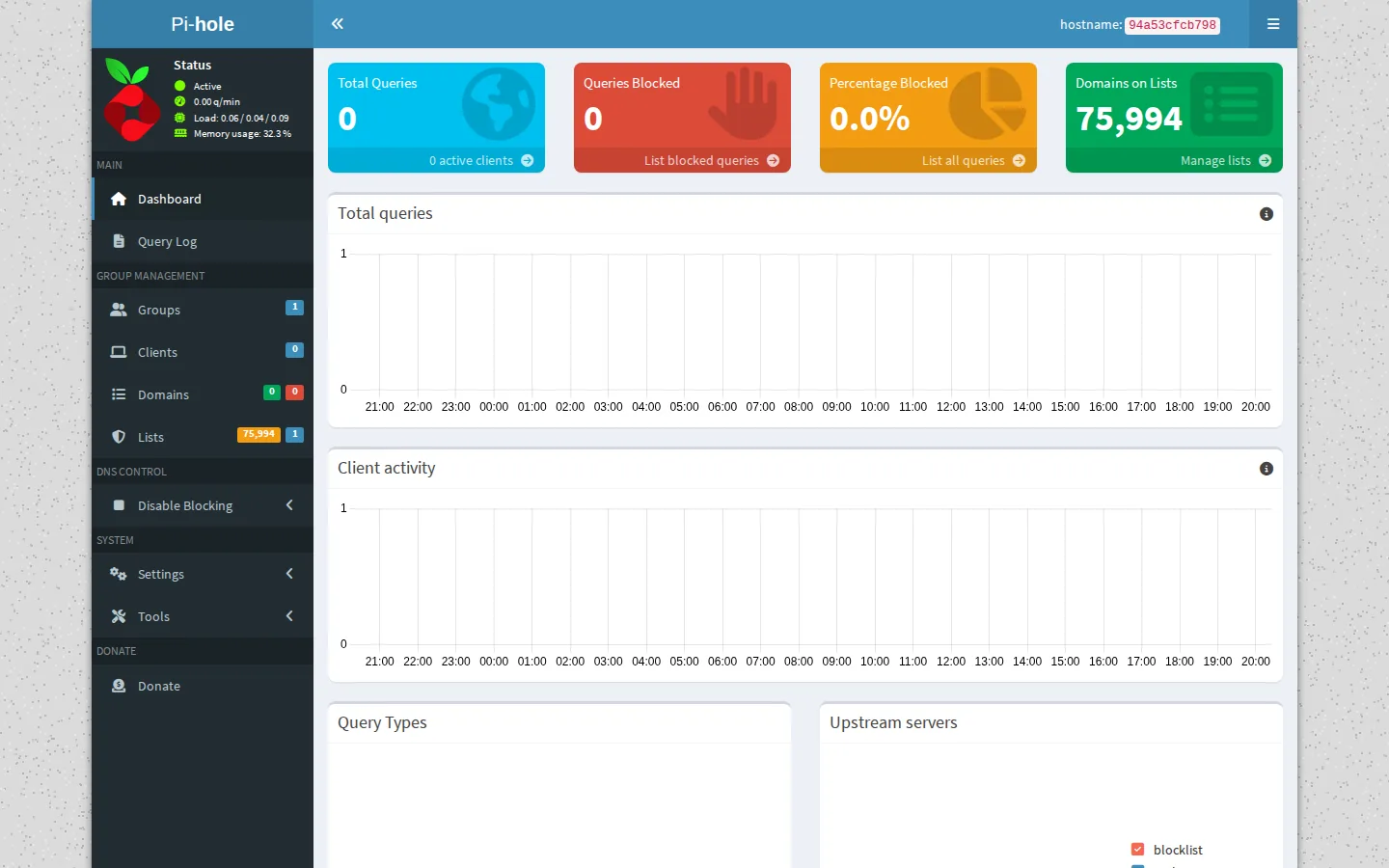
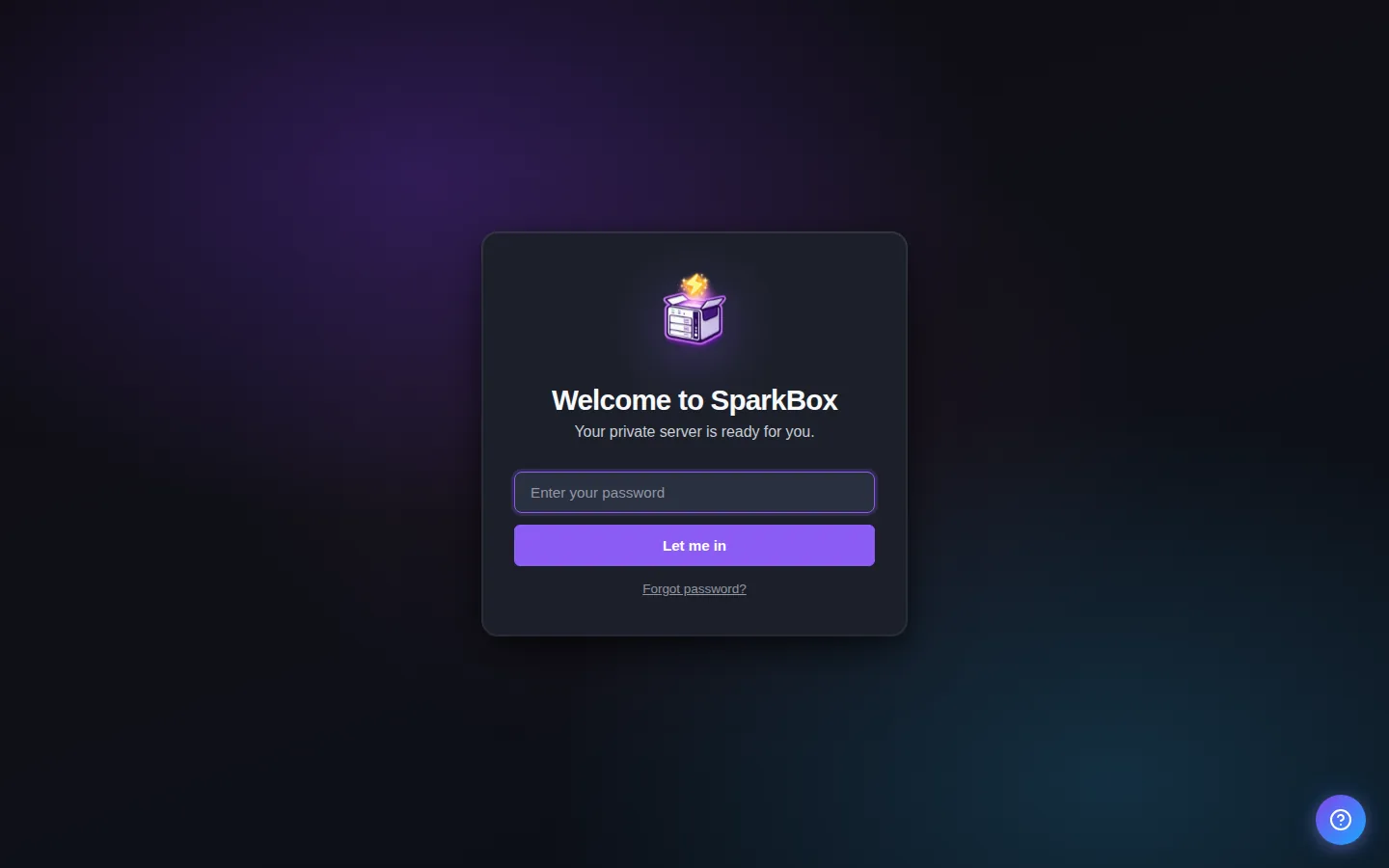
AdGuard runs a one-time setup wizard on first launch. Open it at http://<your-server-ip>:3054, pick a username/password, and accept the default Admin port (80) when asked. After that finishes, use the dashboard launcher to open AdGuard. No pre-set defaults.
Any password the installer generated for you is under Settings → Passwords; the Open button offers to copy it.
Tip: open apps by name. Settings → Network → Addresses can give every app a name like jellyfin.tom.home.arpa instead of an IP address and port. Type AdGuard's username and password there once, and SparkBox adds the names to AdGuard Home as DNS rewrites and keeps them up to date. How to turn on friendly app addresses →
When it breaks
If it will not open, check the app card first — a red dot means it is restarting or unhealthy, and this walkthrough reads the reason from its log. Tom AI on the dashboard can do the same for you.
Where your data lives
/opt/sparkbox/modules/adguard/config/Included in the dashboard's Backup by default. Restoring that backup on a fresh install brings AdGuard Home back exactly as it was.
Questions, or did this not match your box?
Every guide here came from a real problem someone hit. If yours behaves differently, say so — that is how these get corrected, and how the fix gets prioritised.
We answer there rather than in a comment box, because that is where the people who have already solved it are.