Port already in use: an app can't start because something else owns its port
· Updated 18 September 2026 · SparkBox team
The checkup says "Port 80: in use by the container 'nginx' — not SparkBox's" or "Port 443 is already in use — sb-npm can't bind it, so it crash-loops". Nothing is broken. Two programs want the same numbered door on your box, and only one can have it. You either free the door or give SparkBox a different one — both take a minute.
The 10-second version: The checkup names who holds the port. If it is a leftover you don't use, stop it. If it is your NAS's own web page, Pi-hole from before, or anything you still want, change the port instead: Settings → Ports → new number → Save. The affected apps restart on the new number by themselves.
1. See who owns the port
The checkup already tells you, in one of two forms:
- "in use by SparkBox (sb-…)" — one SparkBox app is holding a port another SparkBox app also wants. That is a configuration overlap: two apps were given the same port in Settings → Ports. Change one of them.
- "in use by the container 'X' — not SparkBox's" or "in use by 'X' on the host" — a program outside SparkBox owns it. Section 2 is about that.
To look yourself, on the box:
sudo ss -ltnp | grep ':80 '        # replace 80 with the port in question
sudo docker ps --format '{{.Names}}  {{.Ports}}' | grep 80
2. The three usual culprits
Your NAS's own web interface (ports 80 / 443)
UGREEN's UGOS, Synology DSM, TrueNAS and friends all serve their admin page on 80/443. SparkBox detects this at install and moves its proxy to other ports — but if you installed with the NAS interface temporarily off, or turned it on later, they collide. Don't fight the NAS: move the HTTP/HTTPS ports (section 3).
A leftover container from before SparkBox (any port)
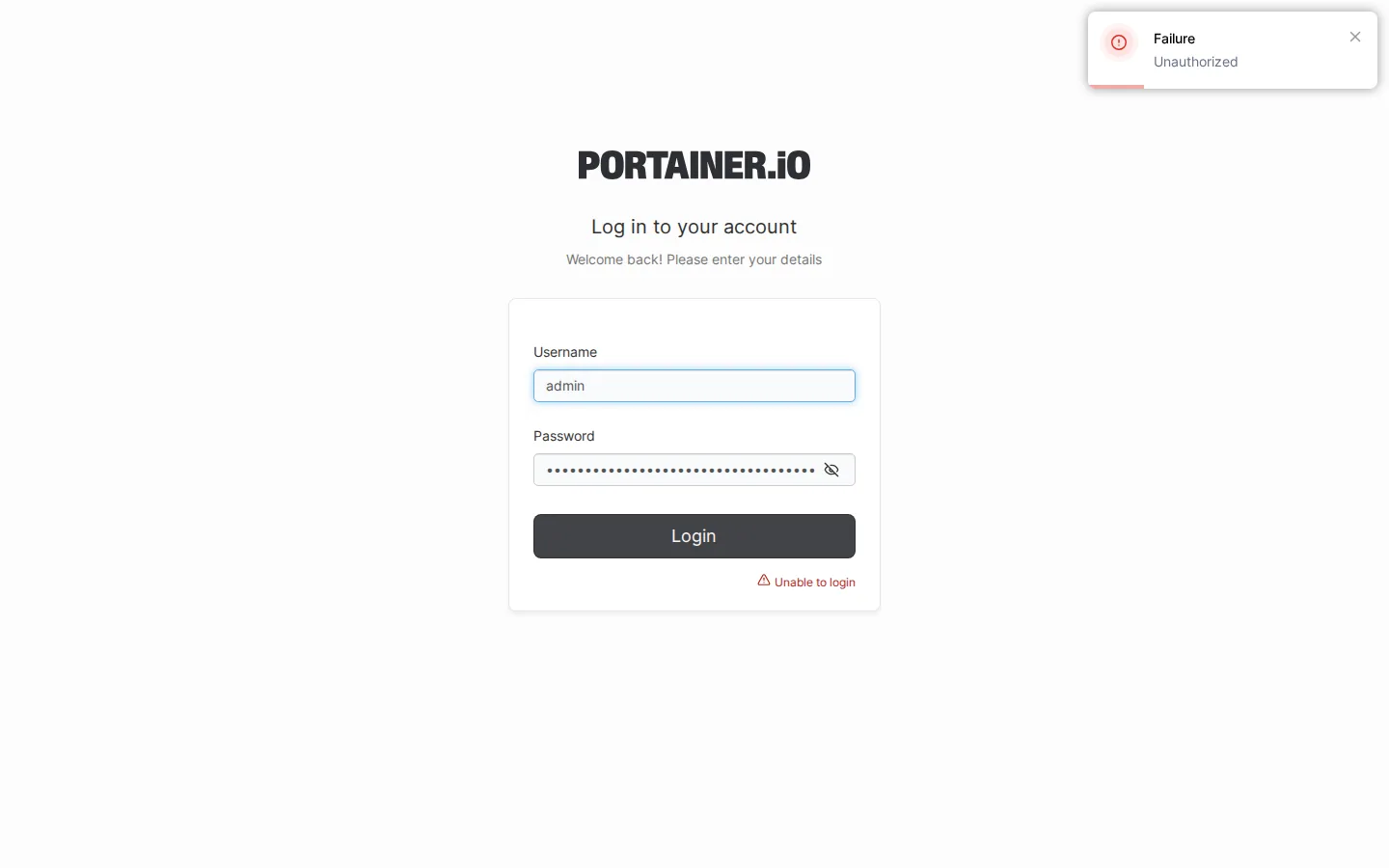
A Pi-hole, a Plex, an nginx or a Portainer you set up months ago and forgot. docker ps shows it with a name that does not start with sb-. If you don't use it any more, stop and remove it:
sudo docker stop <name> && sudo docker rm <name>If it was started by Portainer or another compose stack it may come back on reboot — remove it from there too. Data in its own volumes is not deleted by rm.
A DNS service on port 53 (Pi-hole / AdGuard)
Many NAS and Linux systems run a small resolver on 53 (systemd-resolved, dnsmasq, the NAS's own). Pi-hole and AdGuard need 53 to do their job. SparkBox usually binds them to one address to coexist; if the checkup still flags 53, set Settings → Ports → Pi-hole DNS Bind Address to your box's LAN IP with a trailing colon (for example 192.168.1.10:), or change the DNS port there if you only use the web interface.
3. Move the port instead
- Dashboard → Settings → Ports.
- Change the one the checkup named — HTTP Port, HTTPS Port, Pi-hole/AdGuard DNS Port, Portainer Port, or an app's own port.
- Save. The apps that use that port are recreated on the new number; give it a minute.
- Run the checkup again (Tom AI: "run a checkup"). The line should be gone.
Headless: edit /opt/sparkbox/.env (for example HTTP_PORT=8080 and HTTPS_PORT=8443) and run sudo sparkbox up.
If you changed the proxy's ports, your custom domain and any bookmarks that used the old number need updating — the dashboard's Access page shows the current addresses.
4. The Portainer special case
Portainer is the app most often found already running from a pre-SparkBox setup, on 9000. the checkup detects a rival on that port and its repair (sudo sparkbox repair-portainer, also offered by Tom AI) heals it. If you have a Portainer you set up yourself and want to keep, change SparkBox's Portainer Port instead.
Frequently asked
What does "port already in use" mean?
Every app listens on a numbered door (a port). Only one program can hold a door at a time. If something else already holds the one an app wants, that app cannot start. It is locked out, not damaged.
Should I stop the other program or move the port?
Leftover you don't use → stop it. Something you still need (the NAS's web page, an older Pi-hole) → move the port in Settings → Ports.
Why right after installing on a NAS?
NAS systems already use 80, 443 and often 53. SparkBox picks alternatives for the common cases at install; a service added later, or an unusual setup, can still collide.
Questions, or did this not match your box?
Every guide here came from a real problem someone hit. If yours behaves differently, say so — that is how these get corrected, and how the fix gets prioritised.
We answer there rather than in a comment box, because that is where the people who have already solved it are.