Sonarr Downloads Keep Dropping? It's Probably a Rejected VPN Password, Not Sonarr
Sonarr grabs an episode, the download fails, Sonarr grabs it again, it fails again — over and over, with nothing useful in Sonarr's own logs. Nine times out of ten, this isn't Sonarr breaking. It's a VPN username or password that's been silently rejected somewhere downstream, taking your download client offline without telling anyone clearly.
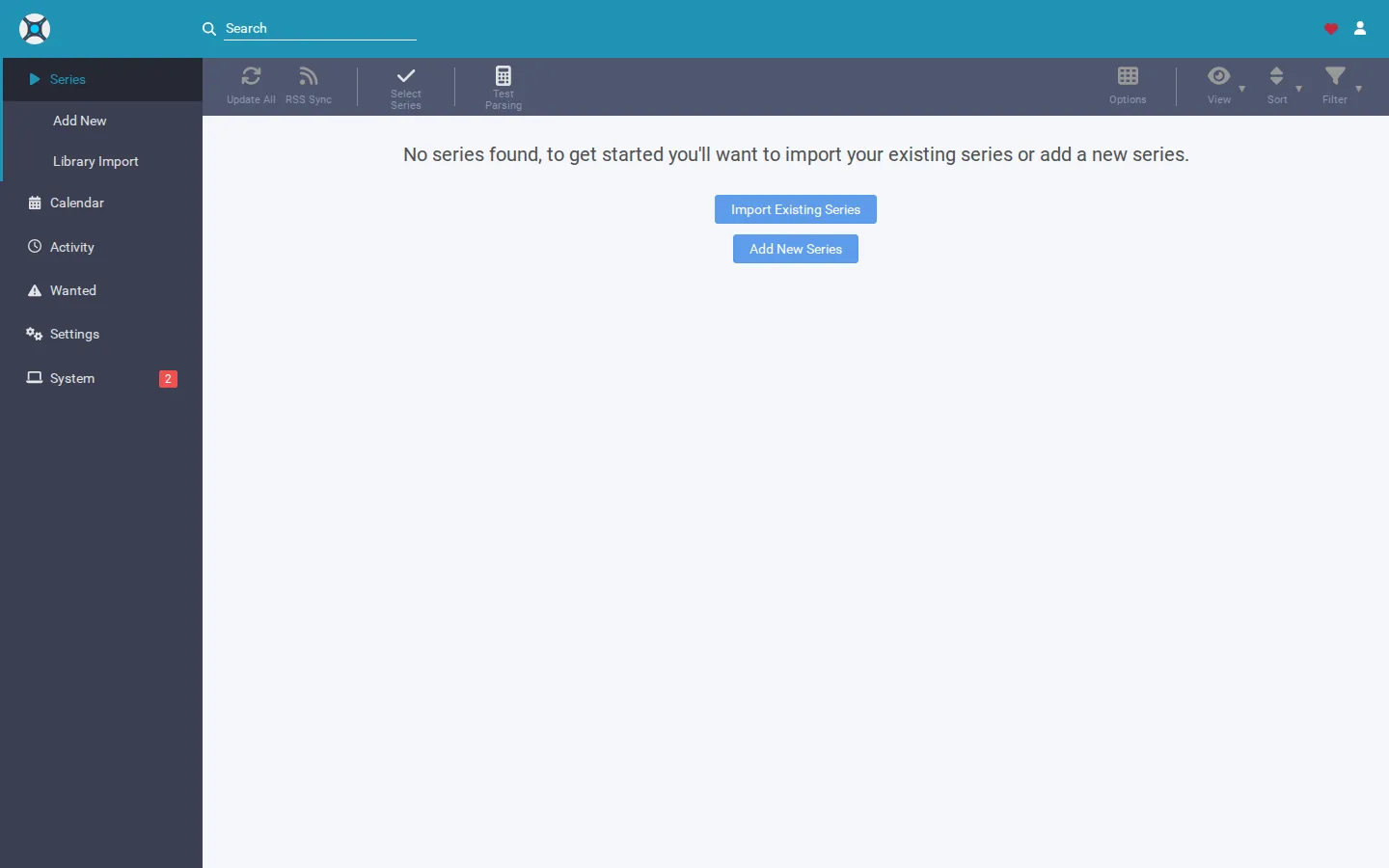
Rather not dig through VPN logs to find this? SparkBox catches a rejected VPN login and prompts you to re-enter it directly, instead of letting downloads fail silently in a loop. See the walkthrough →
The 10-second version: If Sonarr's queue keeps failing and re-grabbing the same episodes, the VPN username or password used by your download client has almost certainly been rejected. Re-enter the correct credentials in your VPN client and restart it — don't just keep restarting the download client, that won't fix a bad credential. If instead you're locked out of Sonarr's own web login, that's a separate, simpler fix via Sonarr's config file (covered below).
Cause 1: A rejected VPN username or password is killing the tunnel
Most self-hosted Sonarr setups don't connect to the internet directly — the download client (qBittorrent, Deluge, or similar) sits behind a VPN so its traffic doesn't go out on your regular connection. When that VPN's username or password is wrong, expired, or has been revoked by the provider, the tunnel either never comes up or drops repeatedly. The download client is then stranded with no real connection, downloads stall or fail, and Sonarr — doing exactly what it's supposed to — re-grabs the release and tries again. From inside Sonarr, this just looks like "downloads keep failing" with no obvious reason.
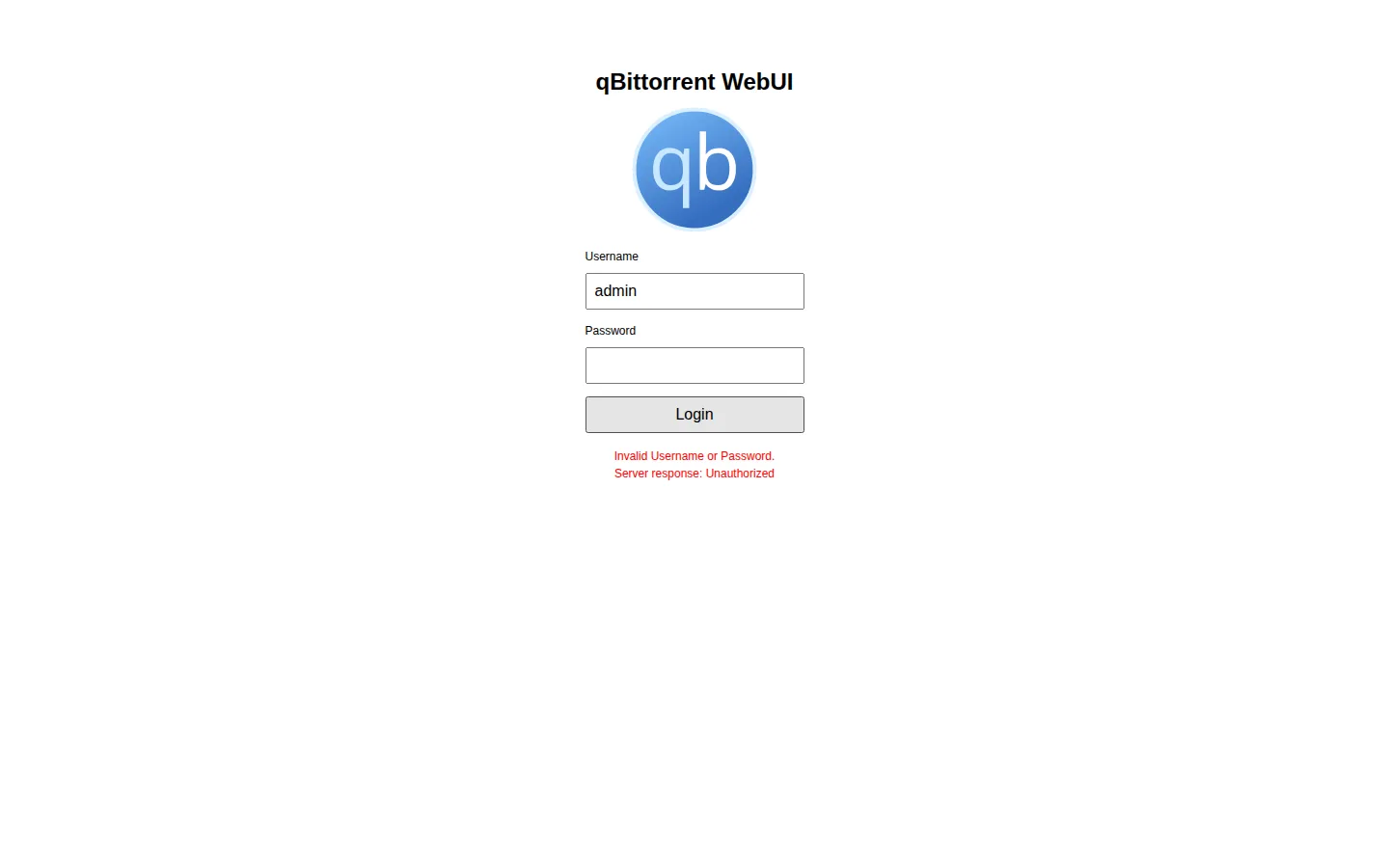
- Open the logs for your VPN client or VPN container (not Sonarr's logs) and look for authentication-failed, login-rejected, or similar messages around the time downloads started stalling.
- Confirm the username and password currently entered match what your VPN provider actually has on file. Credentials can change if you reset your account password, regenerated a service-specific login, or your subscription lapsed and renewed.
- Re-enter the correct credentials in the VPN client's configuration.
- Restart the VPN client (or container) so it re-authenticates, then restart the download client so it picks up a working connection.
- Check the download client's connection status — it should show active peer or tracker connections, not zero.
Gotcha: Restarting the download client alone won't fix this. If the VPN credential itself is wrong, the download client will just reconnect to the same broken tunnel and fail again. Fix the credential first, then restart things in order: VPN, then download client.
Cause 2: You're locked out of Sonarr's own web login
This is a different problem that people also search "Sonarr password" for: forgetting the username or password you set for Sonarr's own web interface under Settings > General > Security. Sonarr stores this in its config file, so you can reset it without needing to remember the old one.
- Stop Sonarr completely.
- Locate Sonarr's config file in its data directory (often called
configin Docker setups, or the app's data folder on Windows/Linux/macOS installs). - Open the config file and temporarily set the authentication method to disabled/none.
- Start Sonarr and open the web UI — it should now let you in without asking for a login.
- Go back into Settings > General > Security and set a new username and password you'll actually remember, then save.
Gotcha: Leave authentication disabled only for the few minutes it takes to reset your credentials, especially if Sonarr is reachable outside your local network — an unauthenticated Sonarr instance is an easy target.
Related headache: an interrupted move damaged the library
If a download finishes and Sonarr tries to move the file into your library folder at the same moment the VPN drops, the network hiccups, or the box loses power, the move can get interrupted partway through. The result is a file that's half-copied, missing, or a library entry that no longer matches what's actually on disk — episodes show as missing even though you already downloaded them.
- Check the affected series folder directly on disk to see whether the file is actually there, partially there, or genuinely gone.
- If the file exists but Sonarr doesn't recognize it, use Sonarr's manual import feature to re-match the file to the correct episode instead of re-downloading it.
- Trigger a rescan of the series so Sonarr's database updates to reflect what's actually on disk.
- If the file is genuinely corrupted or missing, only then let Sonarr re-grab it.
This kind of corruption is exactly the class of problem that's easy to miss until you notice a "missing" episode you're sure you already have. Catching it early — before Sonarr quietly re-downloads something you already own — saves bandwidth and storage.
Prevention: keep this from happening again
- Whenever you change your VPN provider's account password, update the credential in your VPN client the same day — don't wait for downloads to start failing to remember.
- Watch for VPN provider emails about credential resets, security notices, or service-specific login regeneration; these are the usual trigger for a rejected password.
- Give your download client and VPN a moment to fully reconnect after any restart before assuming something's still broken.
- Set a Sonarr login you'll actually remember, or store it in a password manager, so you're not locked out later.
Frequently asked
Why do my Sonarr downloads keep failing and re-downloading the same episode?
Usually this isn't Sonarr at all. Your download client is routed through a VPN, and the VPN username or password has been rejected by your provider. The tunnel drops silently, the download client loses its connection to trackers, the download fails, and Sonarr re-grabs the same release — repeating the loop until the credential is fixed.
How do I know if it's a VPN password problem and not a Sonarr problem?
Check your VPN client or VPN container's logs for authentication-failed or login-rejected messages around the time downloads started stalling. Also check whether your download client shows itself as connected to peers or trackers — if it's isolated with zero connections, the VPN tunnel likely isn't up.
I forgot Sonarr's own login password, how do I get back in?
Sonarr stores its web UI login in its config file. Stop Sonarr, temporarily set the authentication method to none in that file, start Sonarr, log in without a password, then set a new username and password from Settings > General > Security.
My library shows missing episodes after a move failed midway — how do I fix it?
An interrupted move (power loss, network drop, or the download client and Sonarr fighting over the same file) can leave a file half-copied or leave Sonarr's database out of sync with what's actually on disk. Rescan the affected series folder and use Sonarr's manual import to re-match any orphaned files instead of re-downloading them.
Skip the log-diving next time
SparkBox surfaces a rejected VPN username or password as a clear prompt to re-enter it, instead of leaving you to piece together why downloads keep dropping. It also flags when an interrupted move has damaged your Sonarr or Radarr library, and walks you through getting it back.